Stop Using AI One Conversation at a Time
Still explaining the same things to AI over and over? Build dedicated AI workspaces once, give them the right context, and make every future prompt shorter, faster, and more useful.



Still explaining the same things to AI over and over? Build dedicated AI workspaces once, give them the right context, and make every future prompt shorter, faster, and more useful.
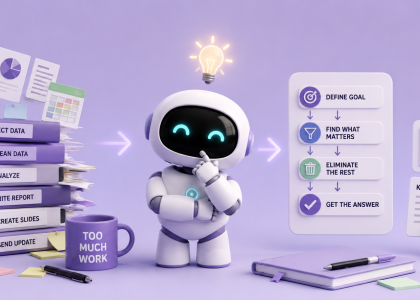
We usually ask AI to help us work faster. But what if the real productivity hack is doing less work in the first place? Here’s how to use AI to rethink your workflow, eliminate unnecessary steps, and focus on the outcome that actually matters.
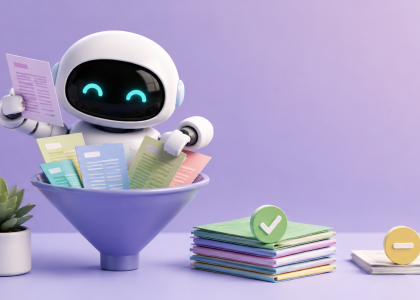
Your reading list doesn’t need another summary. It needs a filter. Here’s how to use AI to decide what to read, skim, or skip.
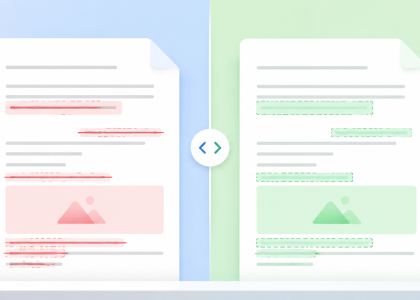
Someone sent you a new version and “only changed a few things”? Diffchecker shows you exactly what changed across documents, spreadsheets, text, and images—then AI can help you figure out which changes actually matter.
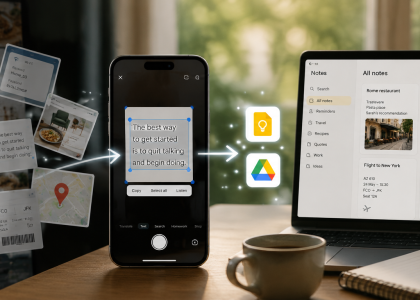
Your screenshots folder shouldn’t be a digital junk drawer. Learn how to use Google Lens and AI to extract important information, make it searchable, and actually find it when you need it.
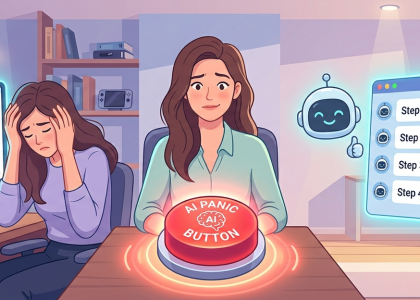
Staring at a massive to-do list and suddenly feeling the urge to vacuum your ceiling? Discover the “Panic Button” AI workflow to instantly cure task paralysis and turn pure dread into a harmless, click-by-click checklist.
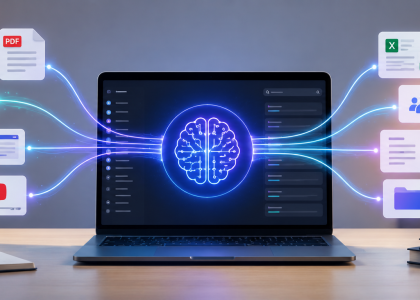
Stop explaining the same project to AI over and over. Build a personal AI knowledge base with NotebookLM and turn your documents, meeting notes, PDFs, and videos into a searchable workspace that already understands your context.

What if the reason you’re stuck isn’t a lack of effort—but a focus on the wrong goal? We explore a simple AI prompt that helps uncover hidden assumptions, identify real bottlenecks, and make better decisions.
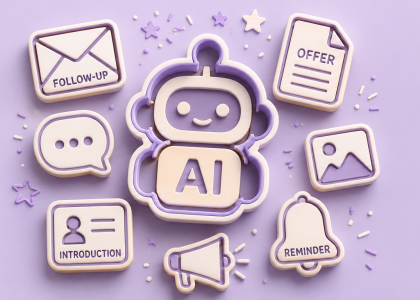
Most people use AI for big tasks. But one of the smartest productivity hacks is much simpler: letting AI handle the repetitive writing you secretly hate. In this article, we break down step-by-step how to create reusable AI templates…

Most people still use AI like a chatbot. But one of the biggest productivity upgrades is surprisingly simple: stop typing and start showing.