Stop Using AI One Conversation at a Time
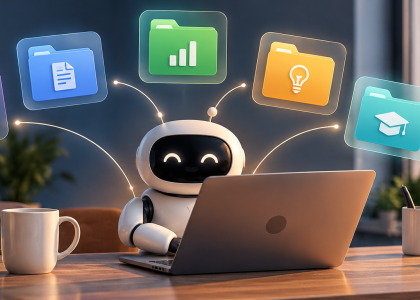
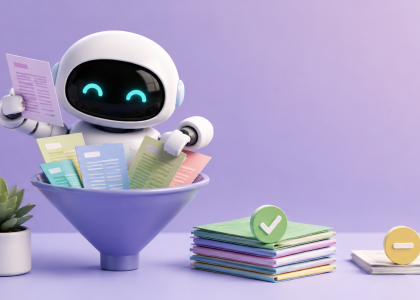
Still explaining the same things to AI over and over? Build dedicated AI workspaces once, give them the right context, and make every future prompt shorter, faster, and more useful.
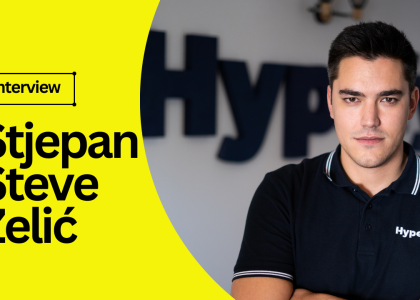
Hypefy’s Influencer Marketplace helps you quickly find the right creators for your brand and sets the stage for high-performing campaigns
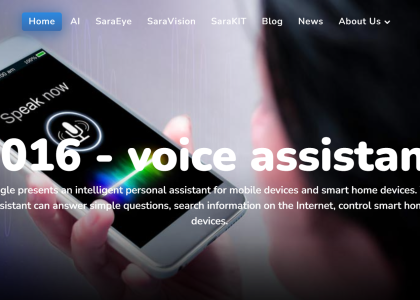
Meet SARA AI — your freakishly smart digital sidekick that reads your emails, runs your calendar, and maybe even knows you better than your therapist. In this guide, we break down how to set her up, what she can actually do (spoiler: a lot), and why she might be the best hire you never made. Productivity? Handled. Inbox? Owned. Life? Upgraded.
2024 was a banner year for unicorn startups—those mythical creatures with a valuation of $1 billion or more. Globally, 134 new unicorns were crowned.
Still explaining the same things to AI over and over? Build dedicated AI workspaces once, give them the right context, and make every future prompt shorter, faster, and more useful.
here are thousands of AI productivity tools. You don’t need them all. Here are five that solve five genuinely annoying parts of your workday—and actually give you some time back.
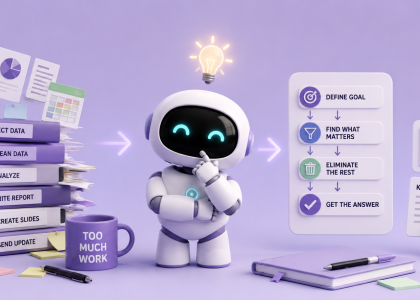
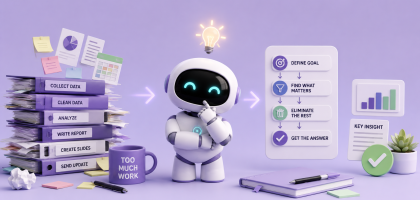
We usually ask AI to help us work faster. But what if the real productivity hack is doing less work in the first place? Here’s how to use AI to rethink your workflow, eliminate unnecessary steps, and focus on the outcome that actually matters.
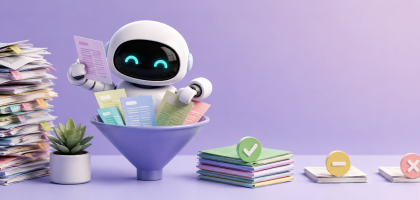
Your reading list doesn’t need another summary. It needs a filter. Here’s how to use AI to decide what to read, skim, or skip.
You don’t always need the most powerful AI video generator—you need the right one for the job.
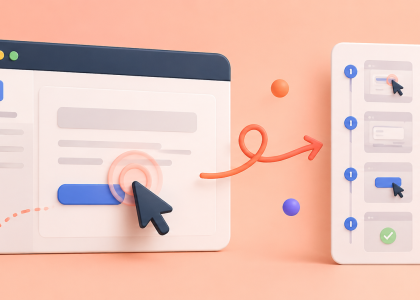
You know the situation: someone asks, “Can you quickly write down how to do this?”
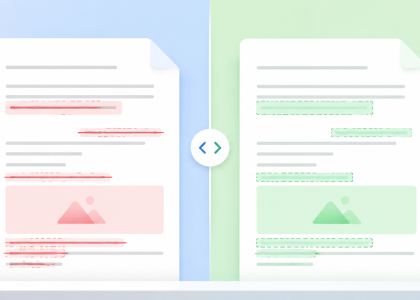
Someone sent you a new version and “only changed a few things”? Diffchecker shows you exactly what changed across documents, spreadsheets, text, and images—then AI can help you figure out which changes actually matter.
We tested paid Suno on a real theatre production. The songs arrive in seconds and sound incredible—but getting that final 10% right is another story.
Your screenshots folder shouldn’t be a digital junk drawer. Learn how to use Google Lens and AI to extract important information, make it searchable, and actually find it when you need it.
Staring at a massive to-do list and suddenly feeling the urge to vacuum your ceiling? Discover the “Panic Button” AI workflow to instantly cure task paralysis and turn pure dread into a harmless, click-by-click checklist.