

You take a screenshot because “I’ll need this later.”
Three weeks later, you have 847 screenshots and absolutely no idea which one contains the restaurant recommendation, Wi-Fi password, brilliant quote, product name, or piece of information that was apparently important enough to save forever.
Your screenshots folder has quietly become a digital junk drawer.
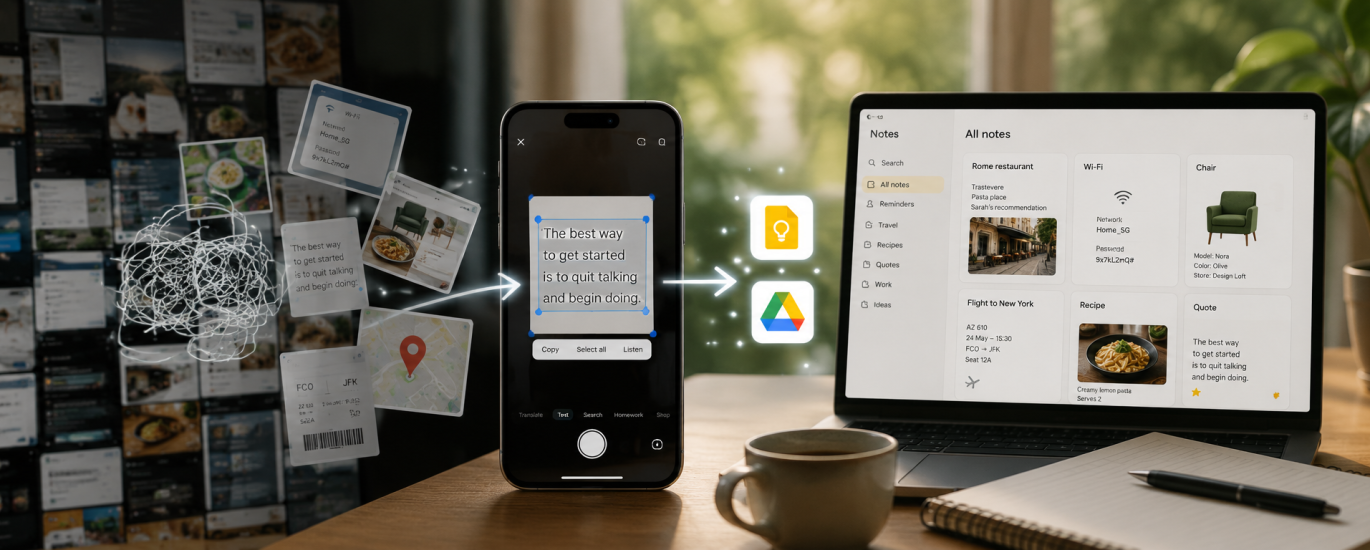
Instead of just saving screenshots, use Google Lens to turn what’s inside them into something useful. Open a screenshot in Google Photos or Lens, select the text, and suddenly that image becomes copyable information. You can grab an address, phone number, product name, paragraph, tracking number, or anything else Lens recognizes.
Make It Searchable
The real trick is what you do next.
Copy the important text into Google Keep, Notes, Notion, or a dedicated document and add a few words that your future self would actually search for.
Instead of keeping a screenshot of a restaurant someone recommended, save:
Rome restaurant – pasta place Sarah recommended – Trastevere
Now, six months later, you don’t have to remember what the screenshot looked like. You just search “Rome restaurant” and there it is.
Let AI Handle the Messy Ones
Screenshots can also go directly into multimodal AI tools such as ChatGPT. Instead of manually extracting everything, upload the image and ask:
Extract the important information from this screenshot and turn it into a short, searchable note. Add useful keywords I might use to find it later.
This works particularly well for event details, recipes, instructions, products, travel information, charts, conversations, and long social media posts.
And if the screenshot contains something you need to act on:
Extract any tasks, dates, deadlines, names, links, or other information I might need later.
Suddenly, your screenshot isn’t just another image buried between a meme and a photo of your dog.
It’s usable information.
The 99% More Efficient Rule
Before taking your next screenshot, ask yourself:
Am I saving a picture—or am I saving information?
If it’s information, extract it, name it, and put it somewhere searchable.
Because “I’ll remember why I screenshotted this” has never been a reliable filing system.