
Someone sends you FINAL_v4 and FINAL_v5 with the helpful explanation:
“I only changed a few things.”
Perfect. Now you just need to reread the entire document and somehow spot the three sentences they changed.
Or you can let Diffchecker do it for you.
Meet Diffchecker
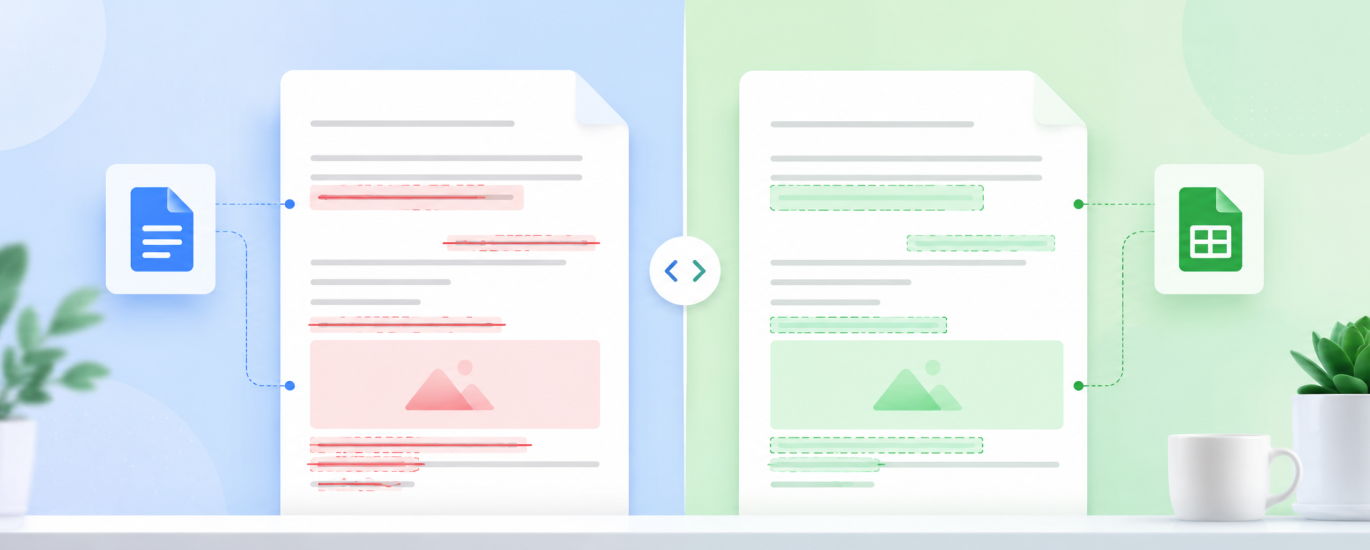
Diffcheckeris a simple tool built to compare two versions of something and show you exactly what’s different.
And it’s not just for text. You can use it to compare PDFs, Word documents, Excel spreadsheets, images, folders, and plain text.
The idea is beautifully simple: give it Version A and Version B, and let the computer play Spot the Difference instead of you.
How It Works
Go to Diffchecker, choose what you want to compare, and upload or paste both versions.
Then hit Find Difference.
That’s basically it.
The tool places the versions side by side and highlights what was added, removed, or changed, so you can jump straight to the differences instead of reviewing everything from scratch.
Where It Gets Really Useful
Imagine a client sends back a revised Word document or PDF. Instead of wondering what they touched, compare the two versions and see the changes immediately.
Or maybe someone sends you an updated Excel spreadsheet. Diffchecker can help you find changed cells and formulas without manually checking row after row.
Designers can compare two images to spot visual changes between versions, while writers can paste two versions of an article, email, script, or website copy and instantly see what changed.
Basically, anywhere you have Version 1 and Version 2, Diffchecker can save you some unnecessary detective work.
Add AI Afterward
Here’s where you can make the workflow even more useful.
Once you’ve identified the changes, take the important ones into ChatGPT or your preferred AI assistant and ask:
Summarize these changes and tell me which ones could meaningfully affect the message, price, deadline, responsibilities, or final outcome. Ignore minor stylistic changes.
Now you have two tools doing two different jobs:
Diffchecker finds the changes. AI helps you understand which ones matter.
The 99% More Efficient Part
Not every productivity hack needs seventeen automations and an AI agent running your entire computer.
Sometimes you just need a tool that turns 30 minutes of painfully comparing two files into a couple of clicks.
Because “I only changed a few things” should never mean:
“Please reread the entire document.”