

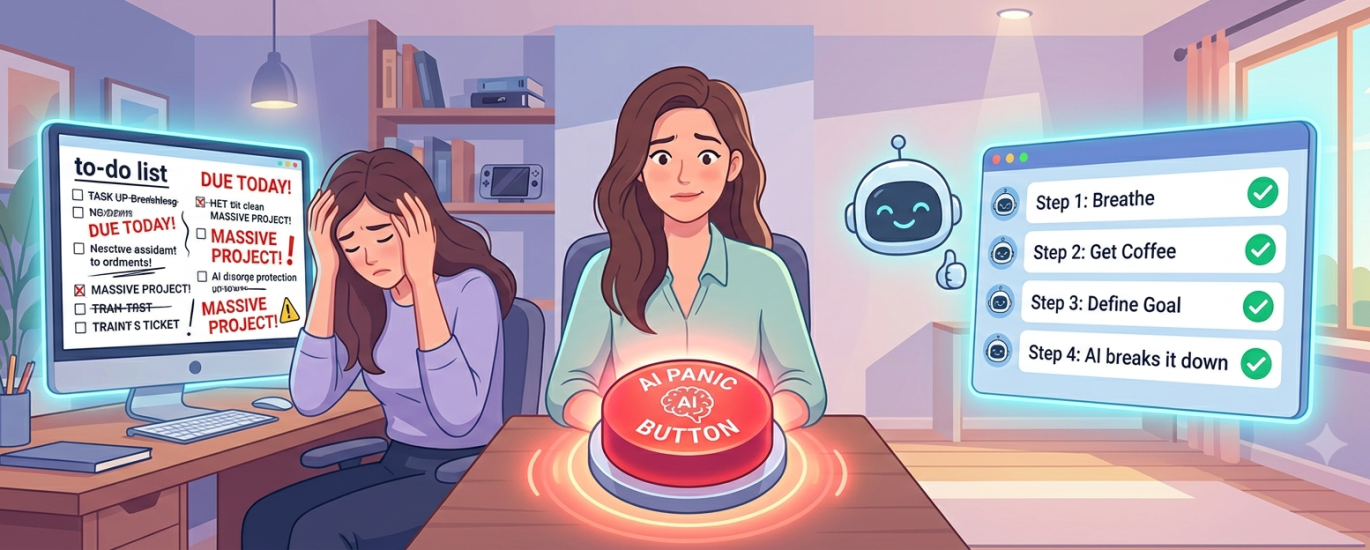
We’ve all been there.
You sit down at your desk, coffee in hand, ready to conquer the day. You look at your to-do list, and there it is.
The Monster Task.
It says something terrifyingly vague, like “Redesign the entire website,” or “Plan Q4 strategy,” or simply “Taxes.”
Instead of starting, your brain instantly goes into self-defense mode. Suddenly, reorganizing your sock drawer feels like an urgent, mission-critical priority. You open a new tab. You check the fridge.
You are experiencing the classic, universally human phenomenon of task paralysis.
The standard advice is always, “Just break it down into smaller steps!” But when you’re already overwhelmed, figuring out those smaller steps feels like a massive task in itself.
Enter the Panic Button Workflow.
We aren’t going to break the task down. We are going to make AI do the heavy lifting, turning your existential dread into a harmless, click-by-click checklist.
The Tool: Meet Your New Best Friend
While you can absolutely use ChatGPT or Claude for this, the absolute champion of the Panic Button method is a brilliant, completely free web app called Goblin.tools.
Originally designed to help neurodivergent folks manage executive dysfunction, its Magic ToDo feature is the ultimate cure for anyone staring blankly at a screen.
Here is how to run the workflow in under 60 seconds.
Step 1: The Brain Dump (Embrace the Chaos)
Don’t try to be eloquent.
In the text box, just type out the scary thing exactly as it sounds in your head.
Example:
“I need to write a newsletter but I have no ideas and I hate everything.”
Step 2: Set the “Spiciness” Level
This is where the magic happens.
Goblin.tools has a drop-down menu with a pepper icon that asks how overwhelmed you feel.
- Feeling okay? One pepper. It will give you a standard 5-step list.
- Are you currently hiding under your desk? Five peppers. It will break the task down so granularly that Step 1 might literally be “Open a blank Google Doc.”
Step 3: Hit the Magic Wand
Click the AI breakdown button and watch your terrifying monster task dissolve into ridiculous, un-intimidating baby steps.
The ChatGPT / Claude Alternative
If you prefer to keep everything inside your favorite chatbot, you can achieve the exact same “Overwhelm Eraser” effect.
The trick is to give the AI a specific persona and constraints.
Copy & Paste This Prompt
I am feeling completely overwhelmed by the following project: [Insert Scary Task Here]. I have task paralysis and don’t know where to start. Act as an empathetic productivity coach. Break this project down into a linear, step-by-step checklist. Make the very first step incredibly small and easy to accomplish (something that takes less than 2 minutes) to build my momentum. Do not give me generalized advice; just give me the granular checklist.
Why This Actually Works
This isn’t just a neat parlor trick; it’s a psychological hack.
Task paralysis happens because your brain perceives the vague project as a threat.
By using AI to instantly generate the micro-steps, you bypass the cognitive load of planning.
You no longer have to figure out how to build the rocket ship.
You just have to look at Step 1: “Find a piece of paper.”
You can do that.
So, the next time you find yourself staring at a terrifying to-do list and suddenly feeling the urge to vacuum your ceiling, hit the Panic Button.
Let the AI do the thinking, and you just do the clicking.