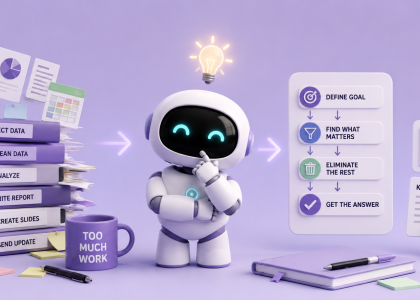

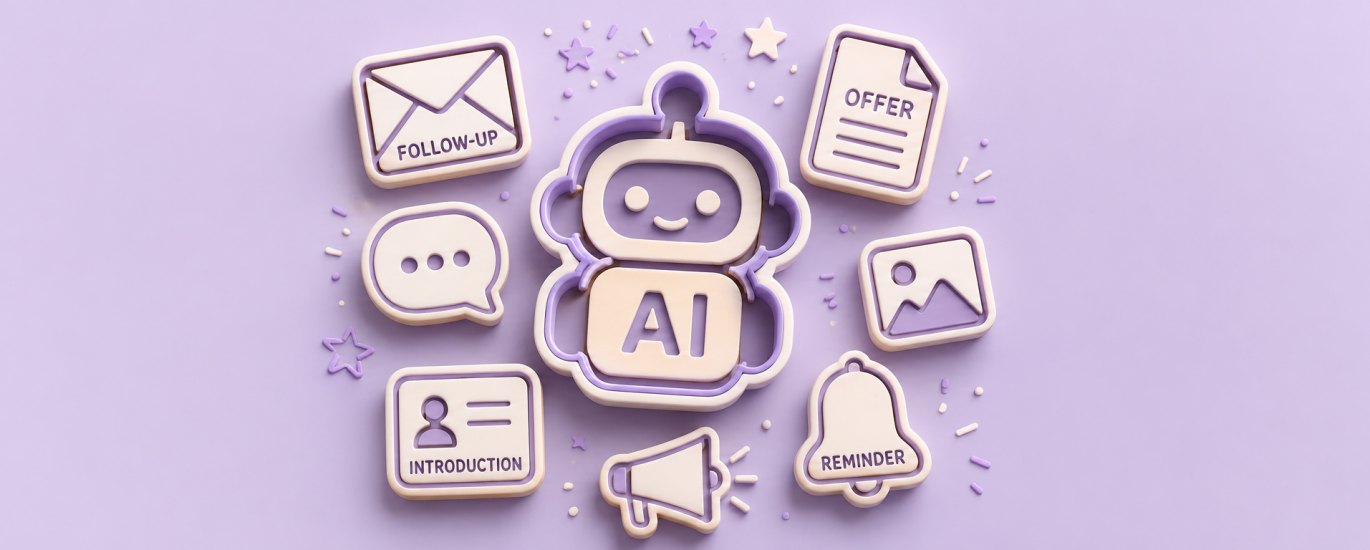
Most people imagine AI helping with big things — building apps, generating videos, writing entire articles.
But honestly?
One of the biggest productivity boosts comes from something much smaller:
Getting rid of the tiny writing tasks that quietly drain your energy every single day.
You know the ones:
- “Just following up on this…”
- “Hope you’re doing well…”
- “Can you send me an update?”
- “Here’s the offer attached.”
- “Quick reminder…”
- “Can you make this sound less aggressive but still confident?” 👀
Individually, these messages take 3–5 minutes.
Collectively, they consume a shocking amount of mental bandwidth.
That’s where AI becomes genuinely useful.
Step 1: Stop Writing From Scratch
Most people use AI like this:
“Write me an email.”
And then they wonder why the result sounds like a robot HR department from 2017.
Instead, create reusable templates that already sound like you.
For example:
Instead of:
“Write a follow-up email.”
Try:
“Write a short friendly follow-up email. Casual but professional. Slightly confident, not pushy. Tone similar to a creative agency owner.”
Suddenly the outputs become dramatically better.
The real productivity hack isn’t AI writing randomly.
It’s AI learning your communication patterns.
Step 2: Build a Tiny Prompt Library
Create a simple document called:
“Things I Never Want to Rewrite Again.”
Inside, save prompts for:
- proposals
- follow-ups
- reminders
- captions
- client onboarding
- intro emails
- project summaries
- meeting recaps
- LinkedIn posts
- “make this shorter”
- “make this clearer”
- “make this less awkward” 😅
Over time, this becomes your own personal AI operating system.
And the best part?
You stop wasting creative energy on repetitive communication.
Step 3: Use AI for Tone Adjustments
One underrated AI superpower:
You can ask it to rewrite the same message in different tones.
For example:
- more confident
- warmer
- shorter
- more premium
- less corporate
- more human
- passive aggressive (for entertainment purposes only)
This is especially useful when:
- replying to clients
- writing sales messages
- sending reminders
- fixing messages written while mildly annoyed
Which, statistically speaking, is at least 40% of modern communication.
Step 4: Create “Fill-in-the-Blank” Systems
The real magic happens when you stop using AI one prompt at a time and start building repeatable systems.
Example:
Proposal Template
“Create a short creative proposal for [CLIENT TYPE].
Mention [SERVICE].
Tone: modern, clear, confident.
Keep it under 250 words.”
Now instead of writing proposals from zero, you just swap variables.
Same goes for:
- captions
- outreach
- newsletters
- offers
- summaries
- onboarding messages
Tiny automation. Huge mental relief.
Step 5: Save Your Brain for Important Work
AI probably shouldn’t replace your creativity.
But it should replace the repetitive writing tasks that slowly melt your focus throughout the day.
Because the goal isn’t:
“Let AI do everything.”
The goal is:
“Stop spending your best energy on things you already wrote 47 times before.”
The funny part?
Most people think productivity comes from doing more.
But more often, it comes from removing the dozens of tiny tasks that quietly steal your focus every day.
AI won’t magically fix your workflow overnight. But if it can save you from rewriting the same email, caption, reminder, or proposal for the hundredth time… that’s already a pretty good start. 👀