Every day, there’s a shiny new AI tool dropping like it’s the next big thing. Most are hype. Some are magic.
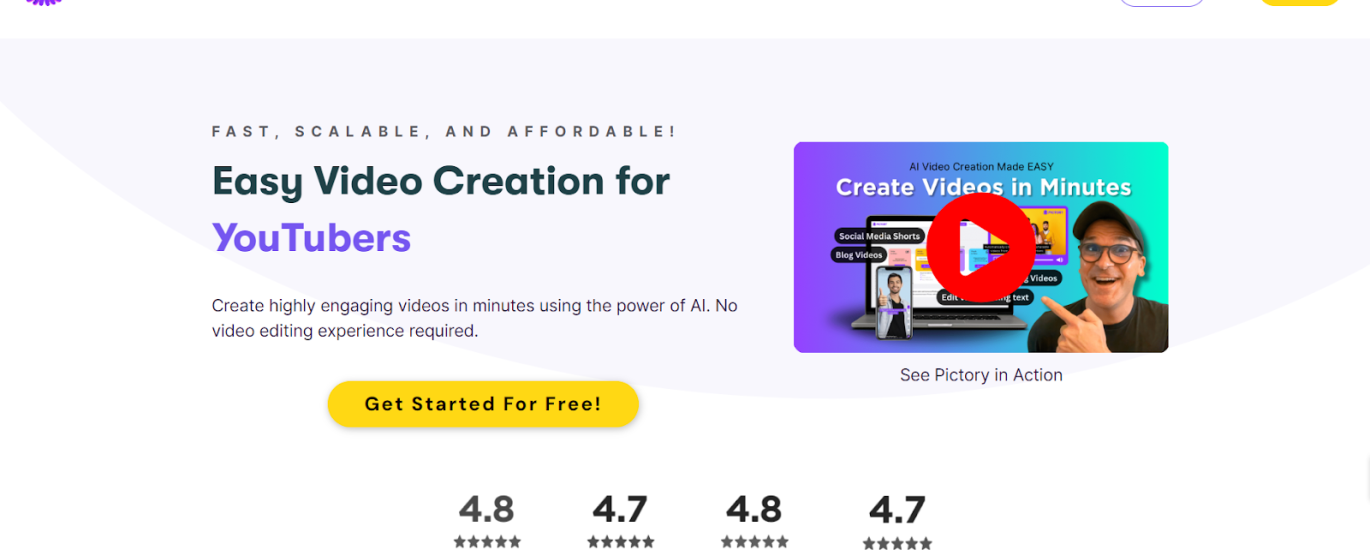
This week, I found one that’s closer to magic: Pictory.
It’s been around longer than you think — founded in 2019, launched its first version in 2020 — and now it’s basically your AI video editor buddy who doesn’t complain, doesn’t get tired, and works faster than you can make coffee.
Here’s the promise:
You give it words (a blog post, a script, or even a random YouTube link), and it spits out a fully-edited, social-media-ready video in minutes.
No camera. No awkward “umms.” No Premiere Pro nightmares.
How it works (aka: the “I can do this before my lunch break” process)
-
Go to pictory.ai
-
Click Sign Up
-
Enter your email + password (yes, you have to actually make an account — AI hasn’t learned telepathy yet).
-
Verify your email.
-
Boom — you’re inside the dashboard.
My quick test
I didn’t overthink it.
I grabbed a random YouTube video, dropped the link into Pictory, and hit go.
Two minutes later:
-
AI gave me a full transcript.
-
Scenes were auto-cut.
-
I trimmed a few bits, hit “download,” and it was ready.
If you’re on the free plan, you’ll get the watermark of shame. Pay up, and it’s gone.
The Good Stuff
Stupidly simple UI — Even if your mom has never edited a TikTok, she could figure this out.
AI perks — Text-to-speech, automatic scene splitting, smart editing.
Media buffet — Stock videos, music, images… all royalty-free.
Templates that don’t suck — Use them as-is or tweak to fit your brand.
The Not-So-Good Stuff
Precision editing? Nope. If you’re a control freak, you’ll feel restricted.
AI isn’t psychic — You’ll need decent prompts to get top results.
Templates ≠ unique style — Standing out will take effort.
Verdict
If you want fast, simple, and decent-looking — Pictory’s a win.
If you want Hollywood-level control — look elsewhere.
LMAI Score: 3.5/5
Bottom line:
It’s like instant noodles for video creation — cheap, fast, satisfying… just don’t expect Michelin-star quality.