Everyone’s doing this wrong
Right now, the internet is full of:
“Use AI to write a book in 5 minutes.”
Technically? True.
Practically? Useless.
Because if your prompt is:
“Write me a book about quitting smoking”
You’ll get:
- generic structure
- boring tone
- zero usability
- nothing people would pay for
That’s not a product.
That’s a document.
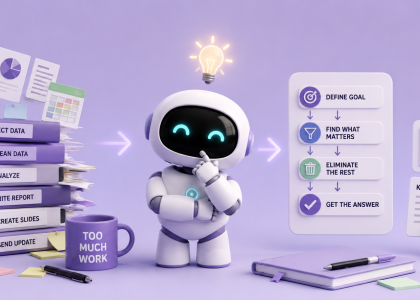
The real skill: prompting for structure, not text
The biggest shift is this:
Don’t prompt for a book.
Prompt for a system.
Instead of asking for content, define:
- sections
- flow
- interaction
- user experience
Example (bad vs good)
Bad:
Write me a book about quitting smoking.
Better:
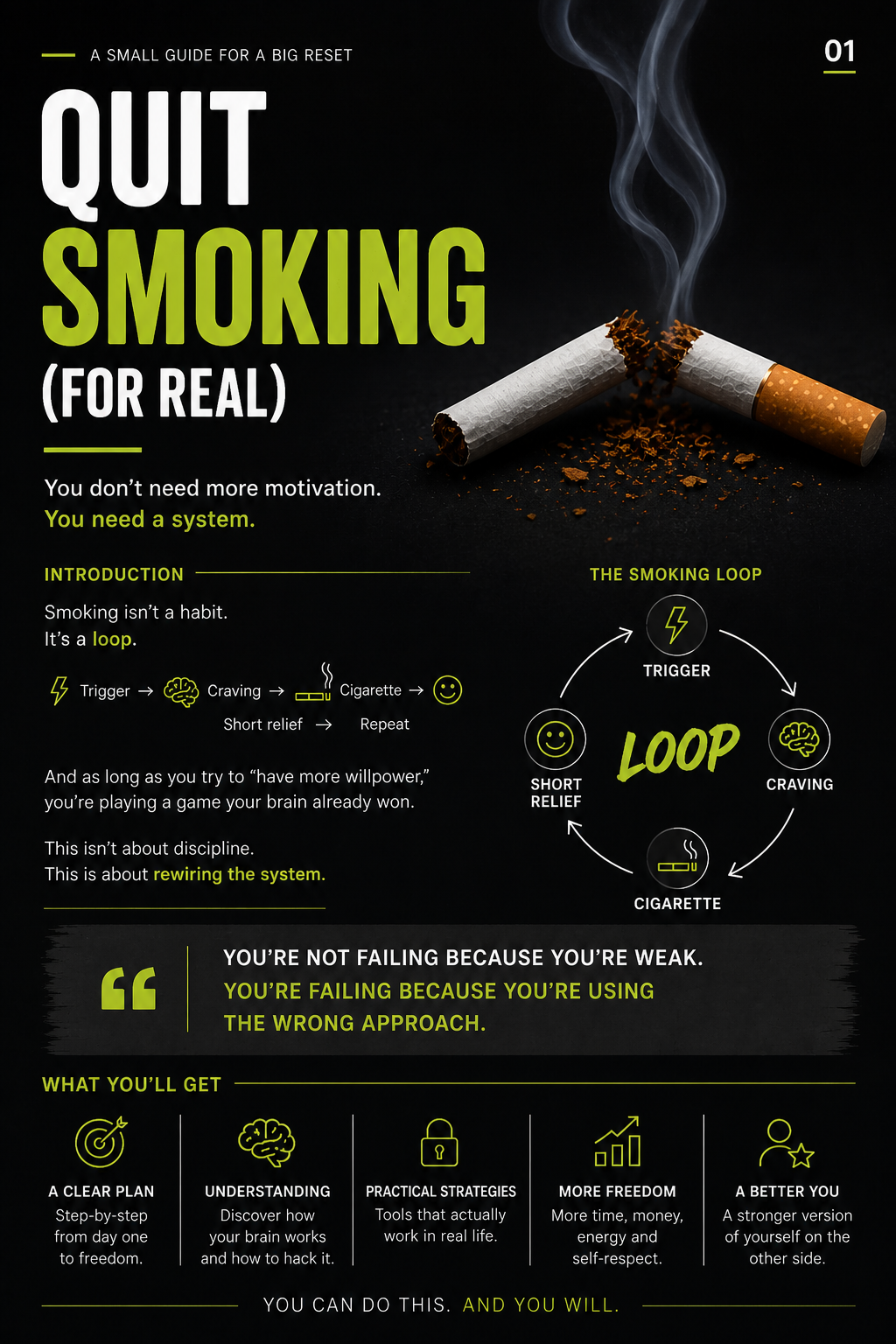
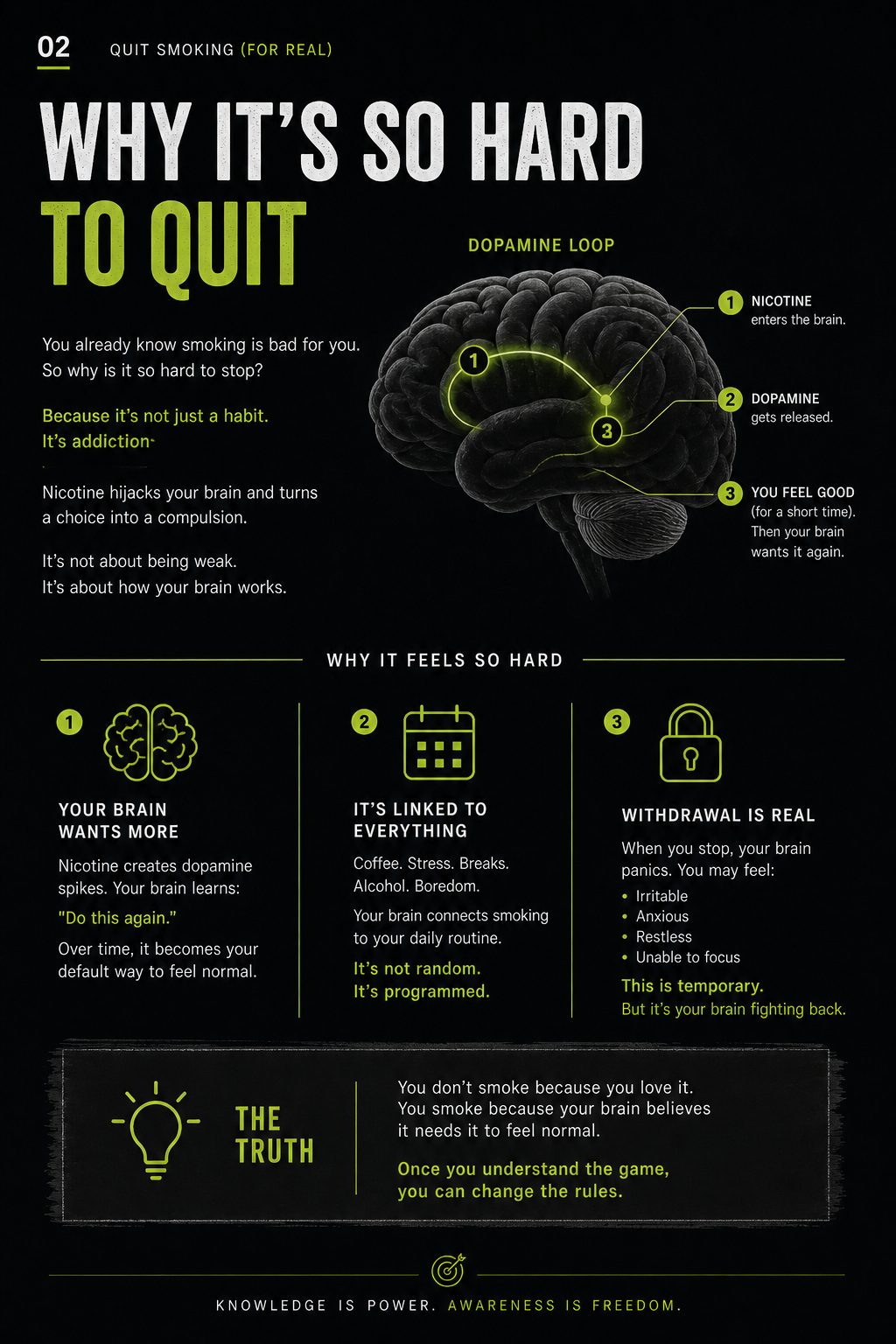
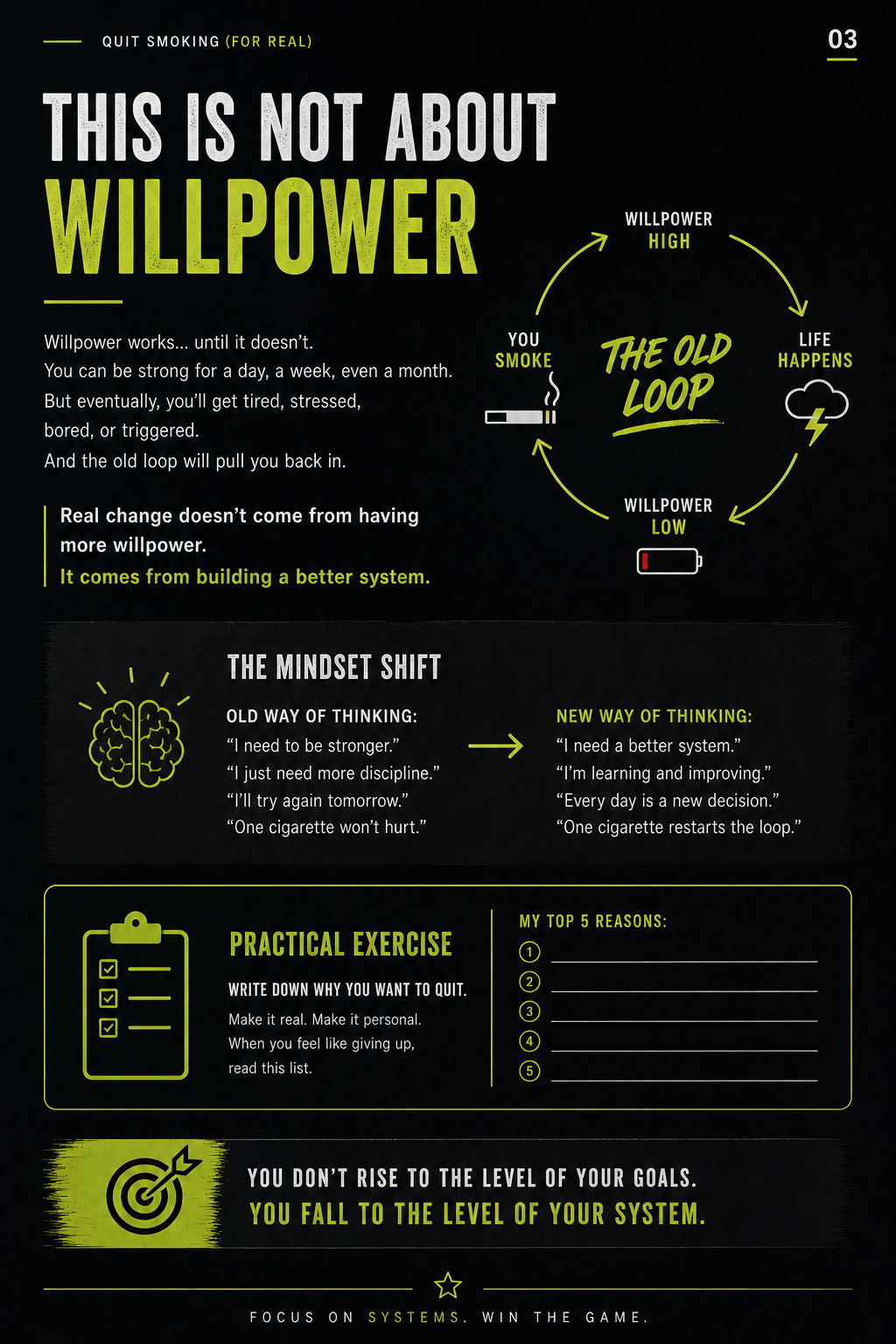
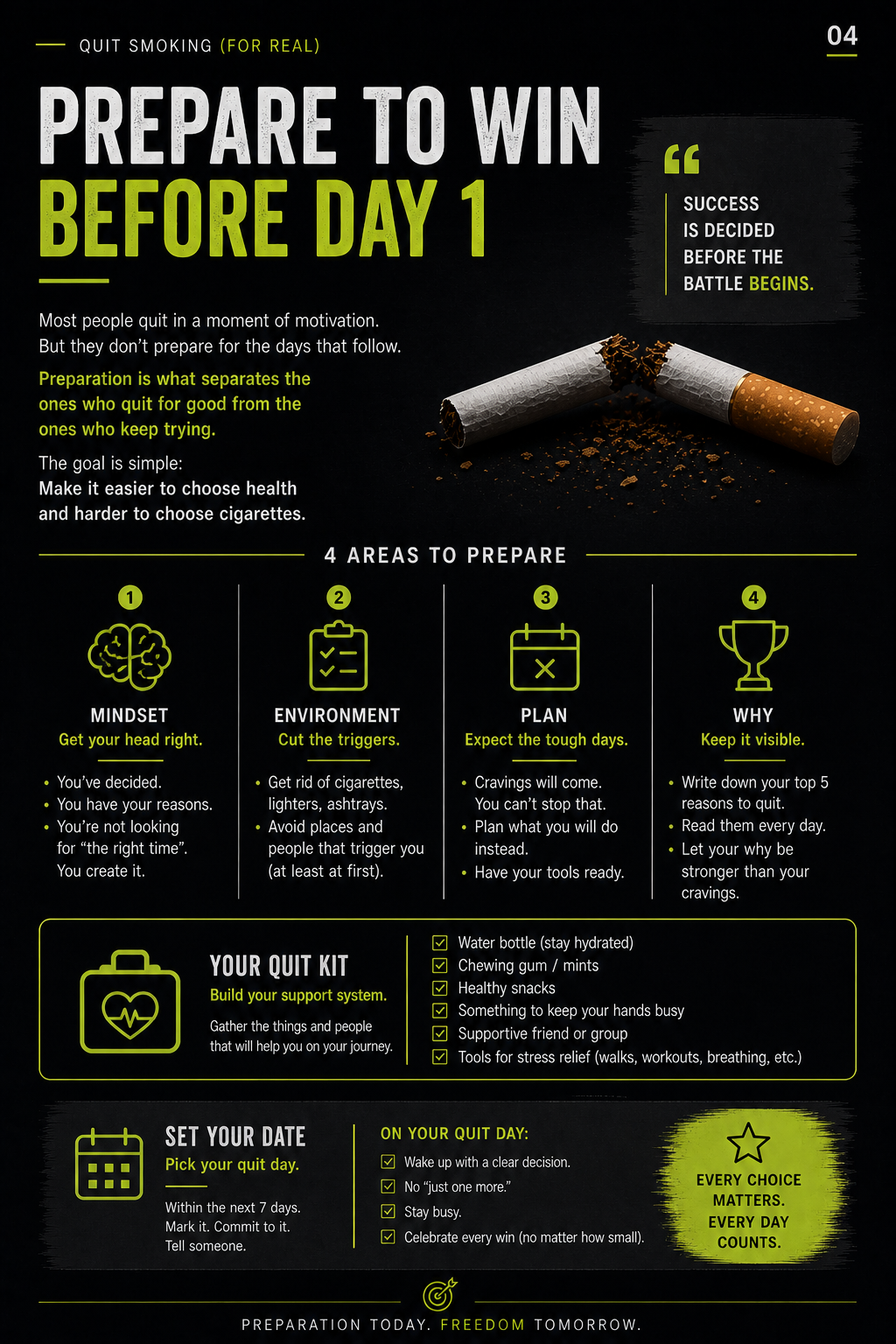
Create a 20-page interactive workbook for quitting smoking.
Each page should include:
- a bold headline
- short motivational text (max 5 lines)
- a structured exercise (reflection, checklist, or tracker)
- a consistent tone: minimal, direct, empowering
- designed for a printable A4 layout
Now you’re not getting text.
You’re getting a product blueprint.
Look & feel matters more than content
This is where 90% fail.
Even if the content is solid —
if it looks like a Word doc, it won’t sell.
So you need to define:
- colors
- typography
- spacing
- layout logic
Pro tip: show AI what you like
Instead of guessing:
Take one page you like (Pinterest, Etsy, anywhere).
Upload or describe it.
Then prompt:
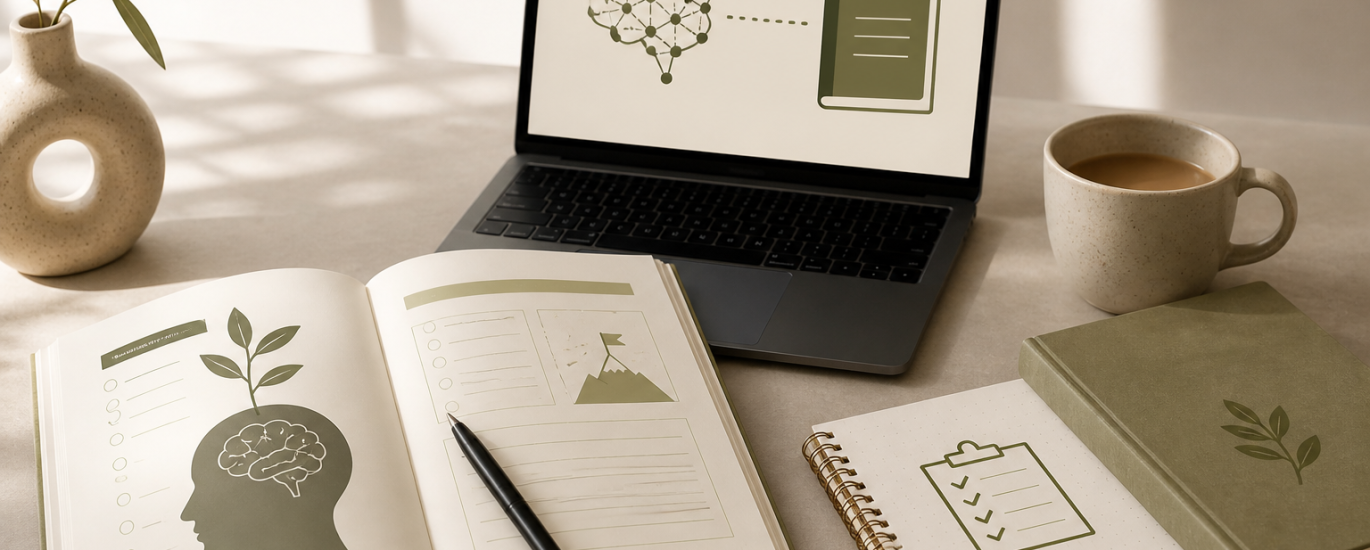
Use this as visual inspiration. Create pages with:
- cream/off-white background
- olive green accents
- bold condensed headlines
- clean icons
- lots of white space
- minimal text per section
This alone upgrades output quality instantly.
You can even prompt a full design system
Most people don’t realize this:
AI can define your entire visual system.
Example:
Define a design system for this workbook:
- primary color (hex)
- secondary color
- font pairings (headline + body)
- icon style
- layout grid (spacing, margins)
- tone: minimal, editorial, premium
Now you get:
- consistency
- faster creation
- cleaner final product
Two ways to actually build it
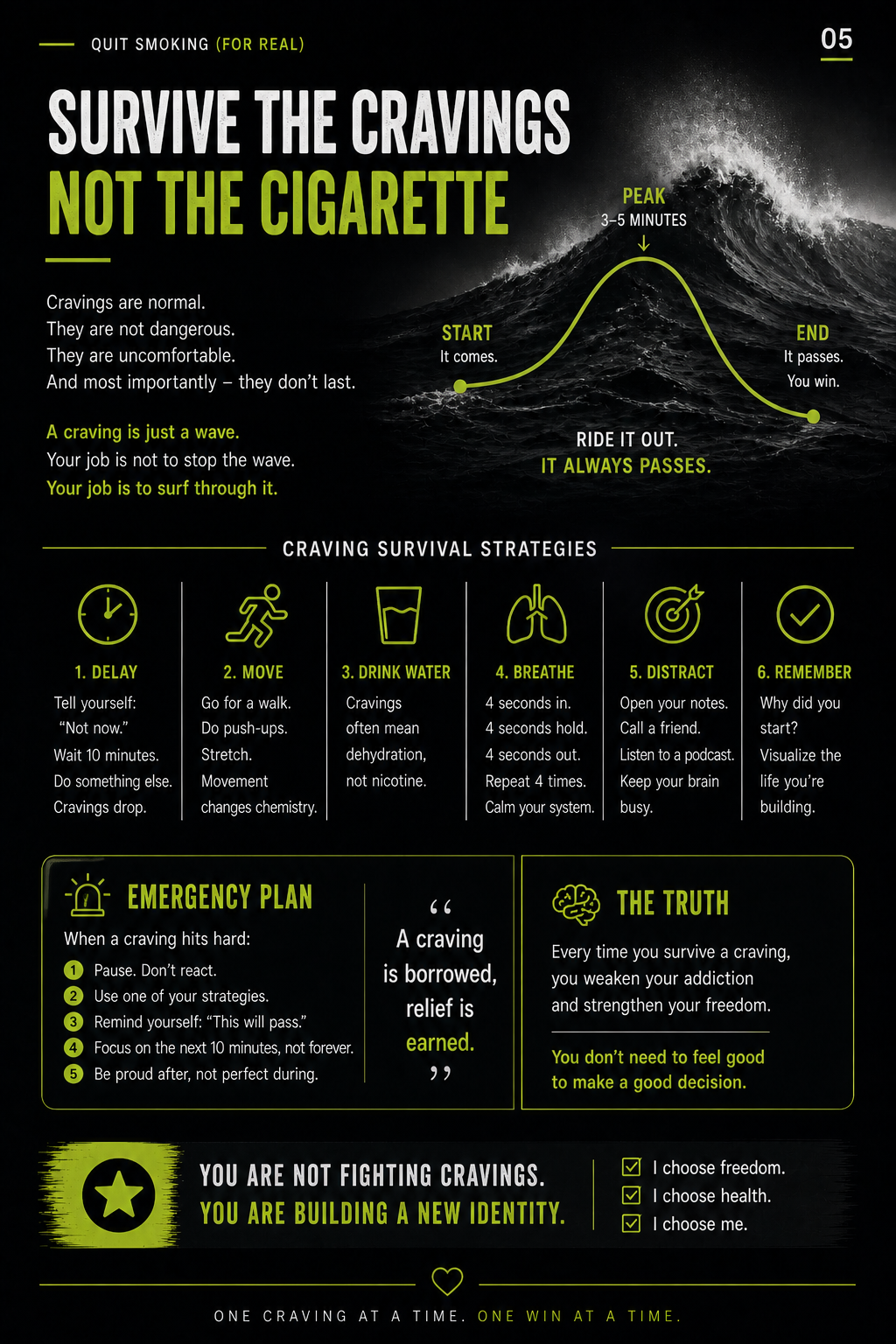
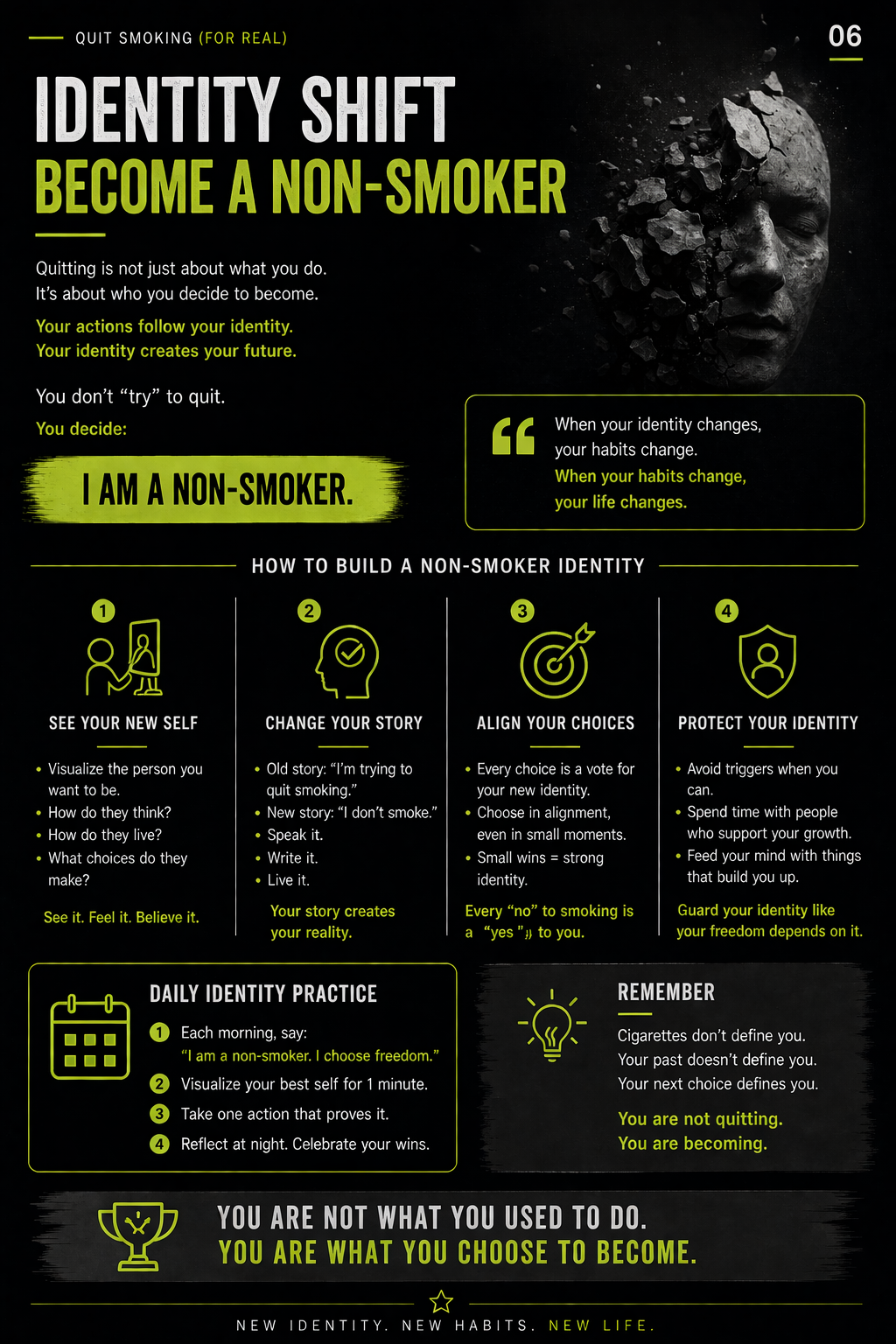
Image-per-page (fastest)
Each page:
- generated as a visual
- consistent layout
- export → combine → done
Why it works:
- no design skills needed
- very fast
- looks polished
Perfect for:
- workbooks
- journals
- guides
Canva (manual control)
If you want more control, use Canva.
You can literally ask AI:
Give me step-by-step instructions to recreate this page in Canva, including colors, font sizes, spacing, and layout.
And it will.
You’ll get instructions like:
- “Use font X, size 42 for headline”
- “Add rectangle with padding 24px”
- “Use #EAE7DF background”
It becomes a design assistant, not just a writer.
Where this becomes a side hustle
Once you have the product:
Etsy
Best for printables, fast validation, built-in demand.
Amazon KDP
For physical books, higher trust, global reach.
Your own platform (Beehiiv / WordPress)
Highest margins, full control, scalable long-term.
What actually makes it sell
Not the idea.
Not even the writing.
It’s this:
- clear structure
- strong visual identity
- interactive pages (write, track, reflect)
- simple promise
Try this today
Instead of overthinking:
Pick a small problem.
Prompt for structure (not text).
Define look & feel.
Generate 10–20 pages.
Package it.
Done.
Final thought
AI didn’t just make writing easier.
It made product creation stupid fast.
The only real edge now?
People who know how to prompt — and how to package.