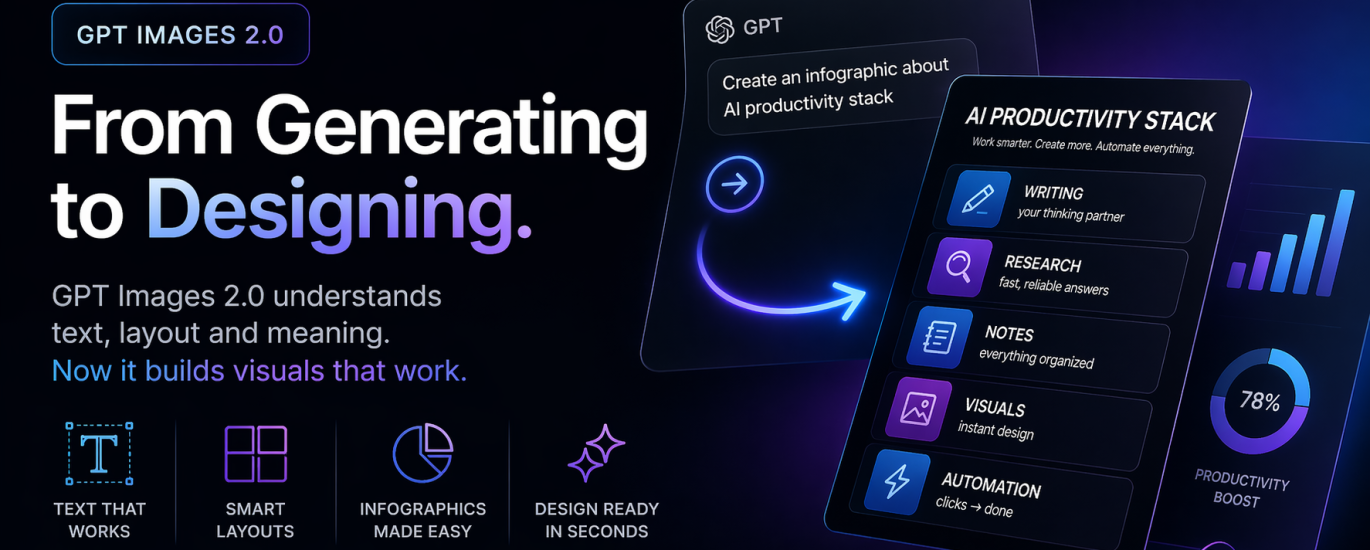
Chat GPT doesn’t just make images anymore. It thinks in layouts.
Until now, AI image tools were impressive… but limited.
- Midjourney → stunning visuals
- DALL·E → creative outputs
- Stable Diffusion → flexible
But all of them shared one core issue – they didn’t understand structured content
If you needed:
- an infographic
- a slide
- a clean visual with hierarchy
You still had to open Canva, Figma, or PowerPoint.
Images 2.0 changes that.
What’s actually new (and why it matters)
1. Text inside images — that finally works
No more:
- broken words
- fake fonts
- weird spelling glitches
Now you get:
- real headlines
- readable bullets
- proper hierarchy
This alone unlocks real use cases.
2. Real infographics (not “infographic-looking images”)
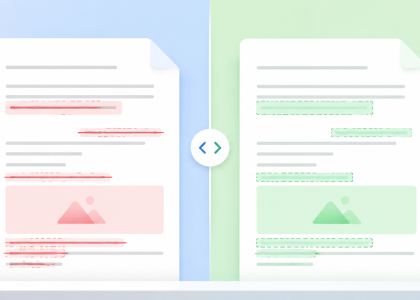
Before:
AI made something that looked like an infographic
Now:
it creates structured, readable, usable content
3. “Thinking before generating”
The model now:
- plans layout
- organizes information
- then renders
Less randomness. More intention.
4. Design + utility in one output
Previously: pretty OR useful
Now: pretty AND usable
 Our test (simple, real use case)
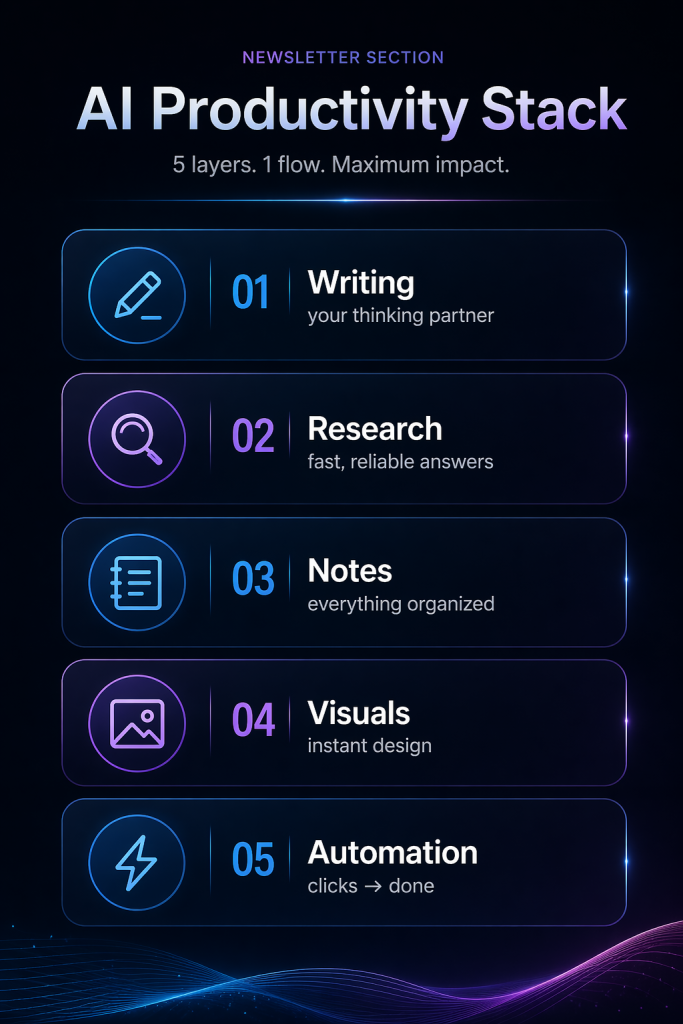
We tested a very practical scenario: “Create a visual for a newsletter section”
Prompt we used:
Create a clean, modern infographic for a newsletter section titled “AI Productivity Stack”.
Include 5 blocks:
– Writing → your thinking partner
– Research → fast, reliable answers
– Notes → everything organized
– Visuals → instant design
– Automation → clicks → done
Style:
minimal, dark background, soft neon blue and purple accents,
clean typography, lots of spacing,
editorial look, no logos
Result (what actually came out)