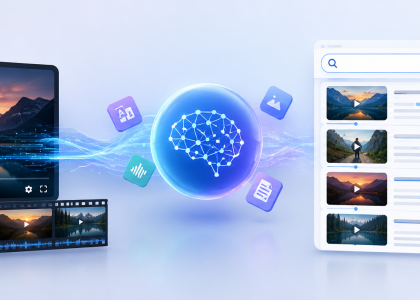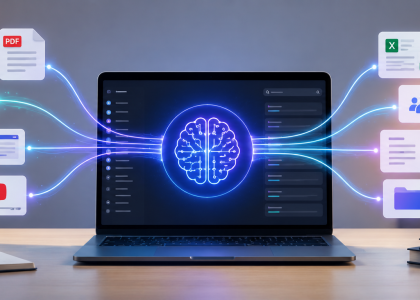
Let’s be real: video is a knowledge goldmine, but navigating it feels like trying to find a specific needle in a haystack—while the haystack is spinning at 2x speed.
Video has become our go-to for courses, tutorials, and meetings, but it has one glaring flaw: it’s painfully slow to navigate. You remember hearing something brilliant, but you have no idea when. So you scroll, you guess, and you waste time like it’s 2005.
AI has officially fixed this. Instead of hunting through a timeline, you can now search by meaning.
The “Searchable Video” Revolution
Forget scanning for timestamps. Now, you can ask a question, and the AI acts like a heat-seeking missile to find the exact moment the answer appears. This turns video from a passive “sit and watch” format into a dynamic database.
What These AI Tools Actually Do:
Instant Recall: Find the exact second a specific topic or keyword is mentioned.
Visual Detection: Identify when charts, slides, or demos appear on screen.
The “Cheat Sheet” Creator: Automatically summarize long recordings and extract action points.
Smart Organization: Detect themes and arguments or turn a messy video into structured notes.
Auto-Clipping: Generate short clips from long-form content automatically.
Bottom line: Stop watching everything. Start finding exactly what matters. Welcome to the era of searchable video knowledge.
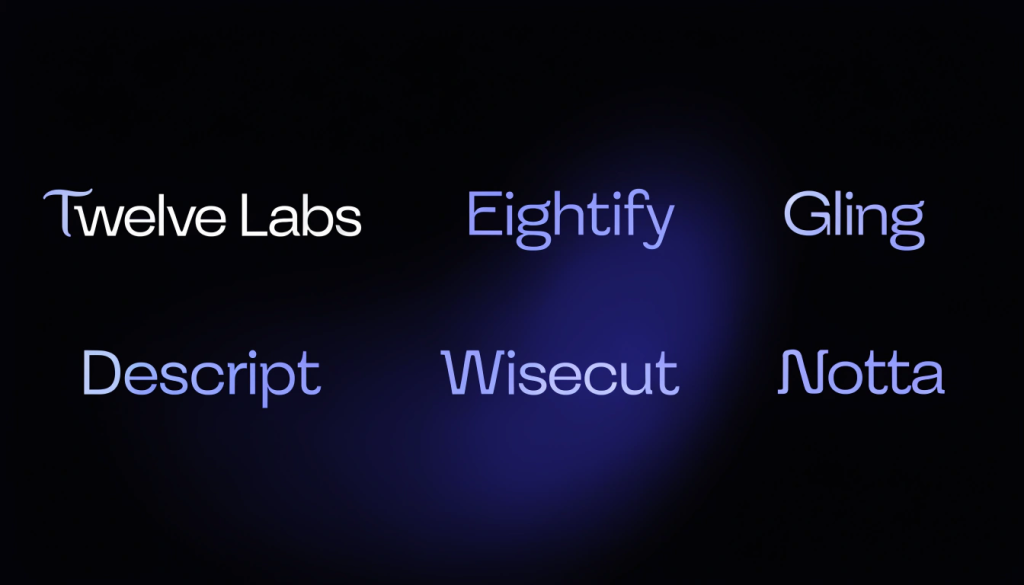
Best AI tools that can search inside videos
1. Twelve Labs
Probably the most advanced semantic video search engine.
You can ask:
- where does the speaker explain the framework?
- show the part where the chart appears
- find the moment where pricing is discussed
Useful for:
research, content creators, product teams
2. Eightify
Creates structured summaries directly inside YouTube.
Great for:
quick learning from long videos.
(Already fits nicely in LMAI workflow because it works inside the player.)
3. Gling
Finds silences, filler words and key speaking segments.
Useful for:
editing talking-head videos fast.
4. Descript
Search video by transcript and edit like a document.
Popular among:
podcasters, educators, marketing teams.
5. Wisecut
Detects key moments and creates shorter clips automatically.
Good for:
social clips and highlights.
6. Notta
Transcribes and structures video calls so you can search discussions.
Perfect for:
meetings, interviews, research calls.
Example questions you can ask AI about a video
🎞️ extract insights
What are the 5 main ideas explained in this video?
🎞️ find specific topic
When does the speaker mention pricing strategy?
🎞️ locate visual content
Show the part where a graph appears.
🎞️create summary
Summarize the video in 5 bullet points.
🎞️extract tools
List all tools mentioned in the video.
🎞️ find argument
What is the main conclusion?
🎞️ create clips
Identify 3 segments that could work as social media clips.
🎞️ research faster
What examples are mentioned in the video?
Simple workflow
- paste video link or upload file
- ask question
- jump directly to relevant moment
- save useful insight
- ignore the rest
Why this matters for productivity
We are surrounded by video knowledge:
courses
presentations
tutorials
interviews
product demos
But video is hard to scan.
AI makes video behave more like text:
searchable
filterable
structured
Which means:
less passive watching
more targeted learning
faster decisions