Comparing Top AI Image-Generating Software – you just use the best
We receive a bunch of advertising from tens of image-generating tools and apps, with promises


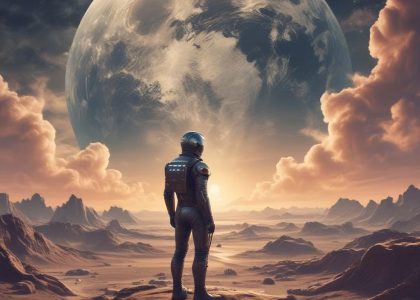
We receive a bunch of advertising from tens of image-generating tools and apps, with promises
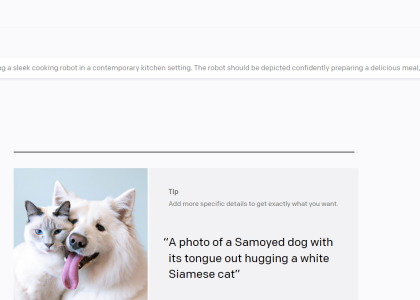
🎨✨ OpenAI’s DALL·E 2 transforms text prompts into stunning AI-generated art, making digital creativity easier than ever. 🚀 Describe your vision, refine it, and generate unique visuals in seconds—perfect for artists, designers, or anyone with a creative spark. Best part? It’s still free (for now)! No more excuses for using low-quality stolen images—AI art is here to elevate your work! 🎭
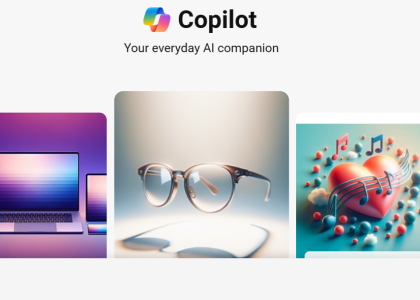
Microsoft has just unlocked Copilot Designer for free unlimited use, making AI-powered image generation more accessible than ever. Integrated seamlessly into Bing, this tool allows users to create stunning visuals for blogs, presentations, and social media—without any cost (just log in).
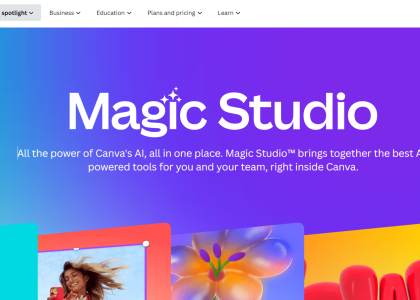
With AI-powered tools, thousands of templates, and seamless collaboration, Canva makes graphic design effortless. 🚀 Resize instantly, create AI-generated images, and even transform photos into anime-style drawings—all in a few clicks. Whether you’re crafting social media posts or professional presentations, Canva Magic Studio is a total game-changer. We tested it, and trust us—it’s more than worth it! 🔥👀
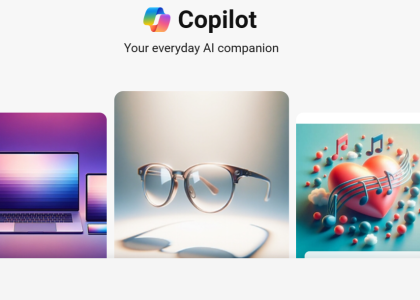
Copilot isn’t just an AI chat—it’s your productivity wingman! From Bing Chat for smarter searches to Copilot Pro & Microsoft 365 for AI-powered writing, coding, and collaboration, it’s built to amplify your workflow. ✍️💡 Whether summarizing documents, generating code, or refining presentations, Copilot adapts, assists, and accelerates your tasks. Master it with smart prompts & customization—and watch your efficiency soar! ✈️
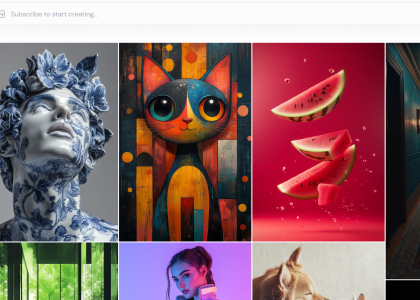
🚀 Need stunning, AI-generated images in seconds? Midjourney transforms simple prompts into high-quality visuals, perfect for reports, websites, or social media. 🎨 Just input your idea, tweak preferences, and let AI do the magic. From portraits to abstract art, unleash your creativity with a few clicks. Ready to turn words into masterpieces? Let’s go! 🔥
