We’ve all been there.
You open PowerPoint.
You stare at a blank slide.
You promise yourself: “This will be quick.”
It never is.
So when we discovered Slidesgo’s Presentation Maker, we had one simple question:
 Can AI actually save us from presentation hell?
What Slidesgo Actually Does
Slidesgo started as a template library, but recently added AI tools on top.
Now, instead of just downloading templates, you can:
- generate a presentation from a topic
- convert documents into slides
- edit everything inside an online editor
- export directly as PPTX
The idea is simple:
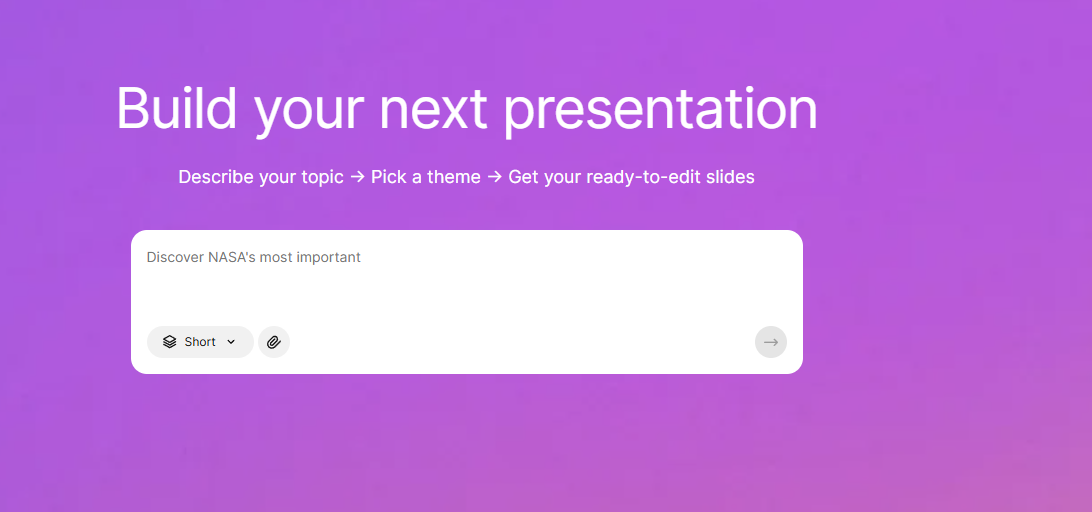
you describe your topic → AI builds the structure → you refine
And yes — it works fast.
Very fast.
Slidesgo promises you can create slides “in seconds” and skip hours of manual work
What You Get (Features)
Here’s what stood out:
AI Presentation Maker
You input a topic + short description → AI generates: slide titles, structure, content
Editable Slides
Everything is fully editable: text, layout, visuals
This is important — because AI rarely gets it perfect on the first try.
PPTX Export
Big win. You can download your presentation and continue editing in PowerPoint.
Templates + Visuals
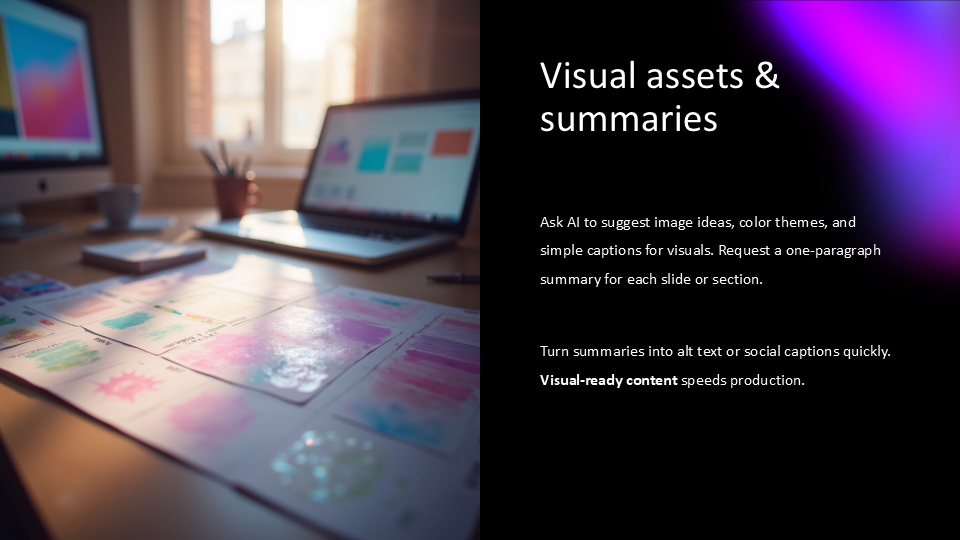
Slidesgo still leans heavily on: pre-made templates, Freepik visuals, stock-style graphics
(yes — and they credit it at the end)
Extra AI Tools
- PDF → PPT conversion
- lesson plan generator
- quiz generator
- text-to-image tools
Basically, a mini AI toolkit around presentations
 Our Test
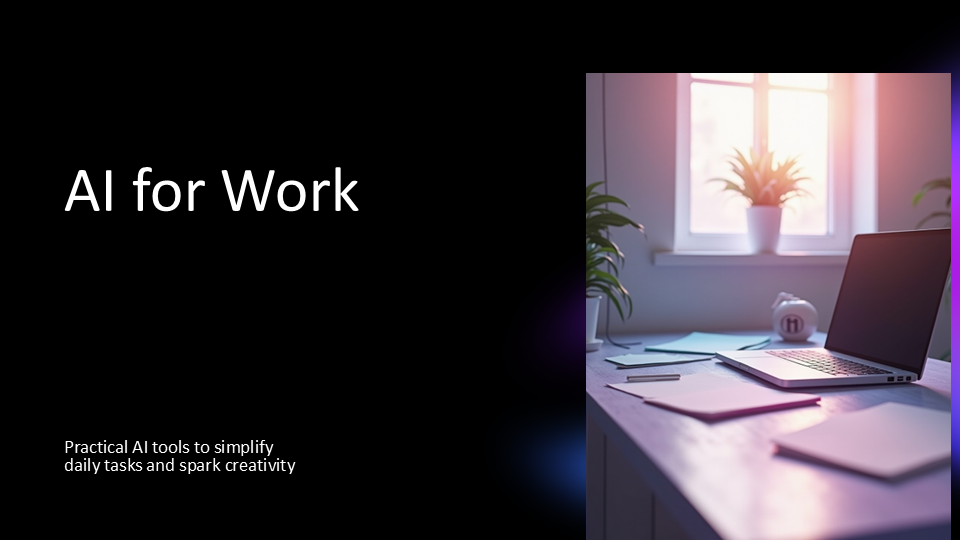
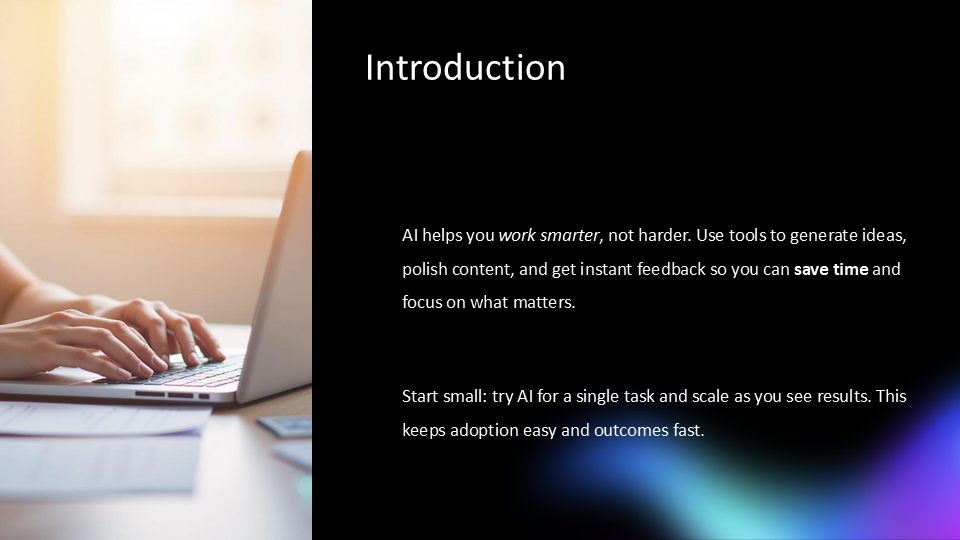
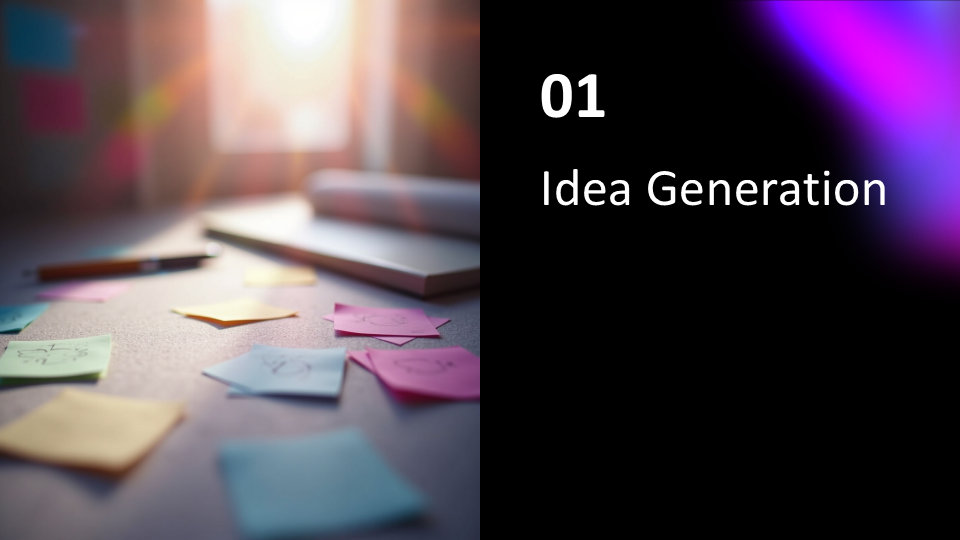
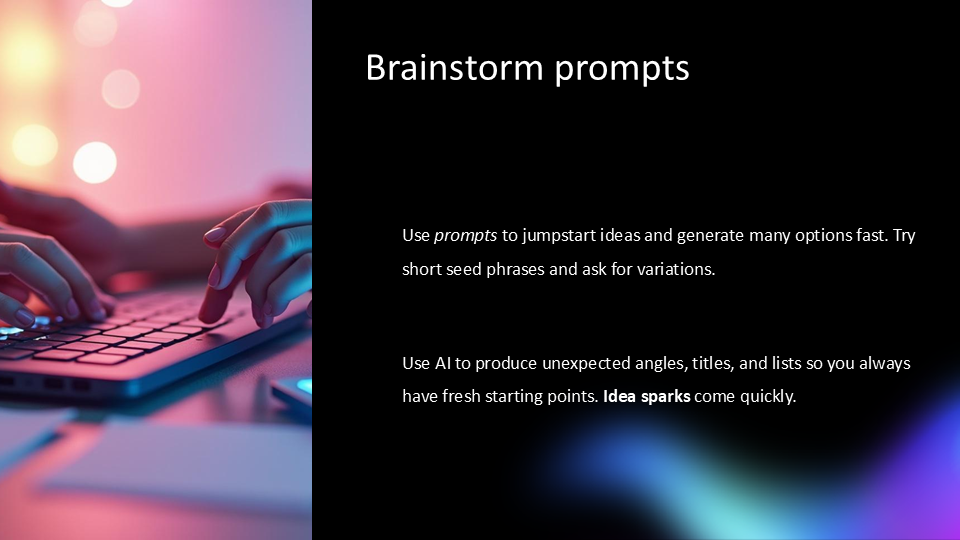
We tried the “Describe a topic” option — the classic use case.
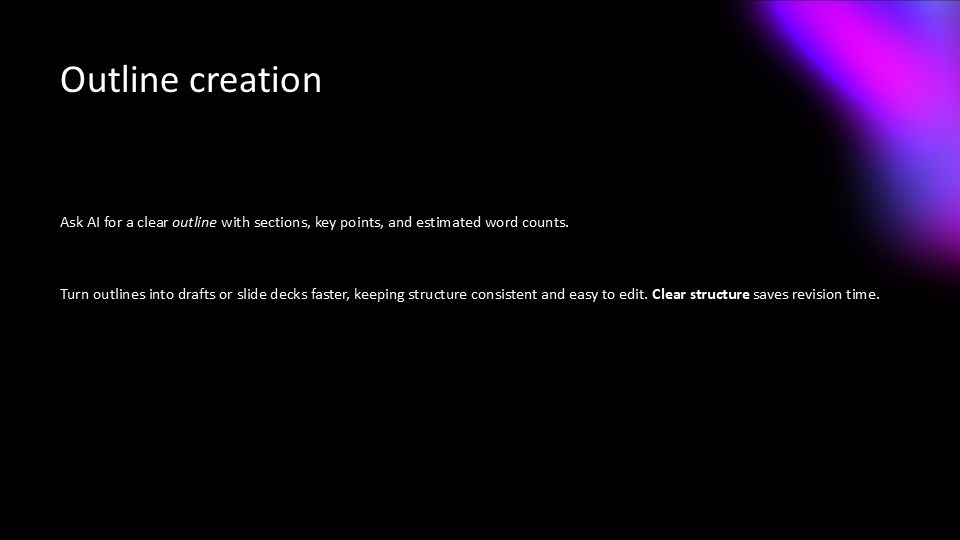
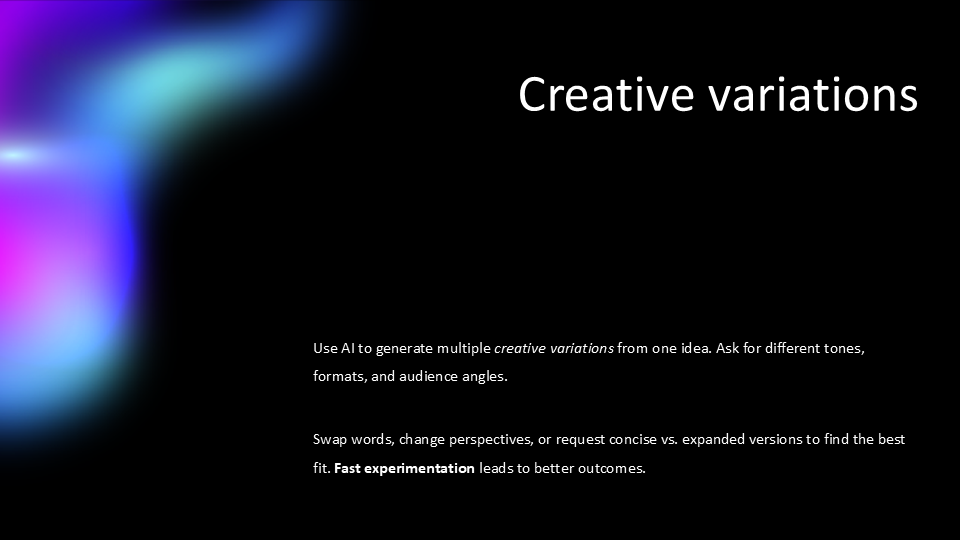
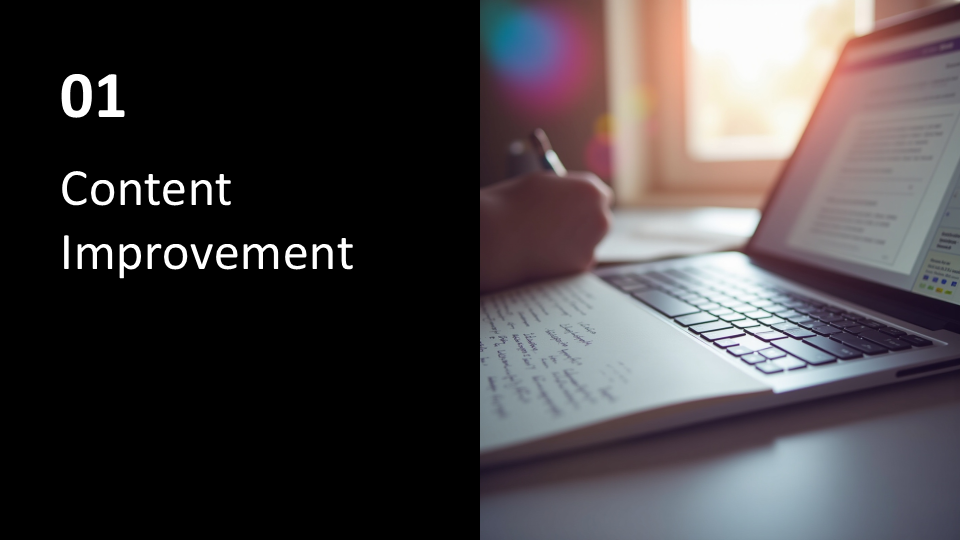
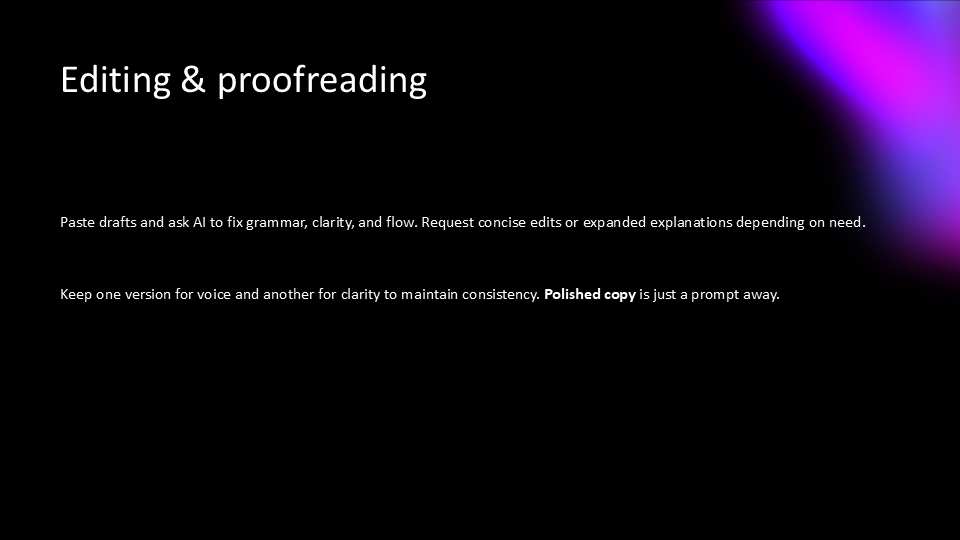
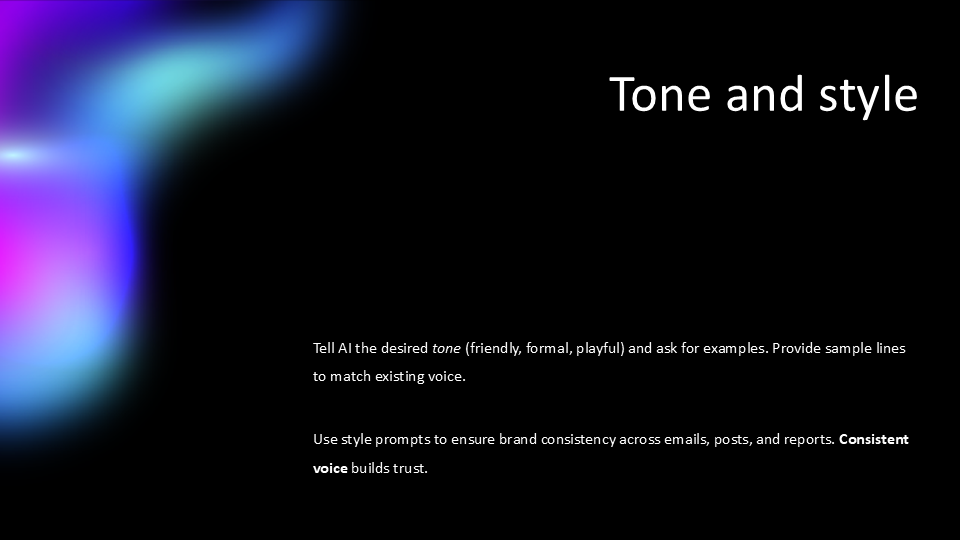
Create a modern and engaging presentation that explains how AI tools can simplify everyday work tasks. Focus on practical use cases like generating ideas, improving content, and getting instant feedback. Keep the tone simple, slightly creative, and easy to understand. The presentation should feel fresh and visually appealing, with clear sections and concise points.
And honestly? The experience was… good. But not magical.
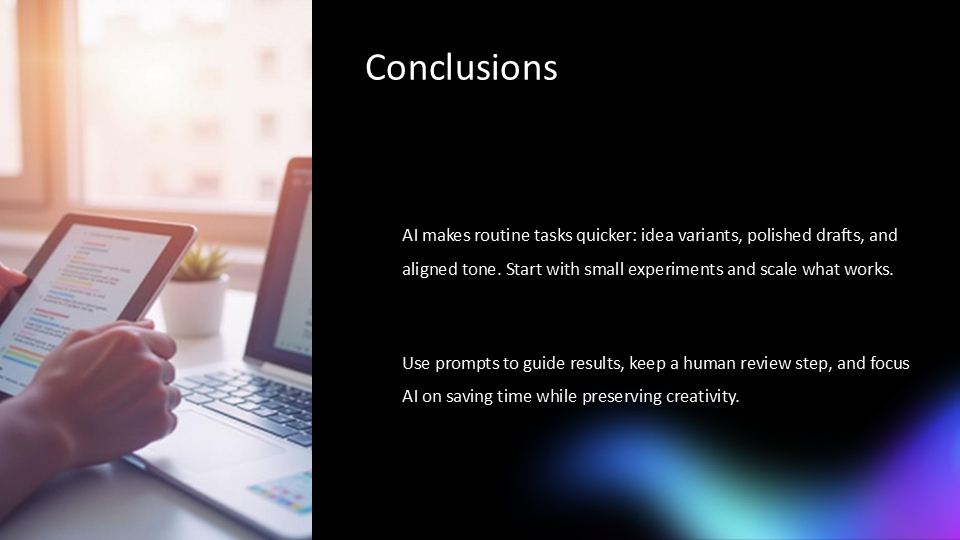
Slidesgo generated:
- a clear slide structure
- meaningful text
- not too much content (which is great)
We could edit everything easily, which made refining simple.
Exporting to PPTX was also a big plus — super practical for real-world use.
BUT.
It felt like:
40% done. Not 100%.