Let’s be honest for a second. We’ve all done it.
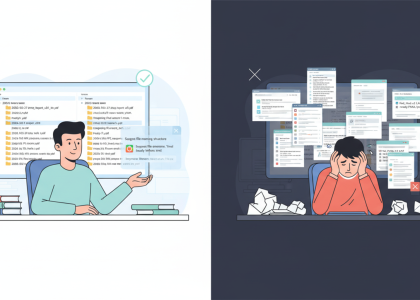
You’re in a meeting, or you’re replying to an email, and you’re nodding along about a “very important” PDF that was sent over earlier. In reality? You opened it, saw it was 42 pages long, scrolled through it at light speed hoping a bolded subheader would save you, and then closed it.
There are two types of PDFs in the world:
- The ones you actually read.
- The reports, research papers, whitepapers, and “presentations-exported-as-PDFs-for-no-reason” that just sit in your downloads folder like a weight on your conscience.
Somewhere inside those documents is the one sentence you actually need. You just don’t have the time (or the caffeine) to find it.
That’s where the AI PDF Chat trick comes in. It’s not just a shortcut; it’s a sanity saver.
The Big Secret: Just Talk to the Document
Instead of treating a PDF like a book you have to finish, treat it like a person you’re interviewing.
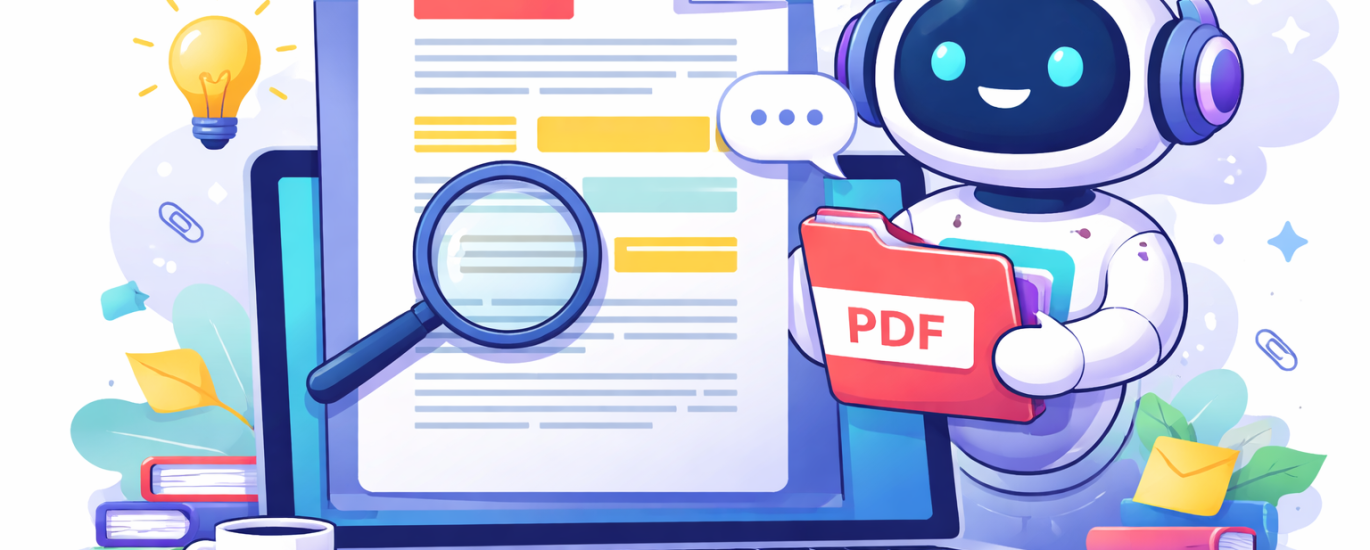
The trick is simple: Upload the file to an AI tool and ask it questions directly. You aren’t “skipping” the work; you’re filtering the noise.
Try asking things like:
- “What are the 3 most important insights for someone in marketing?”
- “Does this contract mention anything about cancellation fees?”
- “Summarize this for someone who has exactly 60 seconds.”
- “Explain the methodology section like I’m a beginner.”
Instead of manual searching, you get a focused answer. Much faster, much less scrolling, and zero “reading-guilt.”
Which Tool Should You Use?
Not all AI tools handle documents the same way. Depending on what you’re looking at, here’s the lineup:

Why This Actually Makes You Better at Your Job
We often think that “reading everything carefully” is the gold standard for being productive. But realistically? Most professional work requires orientation first.
Using AI to chat with a PDF helps you:
- Find the “Signal” Faster: Identify the key sections in seconds.
- Filter the Fluff: Understand the main idea without the 20 pages of intro.
- Strategic Reading: Decide which parts actually deserve a deep, focused read.
So, instead of spending 40 minutes scanning and feeling drained, you spend 5 minutes getting the gist. Then, you can spend the remaining 35 minutes actually doing something with that information.
The Bottom Line
Not every document needs your full, undivided attention. Sometimes, you just need to know what’s going on so you can move forward.
AI helps you find the point without drowning in the pages. And hey, now you can finally admit you didn’t read the whole PDF—because you didn’t have to.