Lately it feels like every AI conversation revolves around the same few tools.
ChatGPT.
Midjourney.
Claude.
They’re powerful, no doubt. But after spending some time exploring the AI landscape, it becomes clear that the most interesting tools aren’t always the most famous ones.
Some of the most useful AI tools are actually the smaller ones — the ones quietly solving very specific everyday problems.
The kind of tools you stumble upon while experimenting.
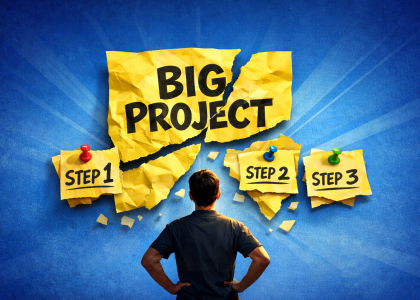
A tool that breaks a messy task into steps.
Another that turns ideas into diagrams.
One that automatically summarizes meetings.
Nothing revolutionary on its own.
But together they remove a surprising amount of daily friction.
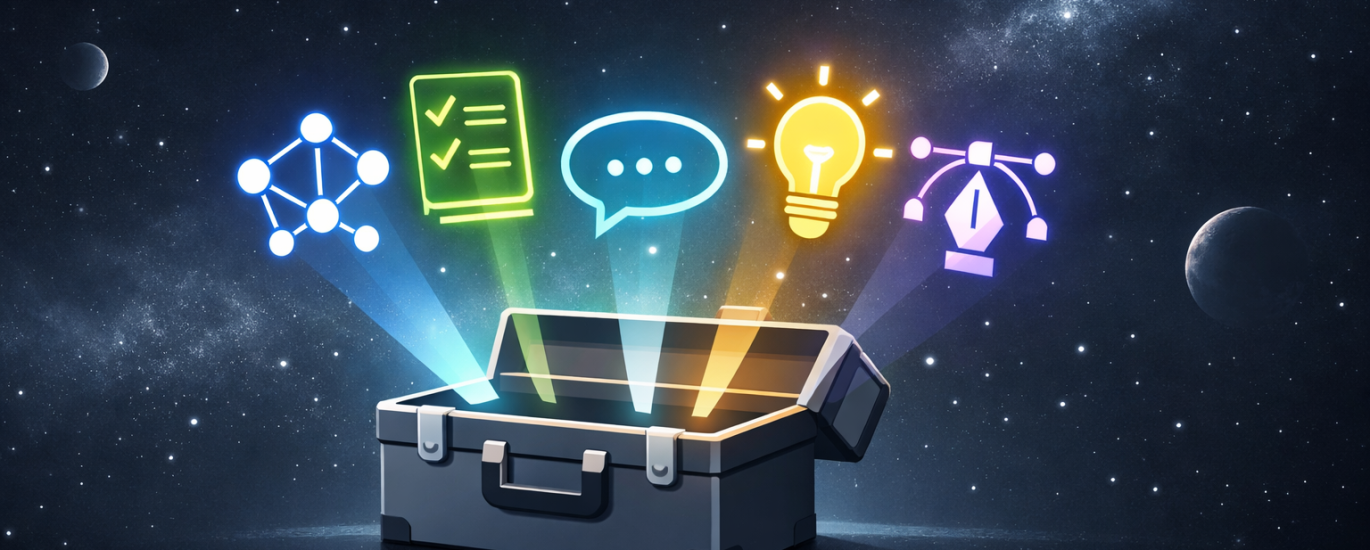
Five AI tools that don’t get talked about nearly enough
- Goblin.tools — AI for Breaking Down Tasks
Problem:
Some tasks feel overwhelming simply because they’re vague.
“Prepare report.”
“Plan project.”
“Organize event.”
Goblin.tools has a brilliant feature called Magic ToDo.
You paste a task, and it breaks it into smaller actionable steps.
Example:
Write article →
- outline key points
- draft introduction
- write sections
- edit text
Good for:
- productivity
- project planning
- overcoming procrastination
Sometimes clarity is the biggest productivity boost.
- Napkin AI — Turn Ideas Into Diagrams
Problem:
Many ideas are easier to understand visually.
Napkin AI converts text into diagrams and visual models.
You type an idea or concept, and the tool generates a visual explanation.
Good for:
- strategy thinking
- explaining ideas
- visual brainstorming
It’s like turning thoughts into instant whiteboard diagrams.
- Krea AI — Real-Time Visual Exploration
Problem:
Most AI image generators require waiting for results.
Krea AI works differently.
It generates visuals in real time while you type your prompt.
This makes experimentation much faster.
Good for:
- concept exploration
- visual brainstorming
- quick creative tests
Instead of waiting for images, you shape them live.
- Recraft — AI for Designers
Problem:
Many AI image tools create raster images, but designers often need vectors.
Recraft generates:
- icons
- illustrations
- vector graphics
- brand visuals
Good for:
- designers
- presentations
- quick graphics
It’s one of the few AI tools that focuses on design workflows, not just art.  Read our Recraft test to see how it performs.
- tl;dv — Never Take Notes Again
Problem:
Meetings generate information faster than we can write it down.
tl;dv records meetings and creates automatic summaries and key moments.
Good for:
- remote teams
- reviewing meetings
- sharing highlights
You can focus on the conversation while AI handles the notes.
The Bigger Pattern
Most people think AI efficiency comes from big platforms.
But often the real gains come from small specialized tools:
- breaking tasks into steps
- visualizing ideas
- summarizing conversations
- generating design assets
Tiny tools.
Massive time savings.
Final Thought
AI doesn’t have to be complicated to be useful.
Sometimes the best tools are the ones nobody talks about yet.
And those are often the ones worth discovering first.