Vexub: Can AI Tell Its Own Future In a Video?
Vexub is an AI video generation tool focused on automated storytelling. We tested it using a philosophical prompt to evaluate its narrative capabilities.


Vexub is an AI video generation tool focused on automated storytelling. We tested it using a philosophical prompt to evaluate its narrative capabilities.

AI video tools are getting so good that you barely need a camera anymore — and our latest experiment proved it. Using VisionStory AI, we “recorded” a full 3-minute podcast episode without filming a single second of real footage. The tool took two static photos and a few bullet points, then generated an entire conversation: voices, lip-sync, expressions, pacing, and a clean podcast layout. The result was shockingly convincing for something built in under 10 minutes. VisionStory isn’t perfect yet, but it’s already bending the rules of podcast production — and the next year is going to be unreal.
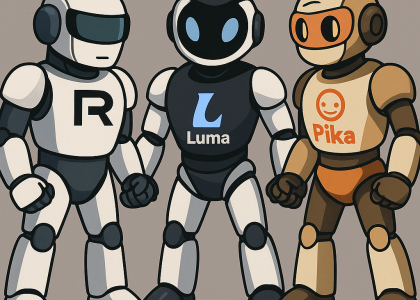
All three tools handled the same prompt well — each in its own style. Differences were smaller than expected, which means the decision comes down to cost and preferred behavior:
• Runway → stable, sensible, controlled
• Luma → cinematic, fluid, expressive
• Pika → charming, lively, cost-efficient

Turn a blog post, script, or YouTube link into a polished video before your coffee gets cold. That’s what Pictory does — no camera, no editing headaches, just AI magic in minutes.

At first, I used Descript just to quickly generate subtitles for videos. I still remember
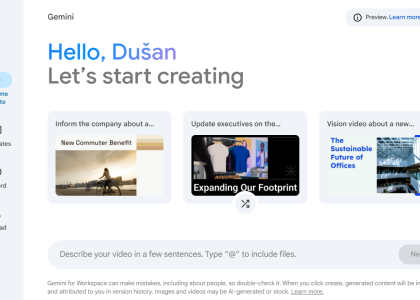
Powered by Gemini AI, this slick new app builds videos for you from scratch: it writes the script, adds visuals, finds stock footage, and even lets you record voiceovers. No editors, no fancy tools, no stress.
🚀 OpenAI Just Got a Power-Up! Alright, OpenAI just dropped the ultimate cheat code for building AI

Creating professional-quality videos has never been easier. InVideo, an AI-powered video editing platform, lets you design stunning videos effortlessly—whether for social media, marketing, or personal projects. With ready-made templates, intuitive customization tools, and a vast media library, InVideo streamlines the editing process. While AI-generated content still requires fact-checking, this tool saves time and enhances creativity, making it ideal for both beginners and professionals.
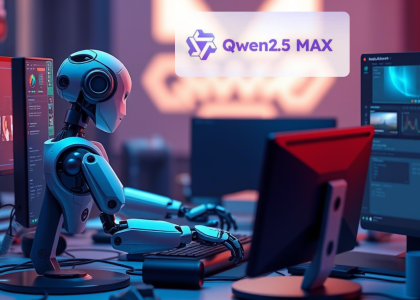
Ever wished for an AI assistant that’s as smart as it is affordable? Meet Qwen CHAT, my new go-to tool that’s revolutionizing how I work and create. Developed by Alibaba Cloud, this powerhouse handles everything from writing and coding to generating visuals—all at a fraction of the cost of competitors like OpenAI.
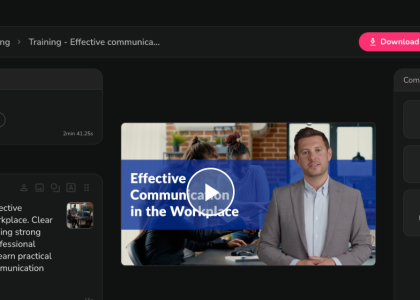
AI video creation is moving fast — and we’re here for it.
After testing 40+ productivity and AI apps, we still can’t get enough. This time, we tried Fliki, a text-to-video platform that turns simple ideas, tweets, or articles into polished videos in minutes. With AI voices, multilingual support, and zero on-camera pressure, Fliki lets the AI do the presenting — perfect for shy creators, busy founders, and anyone who wants great video content without the hassle.
