AI Decision Trees: A Simple Way to Think Clearly
Big decisions often feel complicated because they’re unstructured. This simple AI prompt turns messy choices into a clear decision tree with options, risks, and outcomes.


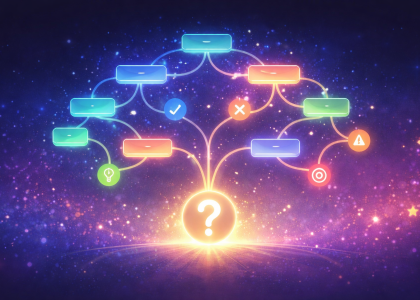
Big decisions often feel complicated because they’re unstructured. This simple AI prompt turns messy choices into a clear decision tree with options, risks, and outcomes.
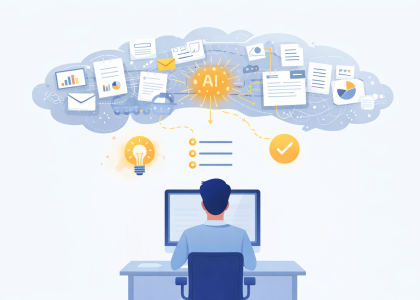
Complex information slows work more than lack of information. This simple AI prompt helps turn long documents into clear ideas you can actually understand.

We tested Lovart.ai with just a link. Seconds later — strategy, image, caption. Here’s what happened.

Want to write a book? We tested AI Book Writer that does just that!

Why GPT models trained for writing deliver more consistent results.
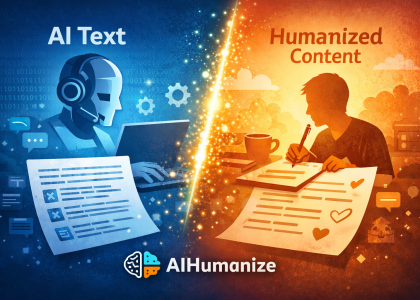
Testing how AIHumanize bridges AI and human writing.
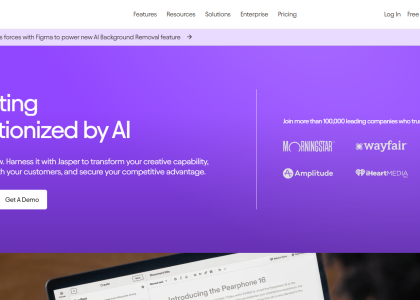
Jasper is one of many text/image-generating tools we tested, and although very good in its capabilities, it does not bring any new features to the table. It makes creating content faster, easier, and more efficient, as all tools are in one place. This AI tool allows you to produce high-quality content consistently so you can focus on other important aspects of your business.

TLDR This helps you summarize any piece of text into concise, easy to digest content so you can free yourself from information overload.
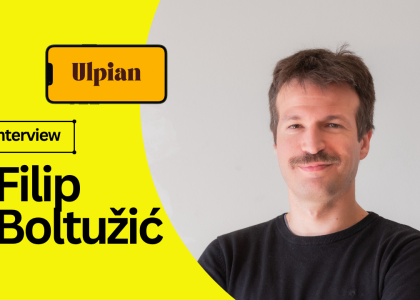
When I sat down with Filip Boltužić, co-founder of Ulpian, I expected to talk legal tech. What I got was a front-row seat to the reinvention of legal research as we know it.
What started as a side project to index court decisions turned into an AI-powered legal brain that answers complex legal questions in seconds.
We talked about scraping chaos, stacking AI models, and why lawyers who ignore tools like Ulpian might end up dinosaurs in suits.
Oh — and he dropped a startup idea so good, I nearly registered the domain on the spot.
Here’s what he shared.
ChatGPT just leveled up — it’s now your operations assistant on autopilot.
With Connected Apps, it plugs into Google Drive, Sheets, Slides, and more.
Ask it to analyze spreadsheets, build decks, or draft emails — and it just does it.
No more tab-hopping, zaps, or dev help.
