Elon Musk integrates The Grok into X 🤒🐧
Grok isn’t just an integration; it’s a new era for how we use X. It’s like having the Hitchhiker’s Guide to the Galaxy, but instead of space, it’s guiding us through the digital cosmos of X.


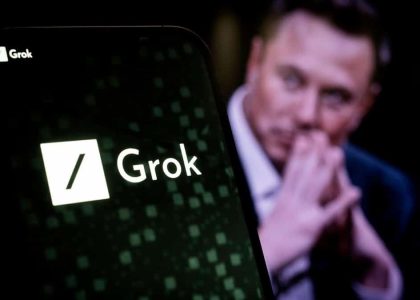
Grok isn’t just an integration; it’s a new era for how we use X. It’s like having the Hitchhiker’s Guide to the Galaxy, but instead of space, it’s guiding us through the digital cosmos of X.
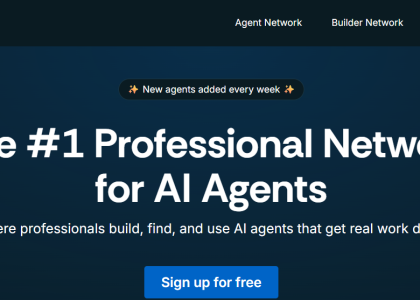
Agent.ai is a dead-simple app that lets you create your own AI agents (like “Startup Coach” or “Legal Assistant”) without needing to code.
It’s ChatGPT… but customized and useful.
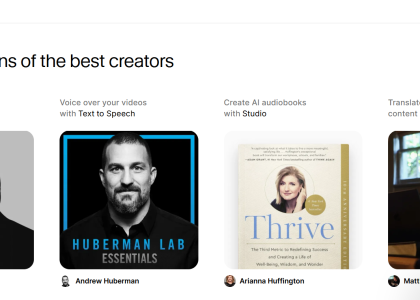
AI voices are getting scary good — and ElevenLabs is leading the pack.
Creating voiceovers for YouTube, podcasts, social posts, or audiobooks no longer requires studios, microphones, or expensive narrators. ElevenLabs turns plain text into natural-sounding audio in seconds, with human-like voices, multiple languages, and even voice cloning. Clean design, instant results, and shockingly realistic output make it one of the most powerful text-to-speech tools we’ve tested — and an easy favorite for creators who want pro-level audio without the friction.
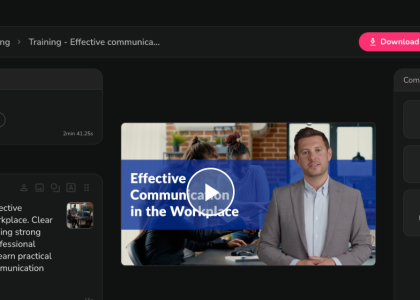
AI video creation is moving fast — and we’re here for it.
After testing 40+ productivity and AI apps, we still can’t get enough. This time, we tried Fliki, a text-to-video platform that turns simple ideas, tweets, or articles into polished videos in minutes. With AI voices, multilingual support, and zero on-camera pressure, Fliki lets the AI do the presenting — perfect for shy creators, busy founders, and anyone who wants great video content without the hassle.
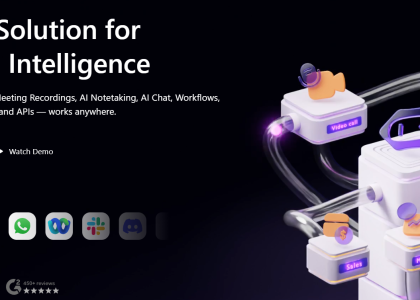
Tired of taking notes instead of joining the conversation? MeetGeek is an AI-powered meeting assistant that automatically transcribes, summarizes, and stores your meetings so you don’t have to. With real-time transcription, smart summaries, and easy access to past meetings, it helps teams stay focused, save time, and actually enjoy meetings again.
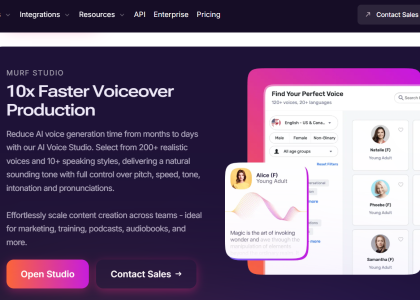
Murf AI is a game-changer in the text-to-speech landscape, offering supreme voice quality and customization options. Murf AI has a free version that can help you produce professional voiceovers quickly and efficiently, for free.
If you’ve ever wondered whether your colleagues are quietly using AI to polish their writing — or you just need fast, reliable help with grammar and paraphrasing — QuillBot is worth a look. With eight writing tools bundled into one clean, easy-to-use platform, it offers a cost-effective solution for individuals and companies alike. From paraphrasing and grammar checks to surprisingly accurate AI detection, QuillBot proves that buying AI “in bulk” can actually make writing faster, smarter, and more fun.
In a world where design demands are growing faster than ever, Simplified’s AI Designer offers a smarter, faster way to create stunning visuals. With customizable templates, AI-powered layout and color suggestions, a collaborative workspace, and an extensive media library, the platform streamlines every step of the creative process. Whether you’re building social media graphics, presentations, or branded marketing materials, AI Designer makes professional design accessible to anyone — no experience required. It’s a powerful, all-in-one toolkit that helps you work faster, stay consistent, and elevate your creative output with ease.
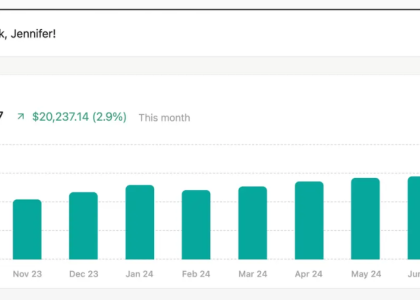
Managing your personal finances doesn’t have to feel overwhelming — and that’s exactly where Refreshme steps in. This smart platform helps you track spending, set clear financial goals, and build better money habits with simple, intuitive tools. Instead of juggling spreadsheets and guessing where your budget went, Refreshme brings clarity to your financial life in just a few minutes a day. It’s a clean, modern way to stay on top of your money — and actually feel good about it.
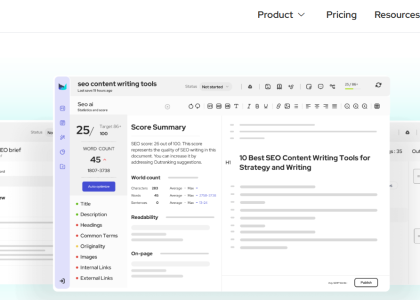
Everyone says you need strong SEO to win new clients — and they’re right. But if you don’t have the budget for a full-time SEO expert, AI tools like Outranking.io can give you a real boost. It helps you target the right keywords, analyze competitors, generate content, and optimize your on-page SEO in real time. While the AI still needs a human touch and the platform comes with a slight learning curve (and no free trial), it’s a powerful option for creators and small businesses looking to rank faster. Outranking.io won’t replace people — but it will absolutely help you work smarter.
