We Thought It Was AI. Turns Out It Was PowerPoint. And we fell in love!
Slides that look like videos? This simple PowerPoint trick makes it possible — no video editor and no AI required.


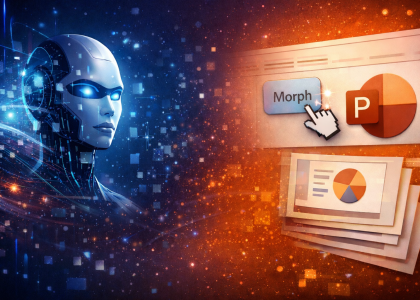
Slides that look like videos? This simple PowerPoint trick makes it possible — no video editor and no AI required.

Whether you’re bootstrapping, pre-seed, or waiting for your first investment, being scrappy isn’t about being cheap. It’s about being intentional. This mindset is especially obvious if you’re building anything complex — deep tech, biotech, climate, AI-heavy products — where survival depends on focus, not headcount.
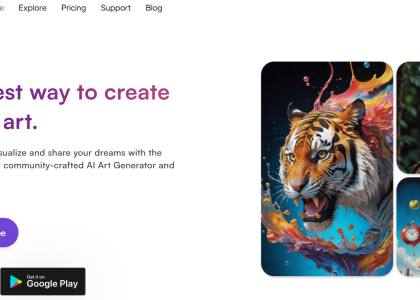
This week’s “Down The Memory Lane” edition brings back the AI tools that actually delivered.
From resurrecting old photos to generating flawless multilingual voice-overs, these are the reviews worth rereading.
We revisit PowerPoint’s secret AI upgrades, the battle of next-gen presentation apps, and the writing tool scientists swear by.
Plus: the AI art app that’s fun, weird, and surprisingly good for social media creators.
If you missed these gems the first time, now’s the perfect moment to dive back in.
PowerPoint just got smarter.
AI features like Designer and VBA-generated content now let you build entire presentations automatically.
By combining ChatGPT-created VBA scripts with PowerPoint’s built-in design suggestions, anyone can produce polished slides in minutes.
It’s the perfect workflow for loyal PowerPoint users who want AI power without leaving their favorite tool.
