AI in smartphones didn’t arrive with a bang.
It slipped in quietly — one photo at a time.
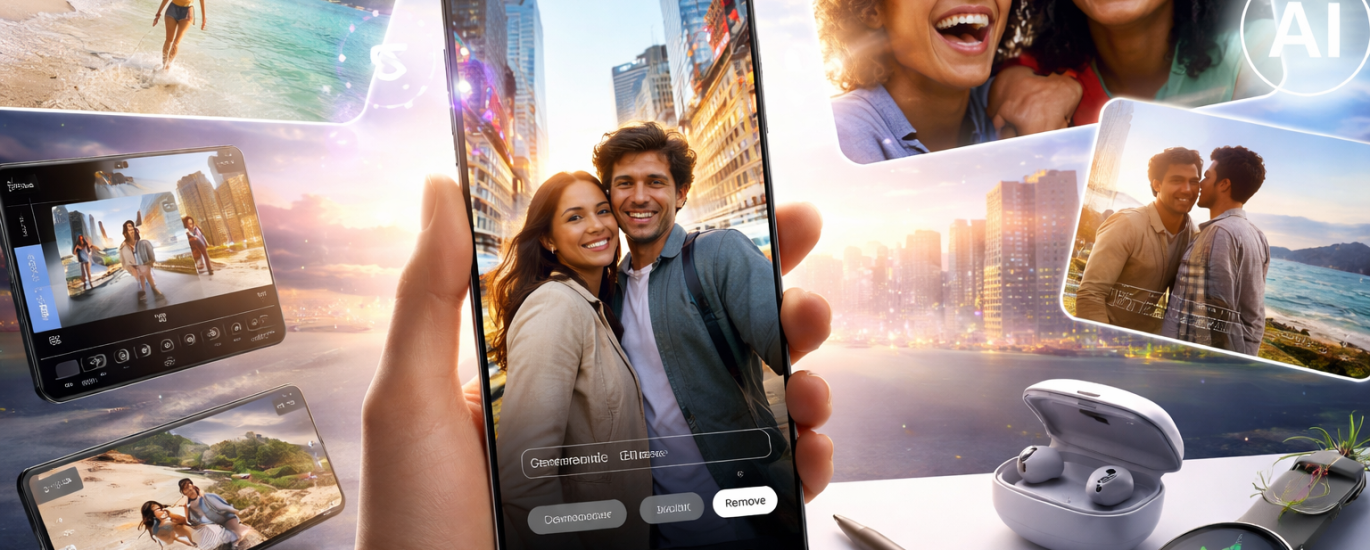
On modern Samsung phones and tablets, AI image processing isn’t a standalone feature you “turn on.” It’s something that happens constantly in the background, shaping how photos look before you even think about editing them.
And that’s what makes it interesting.
When you take a photo on a recent Samsung Galaxy phone or tablet, you’re not capturing a raw image. You’re capturing the result of multiple AI-driven decisions made in milliseconds. By the time the photo lands in your gallery, it has already been analyzed and subtly “improved.”
And this isn’t entirely new.
One of the earliest and most talked-about examples was Samsung’s now-famous Moon photo enhancement. When users pointed their Galaxy phones at the night sky, the camera’s AI didn’t just record the moon — it interpreted what it thought the moon should look like, enhancing details that weren’t fully there.
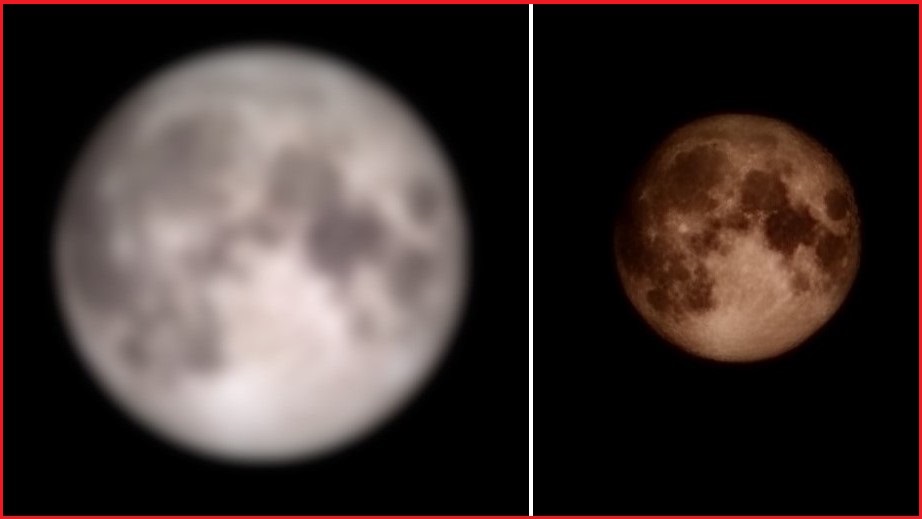
I still remember my first Samsung S20, my first real flagship. I took a photo of the moon and couldn’t believe the level of detail. What puzzled me later was that no Samsung phone after that ever quite matched that experience — not even models with better cameras, not even the S23+. That confusion led to Googling, and eventually to the realization that the “magic” wasn’t just optics — it was AI.
Today, that same logic is everywhere, just far more subtle. Instead of dramatically upgrading the moon, AI now quietly refines shadows, textures, and faces across almost every photo you take. The moon controversy didn’t just reveal one feature — it foreshadowed how AI would begin shaping our expectations of what a photo should look like.
Object-Aware Editing: AI That Understands the Image
Samsung’s AI-powered editing tools don’t just manipulate pixels; they understand what’s in the image.
This is where things get more noticeable:
- removing unwanted objects or people from photos
- cleaning up backgrounds
- repositioning or resizing elements
- filling in missing parts of the image naturally
The AI doesn’t guess randomly — it analyzes context, textures, and surrounding content to make the edit look plausible. Not perfect every time, but often good enough that you don’t question it.


Portraits, Faces, and the “Invisible Retouch”
One of the most sensitive areas of AI image processing is people.
Samsung’s approach is subtle:
- smoothing skin without flattening faces
- improving lighting around faces
- enhancing eyes and facial structure just enough to feel “better,” not fake
The goal isn’t to turn photos into filters — it’s to make them look like a slightly better version of reality. Whether that’s a good thing or not depends on how much you value authenticity over polish.
AI on Tablets: Editing as a Natural Extension
On Samsung tablets, especially those paired with a stylus, AI-assisted image editing feels less like automation and more like collaboration.
You still make decisions:
- what to remove
- what to crop
- what to keep
But AI handles the heavy lifting:
- background reconstruction
- edge refinement
- content-aware fills
It’s less “AI made this” and more “AI helped me finish this faster.”
What’s Interesting Isn’t the Feature — It’s the Expectation Shift
The real change isn’t technical. It’s psychological.
We now expect:
- clean photos by default
- fixable mistakes
- editable reality
Bad lighting feels temporary.
Unwanted objects feel removable.
Imperfect photos feel unfinished, not final.
AI in Samsung devices has quietly changed what we consider a “normal” photo.
The Trade-Off: Convenience vs. Truth
As AI image processing becomes standard, a quiet question remains:
Are we documenting reality — or refining it?
Samsung’s tools don’t aggressively manipulate images, but they do normalize enhancement. Over time, that shifts expectations for what photos should look like, even when no one explicitly edits them.
Final Thought
Samsung’s AI image processing isn’t about flashy tools or futuristic promises. It’s about making visual perfection feel normal — and effortless.
The most powerful part isn’t what AI can do to your photos.
It’s how quickly you stop noticing it’s there at all.
And once that happens, there’s no going back.