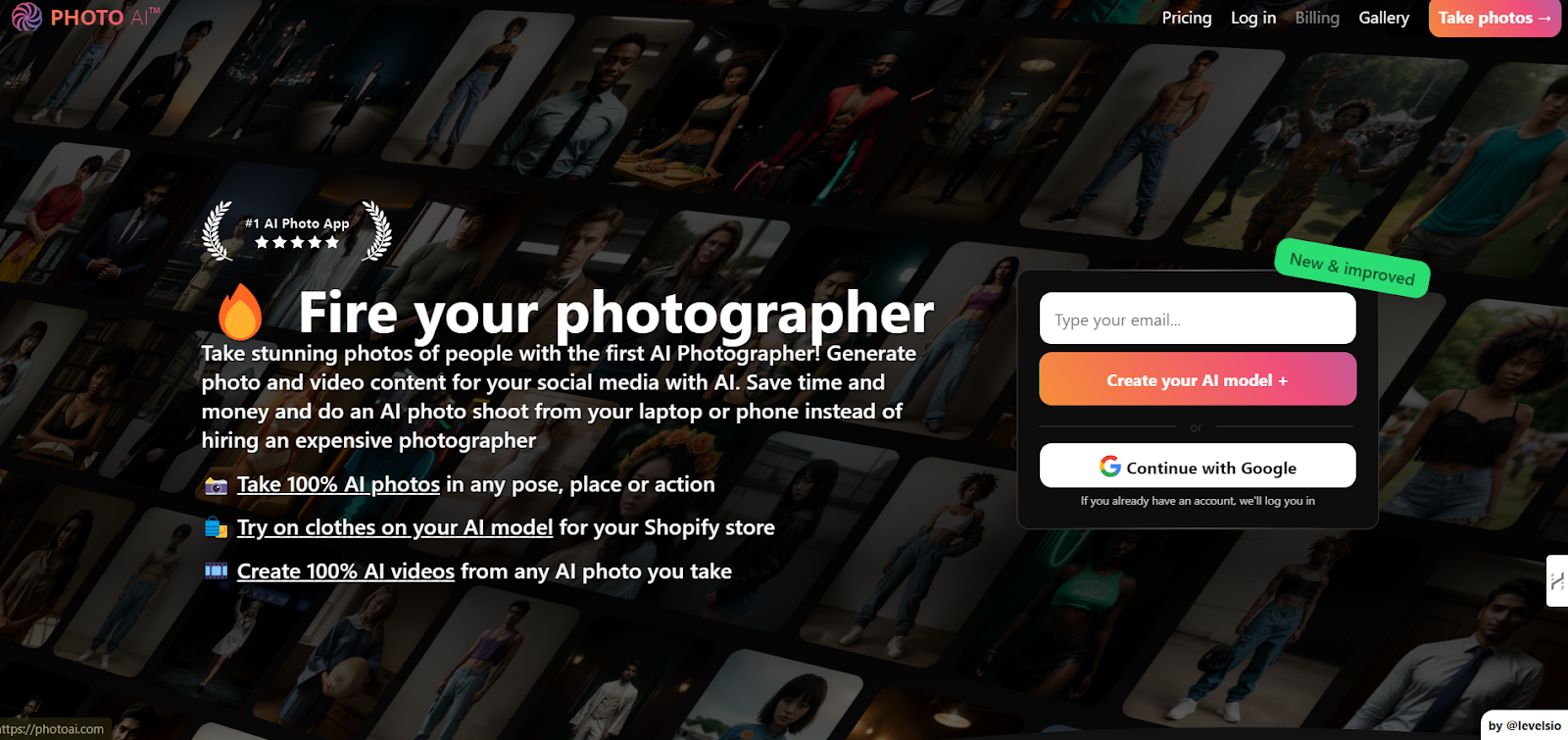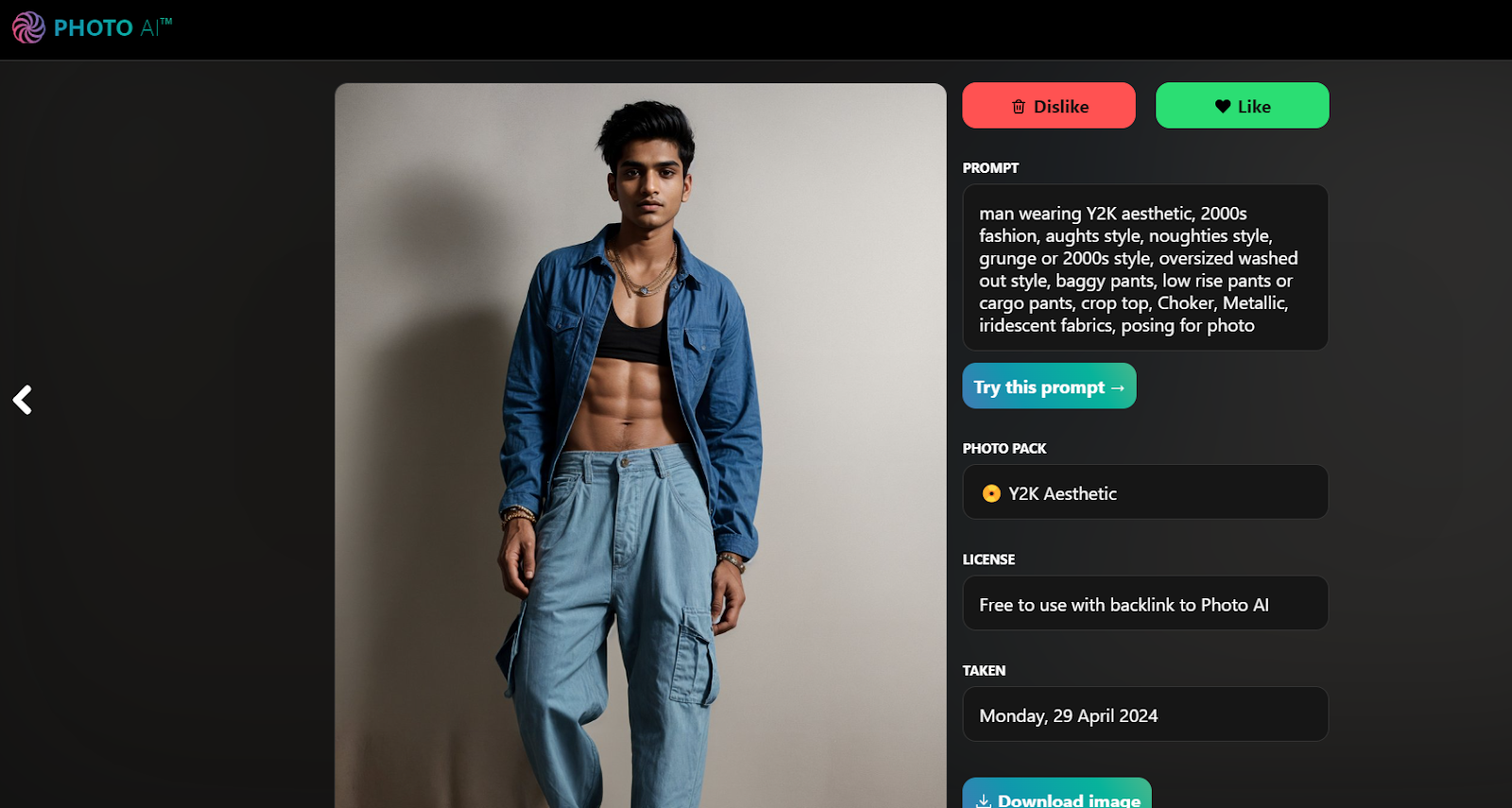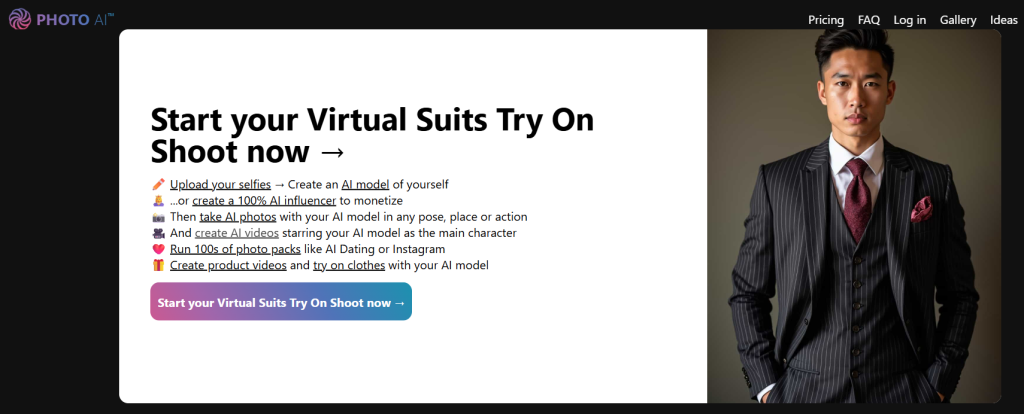
In the last few months, we have a feeling that creating AI images from text, aka prompts, has become a must. You no longer need to be a skilled photographer, have good equipment, lights, and studio, and spend hours editing photos to make them look great. There is quite a huge variety of AI tools that can help you with that. Do not worry it doesn’t mean that the human touch will be replaced all the way. After we tested many different AI photo apps in our LikeMagicAI newsletter, we decided to give go to yet another one. PhotoAI, and let us tell you it isn’t your everyday photo editing software; it is the first AI Photographer. It will make you AI photos in any pose and place; you can try on clothes on an AI model and also create videos from the photos that you got. Also, Photo AI lets you upload selfies, create AI characters, and then generate AI photos with them. You can be whoever you want to be. Have you always wanted to be a pilot? No worries! 😎🚀 | ||
Stay up to date with AI and expose yourself to success! | ||
| ||
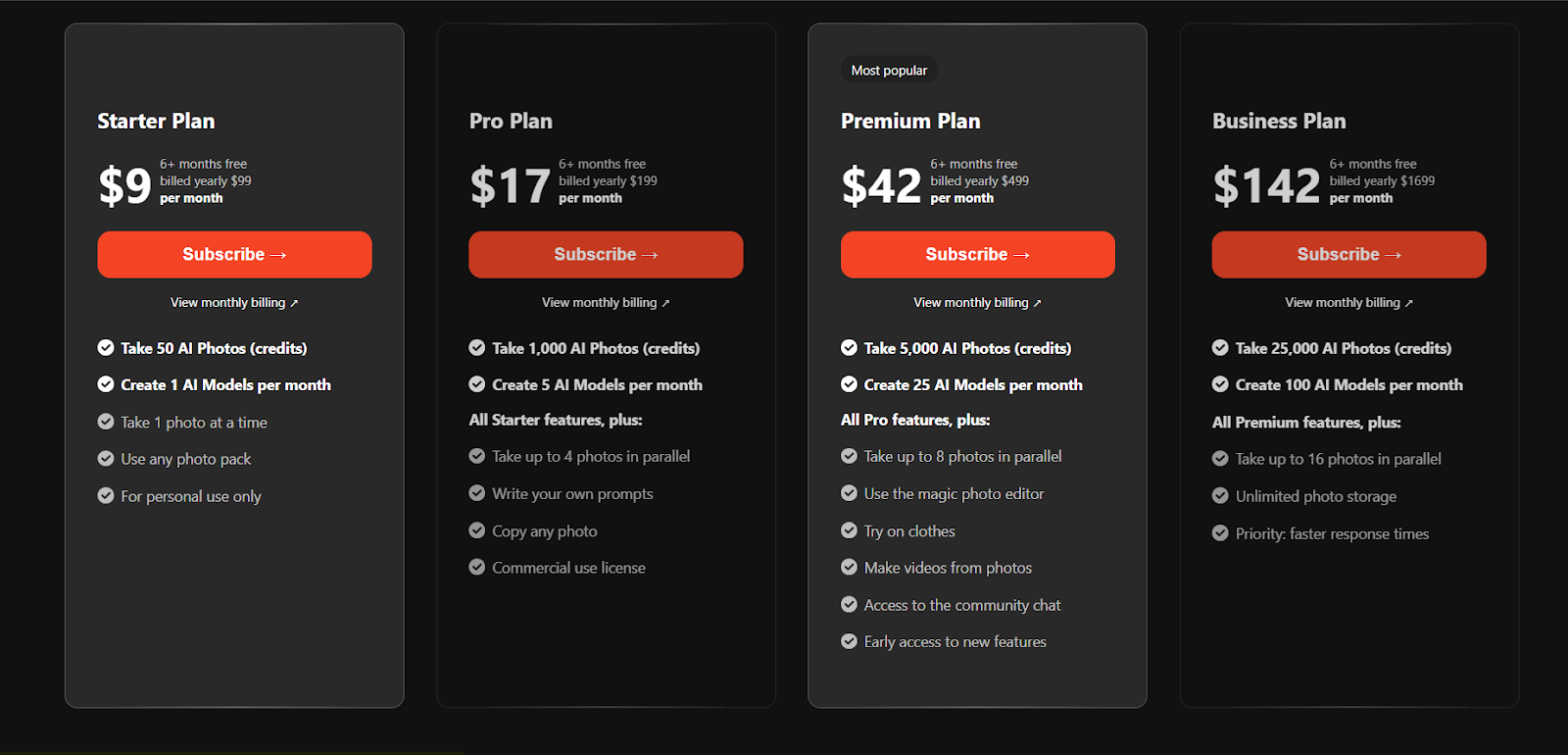
But to have all that, you will need a subscription. PhotoAI offers quite different flexible subscription plans. Choose the one that fits your editing volume and budget. | ||
| ||
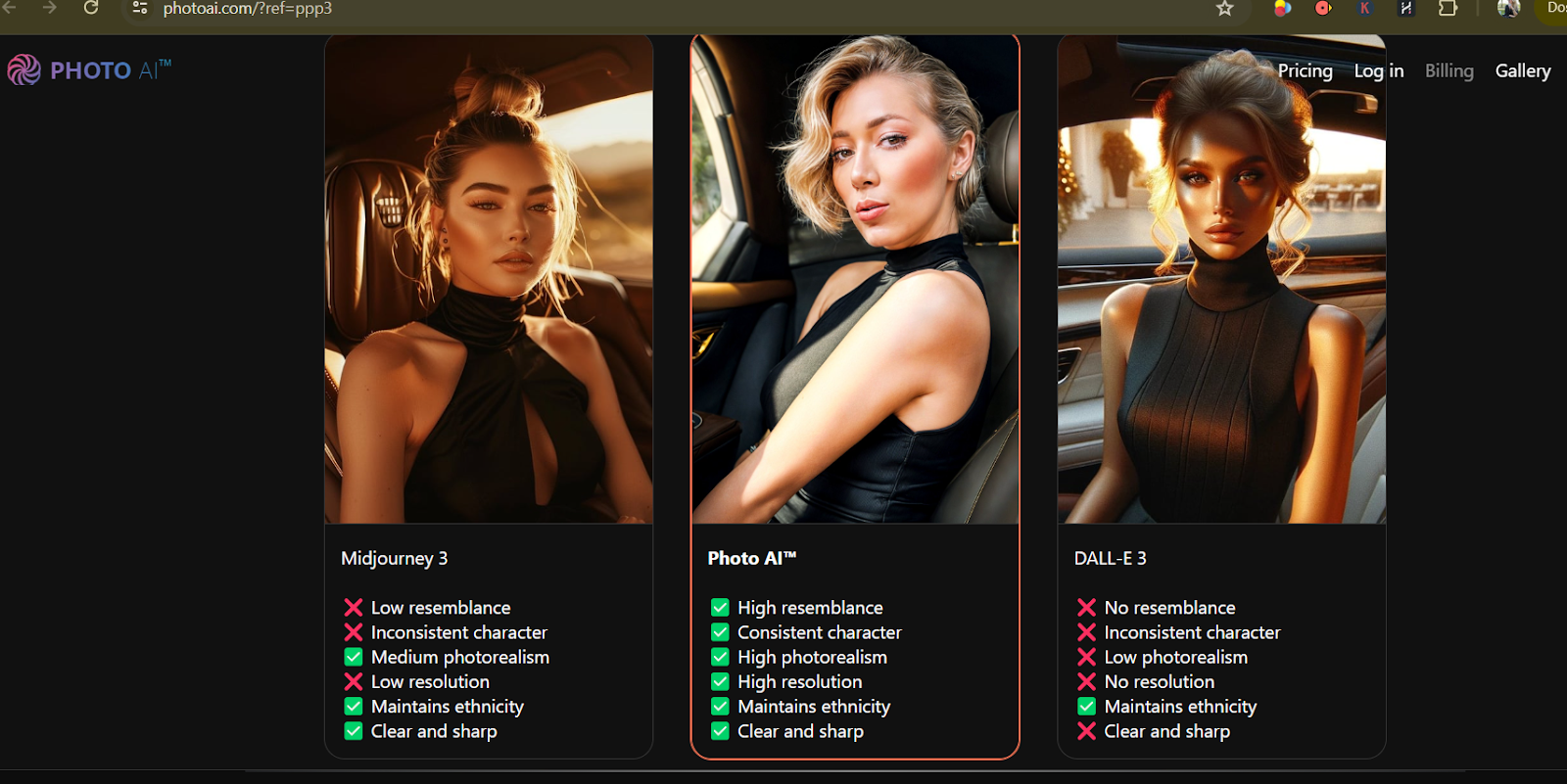
Also, PhotoAI is one of the best apps that you can find. It offers superior photorealism and significantly more creative freedom than other AI photo programs, and they demonstrate that to you at the beginning of your PhotoAI journey. They compare their image vs Midjourneys and DALL-E 3. From the start, you can see the difference. | ||
| ||
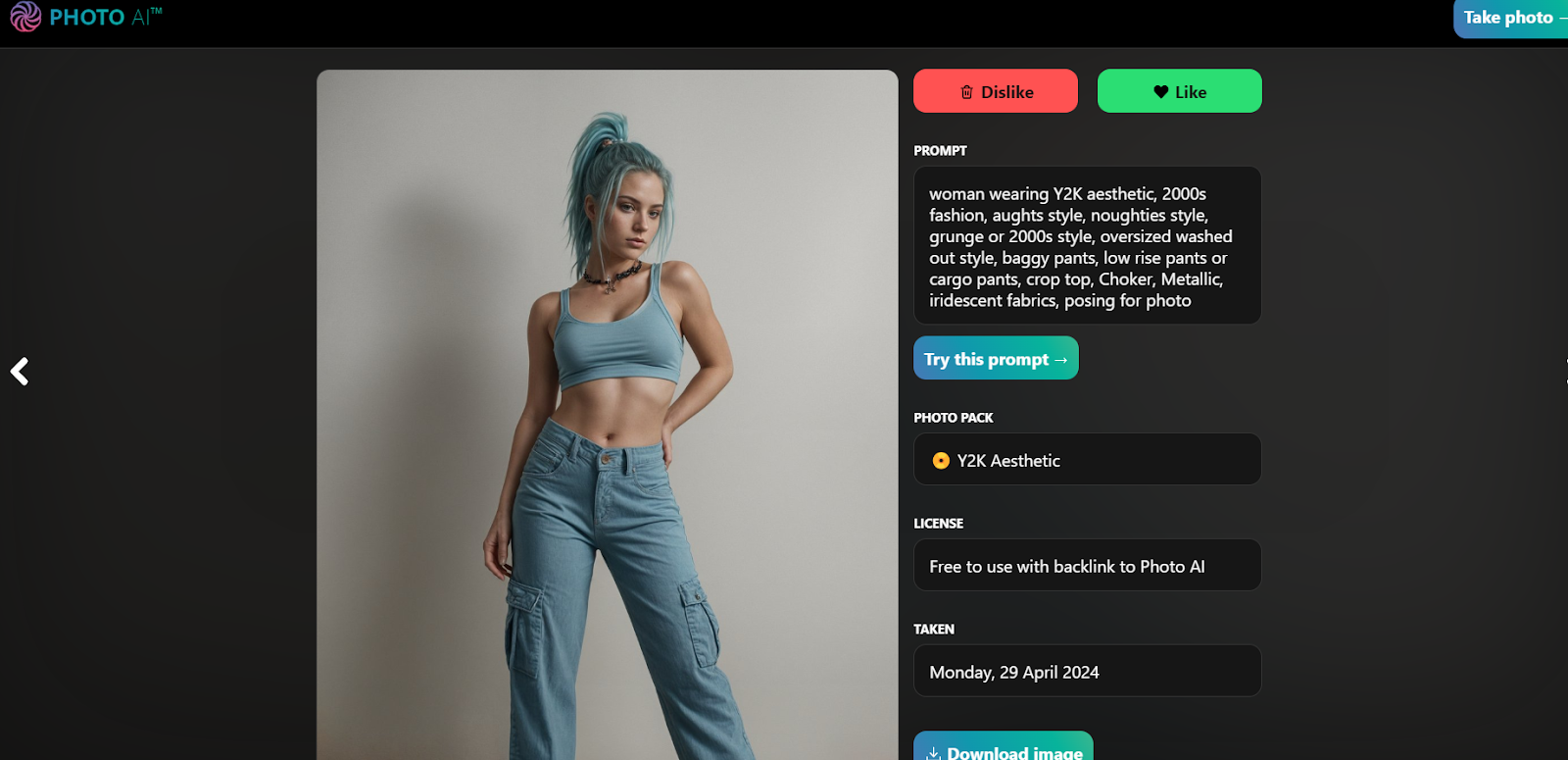
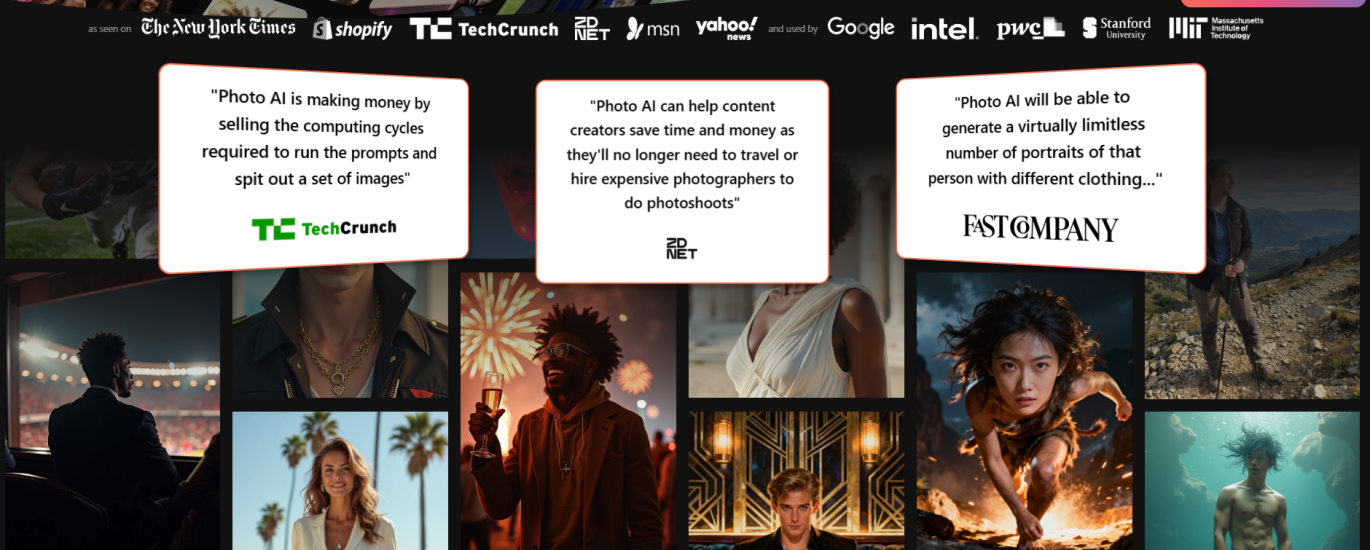
We have recently seen more and more AI influencers created on the internet. With PhotoAI it is quite easy. A step-by-step guide can assist you in creating your influencer. To begin, describe your desired AI influencer’s appearance in the prompt box (e.g., “pink-haired 25-year-old woman IG influencer”) and select a basic AI model (e.g., White Woman). Generate multiple photos and save your favorites. Next, scroll down to [Create new AI character] on the left sidebar, upload your chosen photos, and it will generate a new AI character based on these images, ensuring consistency across generations. PhotoAI boasts an extensive gallery showcasing its proficiency in this process. | ||
| ||
We played around with options, and the results were really fascinating. | ||
| ||
Overall, if you require photos that look realistic and you’re on a tight budget, avoiding professional photoshoots, this is your best option. It’s particularly beneficial for small businesses selling clothing, as well as for anyone desiring professional-looking photos for their website or social media. Downsize is that you have to subscribe so you can explore the whole variety of features that Photoai.com offers. But hey, you get six months for free. Will you try it? We sure will. |