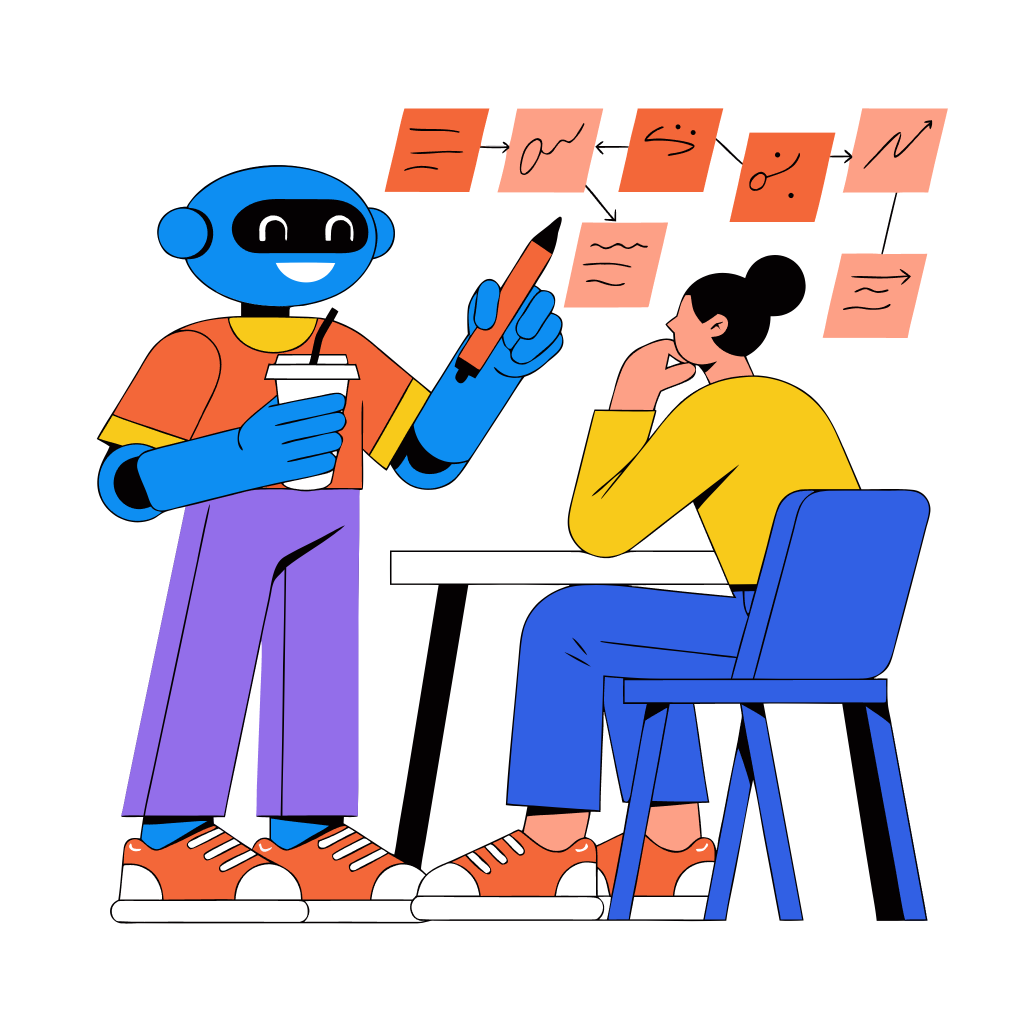


Testing Recraft: A New Way to Create Vectors and Images

Anyone who has searched for vector illustrations on stock websites knows the feeling.

You find something that’s almost right.

The style is good, but the colors are wrong.
The composition is close, but the icon is different.
The concept works… but not quite.

So you keep scrolling through pages of vectors that are almost what you need.

Almost.

That was exactly the problem we set out to solve.

Instead of searching stock libraries for the closest possible visual, we wondered: what if we could simply generate the exact vector we had in mind?

That question is how we discovered Recraft.

And it turned out to solve much more than just the vector problem.

What Recraft Does

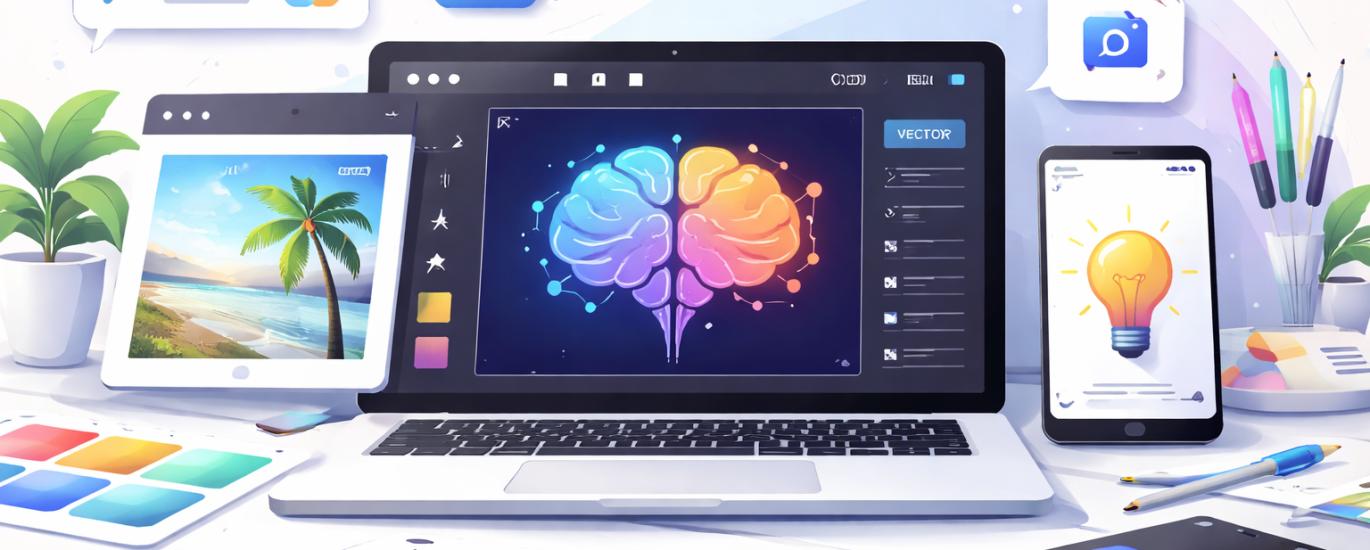
Recraft is designed to generate both vector graphics and images, which already makes it different from most AI image generators.

Instead of choosing between illustration tools and AI generators, this tool sits somewhere in between.

You can generate:

  • vector illustrations
  • icons
  • graphic design assets
  • realistic images
  • marketing visuals

And then edit them using built-in AI tools.

That combination makes it surprisingly practical for everyday creative work.

Key Features

One of the strongest parts of the platform is the number of editing tools available directly after generating an image.

Some of the most useful ones include:

Edit Area
Select a part of the image and change only that section.

Remix Image
Generate new variations based on an existing image.

Convert to Mockup
Turn designs into product or presentation mockups.

Generate Variations
Create multiple new versions of the same visual.

Vectorize
Convert graphics into vector format.

Adjust Colors
Quickly experiment with different color palettes.

In other words, it’s not just generating visuals — it also lets you refine them inside the same workspace.

Our Test

We ran a few simple tests to see how the tool performs in real-world use.

First, we tested vector generation.

Prompt

flat vector illustration of a person organizing tasks with the help of AI tools floating around them, modern startup illustration style, bright colors, clean shapes

The result was surprisingly precise. Instead of scrolling through stock sites trying to find something “close enough,” the generated vector matched exactly what we had in mind. That immediately raised the question: why spend time browsing stock libraries when you can simply generate the exact vector you need?

Next, we tested realistic image generation.

Prompt

ultra realistic photo of a humanoid robot working on a laptop in a modern office, natural light, cinematic photography, highly detailed

The results were unexpectedly beautiful, with lighting and composition that looked surprisingly polished for a quick AI generation.

Finally, we tested the editing capabilities. We selected a portion of the image, asked the AI to change the background, and simply wrote that we wanted the scene to be in Paris. The background changed instantly while everything else remained untouched — something that still feels rare with AI editing tools.

The background changed instantly, while the core concept and visual remained the same, naturally adapting to the new environment. The subject, lighting, and composition adjusted to the Paris setting without breaking the overall image.

Overall, we were genuinely impressed. The tool handled vectors, images, and editing tasks smoothly — which is not something you often see combined in one AI tool.

What We Liked

✔ Vector generation that can replace stock searches
✔ Beautiful realistic image results
✔ Precise editing tools
✔ Ability to modify only specific areas of an image
✔ All tools inside one interface


The Bigger Insight

Many AI image tools focus only on generation.

Recraft focuses on generation + editing + design workflow.

That makes it closer to a creative workspace than just a generator.

And that difference might be the most interesting part.


Final Verdict

Recraft feels less like a toy and more like a practical design assistant.

For designers, marketers, or anyone who regularly needs visuals, it can remove a surprising amount of friction — especially when it comes to generating vectors and modifying images quickly.

Sometimes the biggest productivity gain isn’t creating something new.

It’s not having to search for it anymore. We are giving it a 5/5 on our LMAI scale!

About the Author

Coh

Multimedia specialist & editor / covering AI, innovation and the tools shaping modern work.

You may also like these

Verified by MonsterInsights