Testing Playground AI: A Simple Tool for Creative Visuals

It feels like a new AI image generator appears every other day.

Just when you think you’ve explored them all, another one quietly pops up promising better visuals, faster results, or a simpler workflow.

This week, that tool for us was Playground.

At first glance it looked like yet another AI image generator. But after a few minutes of testing, it became clear that its real strength might be something else: simplicity and speed.

If you’re wondering how these generators actually differ from one another — models, styles, workflows — we recently wrote  How tools really work? 

But first, we wanted to see what Playground AI could actually do.


What Is Playground?

Playground AI is a web-based AI image generator built around Stable Diffusion models and designed for creators who want to quickly turn prompts into visuals.

The platform combines image generation, editing, and experimentation in one interface. You type a prompt, choose a model or style, and generate multiple images instantly.

No installations.
No complicated setup.

Just prompt → generate → refine.


Key Features

Playground AI offers several features that make it practical for everyday creative work.

Text-to-Image Generation

The core function is turning text prompts into images. You describe a scene, object, or concept, and the AI generates visual interpretations of that description.

Multiple Image Variations

Instead of generating a single image, Playground AI typically produces several variations. This is particularly useful for exploring visual directions quickly.

Style and Model Selection

You can experiment with different visual styles, including photorealistic imagery, illustration styles, and graphic design aesthetics.

Image Editing and Refinement

Playground AI also allows users to edit generated images or build on existing ones. This includes adjusting prompts, refining outputs, and iterating quickly.

Simple Interface

One of the platform’s strengths is its interface. The workflow is straightforward and easy to understand, even for people who have never used an AI image generator before.


Our Test

For our test, we used the Playground v3 model inside Playground. This option focuses on generating more images quickly, making it ideal for exploring visual variations and creative directions.

To see how the tool performs in real-world use, we ran three different prompts designed to test creativity, style, and realism.

Test 1: The Brain Concept

For the first test, we generated a surreal image of a floating human brain made of glowing data streams above a futuristic city. The result was visually strong, with dramatic lighting and a convincing futuristic atmosphere. Playground AI handled the concept well, producing images that captured the idea of data and cognition merging.

Test 2: The Robot With a Light Bulb

Next, we tried a minimalist robot illustration holding a glowing light bulb. Here the platform produced several variations that leaned toward a 2D flat, vector-like design style, which actually worked very well for graphic or marketing visuals. The clean shapes and bold colors made the result feel more like a design asset than just an AI illustration.

Test 3: The Humanoid Robot Portrait

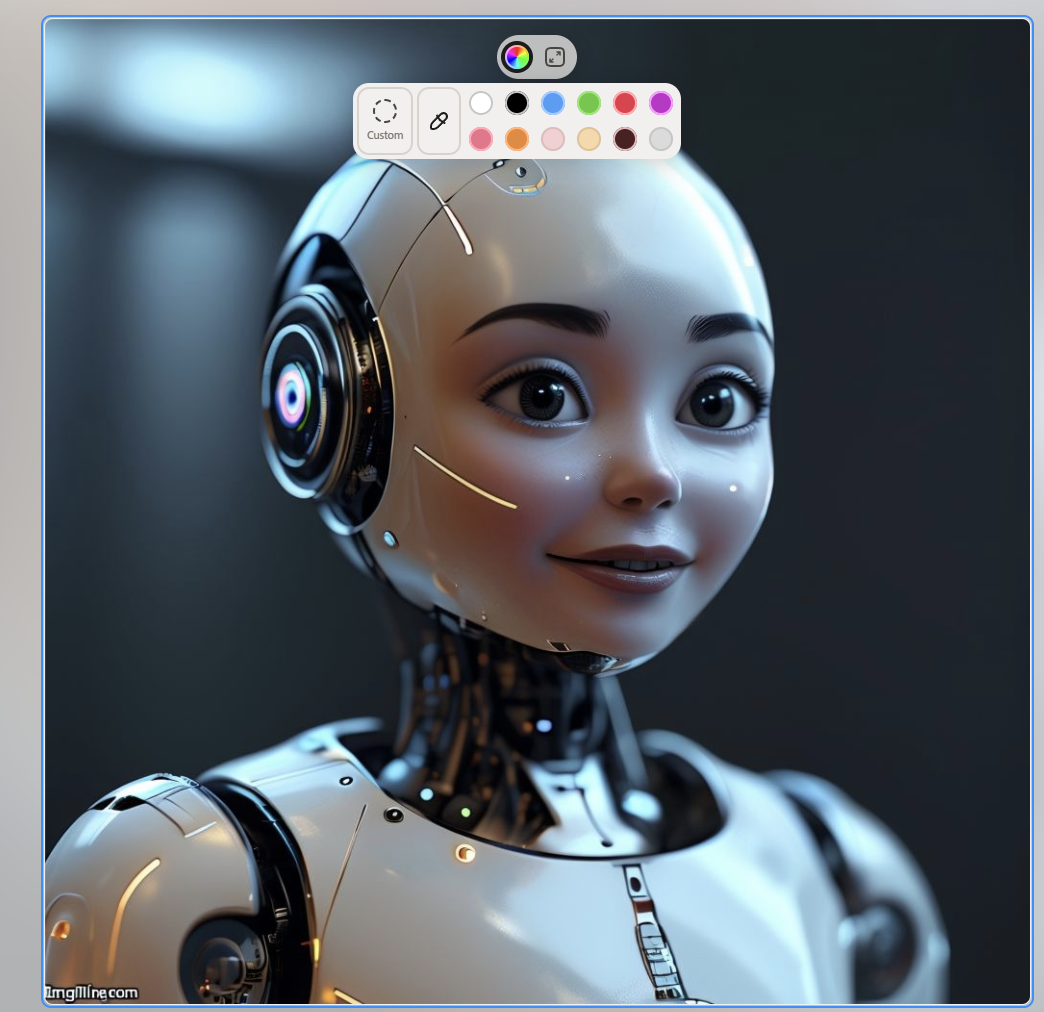
For the final test, we generated a friendly humanoid robot portrait sitting in a modern workspace environment. The robot itself turned out charming and expressive, with surprisingly nice details and personality. The only small issue was that the surrounding environment didn’t match the description as closely as expected.

Results

Overall, we were satisfied with the results across all three tests. What stood out the most was the diversity of visual styles the platform generated — from surreal digital art to clean vector-like illustrations and character-style portraits. Even when some environmental details didn’t fully match the prompt, the generated visuals were still creative and usable.

What We Liked

✔ Very easy to use interface
✔ Fast image generation
✔ Multiple variations from a single prompt
✔ Good stylistic diversity in results
✔ Useful for ideation and creative exploration


What Could Be Better

The tool isn’t perfect. Sometimes environmental details don’t match the prompt exactly, and certain scenes may require additional prompt refinement to get closer to the intended composition.

However, these are common limitations across most AI image generators.


Final Verdict

Playground focuses on accessibility and speed rather than complexity — and that makes it surprisingly useful.

If you need a tool for quick visual exploration, concept generation, or creative experimentation, it delivers exactly what it promises.

⭐ LMAI Score: 4.5 / 5

Not the most complex AI image generator on the market — but one of the easiest and most enjoyable to use.

About the Author

Coh

Multimedia specialist & editor / covering AI, innovation and the tools shaping modern work.

You may also like these

Verified by MonsterInsights