The “Magic” Tools You Keep Hearing About (They’re Actually Doing a Lot)
 Magic Write — AI Writing Inside Your Design
Magic Write generates, rewrites, summarizes, and expands text directly inside presentations, docs, or websites, helping users move past the dreaded blank page.
It’s designed to support the whole writing process — from outlines to polishing tone and grammar.
In other words: it’s not just “write me a paragraph,” but help me think through the content.
 Magic Design — Prompt → Finished Visual
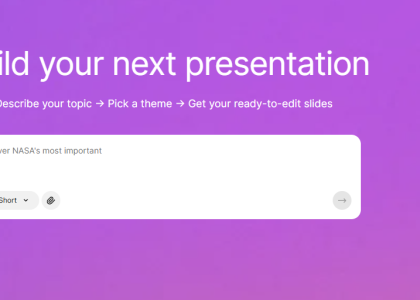
With Magic Design, you describe what you want (or upload an image), and Canva generates complete layouts like presentations or social posts using its template and asset ecosystem.
This blends AI generation with Canva’s huge design library rather than starting from scratch.
 Magic Edit, Eraser & Expand — AI Photoshop-Style Changes
Canva introduced tools that let you add, replace, or remove elements in images simply by describing changes — for example inserting an object or cleaning up details.
 Magic Switch — Turn One Thing Into Everything Else
Magic Switch can convert a design into multiple formats (e.g., presentation → social posts or translate layouts across languages), helping repurpose content automatically.
Newer versions even expand this idea into turning articles into videos or adapting content across formats.
 Magic Studio — The “All-in-One” AI Layer
Canva has grouped these tools into a broader Magic Studio workflow, combining writing, image generation, editing, and layout into a single environment.
This allows users to generate slideshows, social posts, and branded visuals with just a few prompts.
 Canva Code — Describe an Interactive Idea, It Builds It
One of the newer additions lets users create interactive elements like quizzes or calculators by describing them, removing the need for coding.
 AI Video, Voice, and Motion Features
Recent updates allow Canva to convert text or images into animated scenes, generate scripts, and even create voiceovers automatically — expanding it toward lightweight video production.
Animation tools have also gained timeline editing and motion controls, pushing Canva closer to entry-level video software.
 Brand Voice & Content Repurposing
You can upload brand materials so Canva learns tone and style, then generates content aligned with that identity.