AI Presentations Without the Headache
Let’s be honest — most people don’t love making presentations.
Some don’t enjoy it.
Some don’t have the design eye for it.
Some just need something ready in 15 minutes and don’t want to spend an hour aligning text boxes.
That’s where tools like Alai come in.
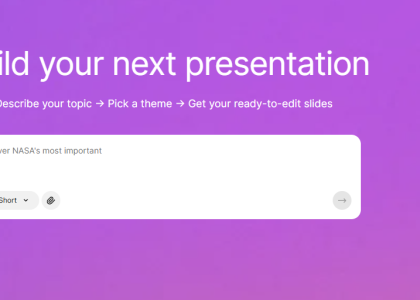
It’s an AI-powered presentation builder that turns content — whether it’s a website, document, screenshot, or manually entered text — into structured slides in seconds.
We ran two quick tests to see how practical it really is.
What Alai Does
The idea is simple: you give it content, and it builds slides.
You can generate a presentation by:
- entering your own text
- pasting a website URL
- uploading a screenshot
- uploading a document
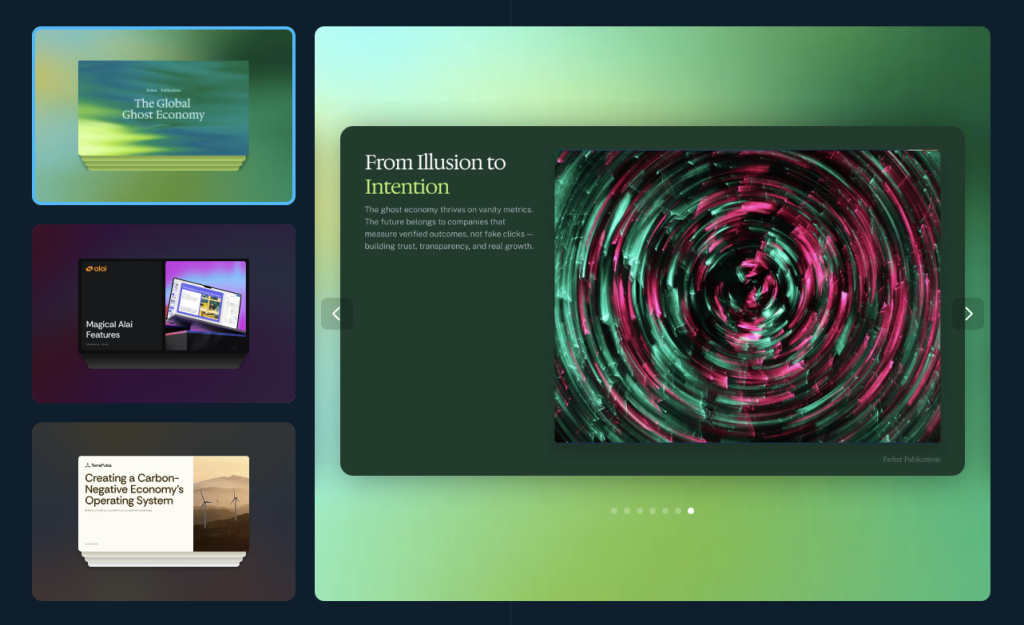
You can also choose templates, which determine the overall design style and layout.
The interface is clean and very straightforward. No complicated menus, no unnecessary settings. It feels built for speed rather than endless customization.
Test 1: Turning a Website into a Full Presentation
For our first test, we entered the Like Magic AI website URL and selected one of the available templates.
The result?
A full presentation structure generated automatically.
It:
- extracted key information
- structured it into logical slides
- generated headlines and supporting text
- formatted everything inside a consistent visual style
We didn’t need to manually organize sections. The AI handled hierarchy surprisingly well. It felt like having an assistant who understands how websites translate into pitch decks.
The slides weren’t revolutionary design-wise — but they were clean, balanced, and completely usable as a starting point (or even final version for quick internal use).
Speed-wise, it was impressive.

Test 2: Screenshot
For the second test, we uploaded a single screenshot with minimal visible information.
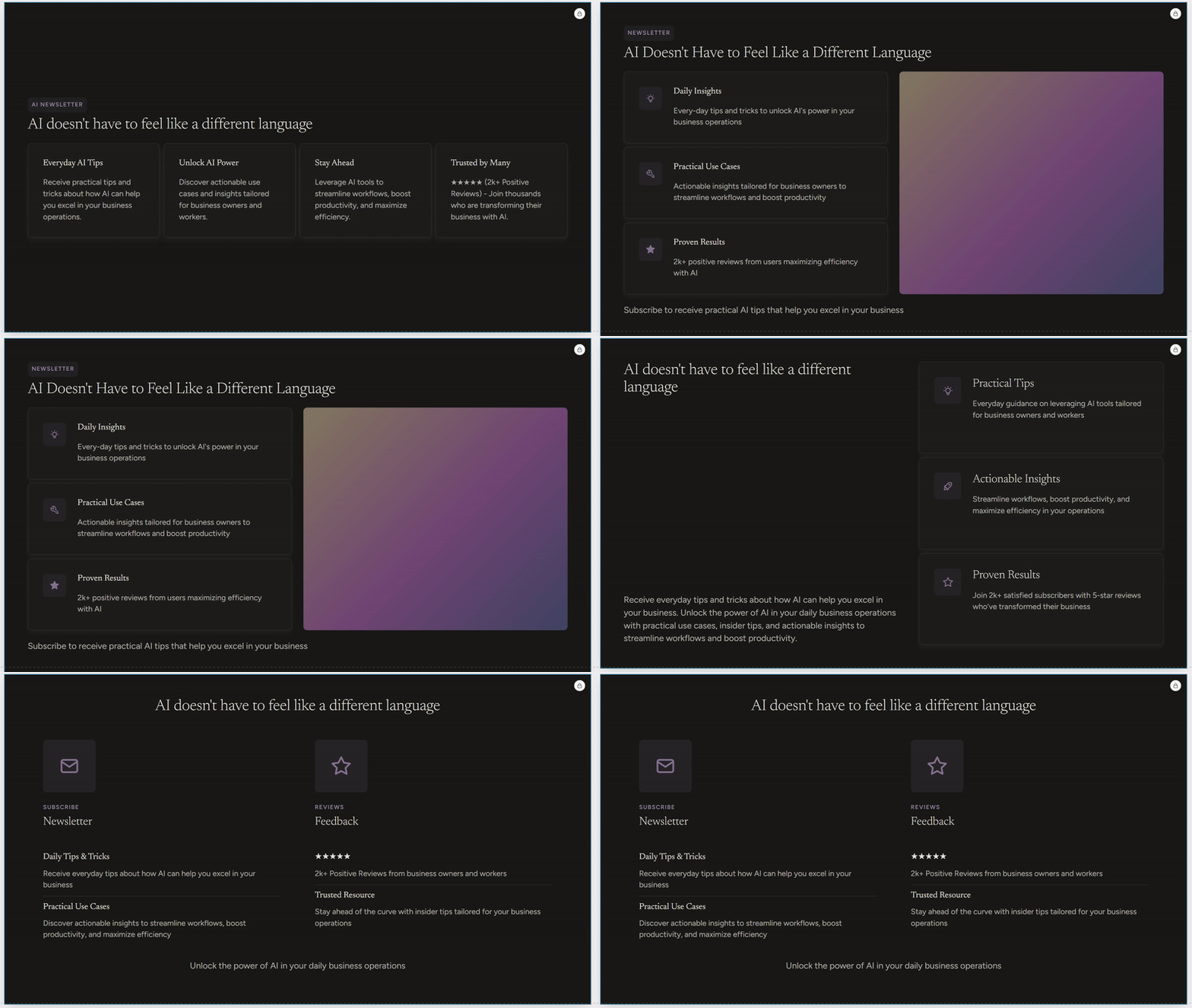
Because the screenshot didn’t contain much structured content, the output was naturally more limited. Instead of a full deck, we received four variations of a single slide, each with slightly different layouts and design emphasis.
That actually made sense.
With limited data, the AI can’t invent structure — but it can explore layout possibilities. And that’s exactly what it did.
The variations were clean, readable, and visually organized. Again, not groundbreaking — but practical.
Who Is This Tool For?
Alai isn’t trying to replace high-end design software.
It’s for people who:
- don’t enjoy designing slides
- don’t have a strong visual instinct
- need something structured quickly
- want a starting point instead of a blank page
It removes the “Where do I even start?” moment.
For fast business decks, internal presentations, student work, or quick client overviews — it’s genuinely useful.
Is It Groundbreaking?
Not really.
But that’s not the point.
It’s not trying to reinvent presentations. It’s trying to make them less annoying.
And in that sense, it succeeds.
Final Verdict (LMAI Scale)
Alai is a fast, practical solution for generating structured presentations from minimal input. It’s clean, easy to use, and surprisingly efficient — especially when working from a website.
It won’t replace a designer or win design awards.
But if you need something polished and structured without overthinking it, this is a solid option.
We give it a 4/5 on the LMAI scale.
Like this topic? Read our article about Beautiful.ai!