Creating a children’s book — whether you’re an author, teacher, parent, or creator — often involves two big challenges: telling a story and illustrating it. Words alone are powerful, but illustrations are what help a child’s imagination take off.
What if there was a way to generate beautiful, consistent illustrations without hiring an artist or struggle with complex design software. But even more importantly, you don’t have to fear visual chaos.
Unlike many generic AI image generators, where your character can slowly drift into something completely different with each new image, KidBooks.pics is built around consistency. Your friendly brown squirrel won’t suddenly turn into a pink elephant after three generations.
The tool keeps the same character style, proportions, and personality across scenes, which is crucial for children’s books and storytelling. This means you can focus on the story itself instead of worrying whether your hero will still look like the same character on the next page.
In practice, this creates a much safer creative space:
you’re not gambling with random results, you’re building a visual world that stays coherent from beginning to end. And that’s something most AI image tools still struggle to offer.
his felt very similar to what we experienced in our Krea.ai video test — consistent characters and controlled visuals instead of unpredictable AI randomness.
What KidBooks.pics Is
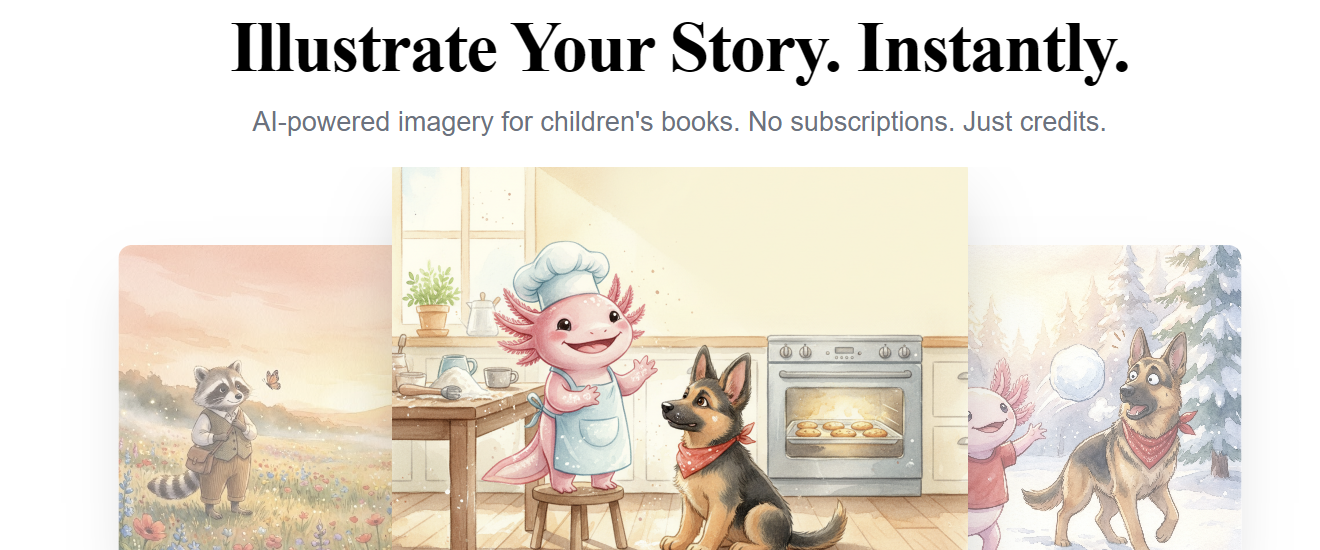
KidBooks.pics is a web-based illustration tool that lets you create child-friendly visuals for your stories quickly and easily. It’s designed with presets and AI-generated prompts so you don’t have to be a professional artist or engineer to get great results.
Here’s how it works:
- Pick Your Presets — Choose from dozens of scenes, characters, art styles, moods, times of day, and aspect ratios.
- Click Generate — One click and the AI crafts the perfect illustration for your story idea.
- Download & Use — Your image is ready instantly, in the format you need (portrait, landscape, widescreen, etc.).
Everything runs through credits — and you can get 3 free credits without providing a credit card when you sign up.
How the Presets Help
Presets aren’t just starting points — they’re shortcuts. They guide the AI with intuitive choices like:
Scenes: Cozy Bedroom, Magical Treehouse, Sandy Beach, Wildflower Field, Spooky Attic, Space Station…
Characters: Pink Axolotl, Friendly Dragon, Wise Owl, Little Boy / Girl, Black Cat, White Rabbit, Wise Owl
Styles: Soft Watercolor, Colored Pencil, Digital Cartoon, Flat Vector, Vintage Storybook…
Also: Mood, Time of Day
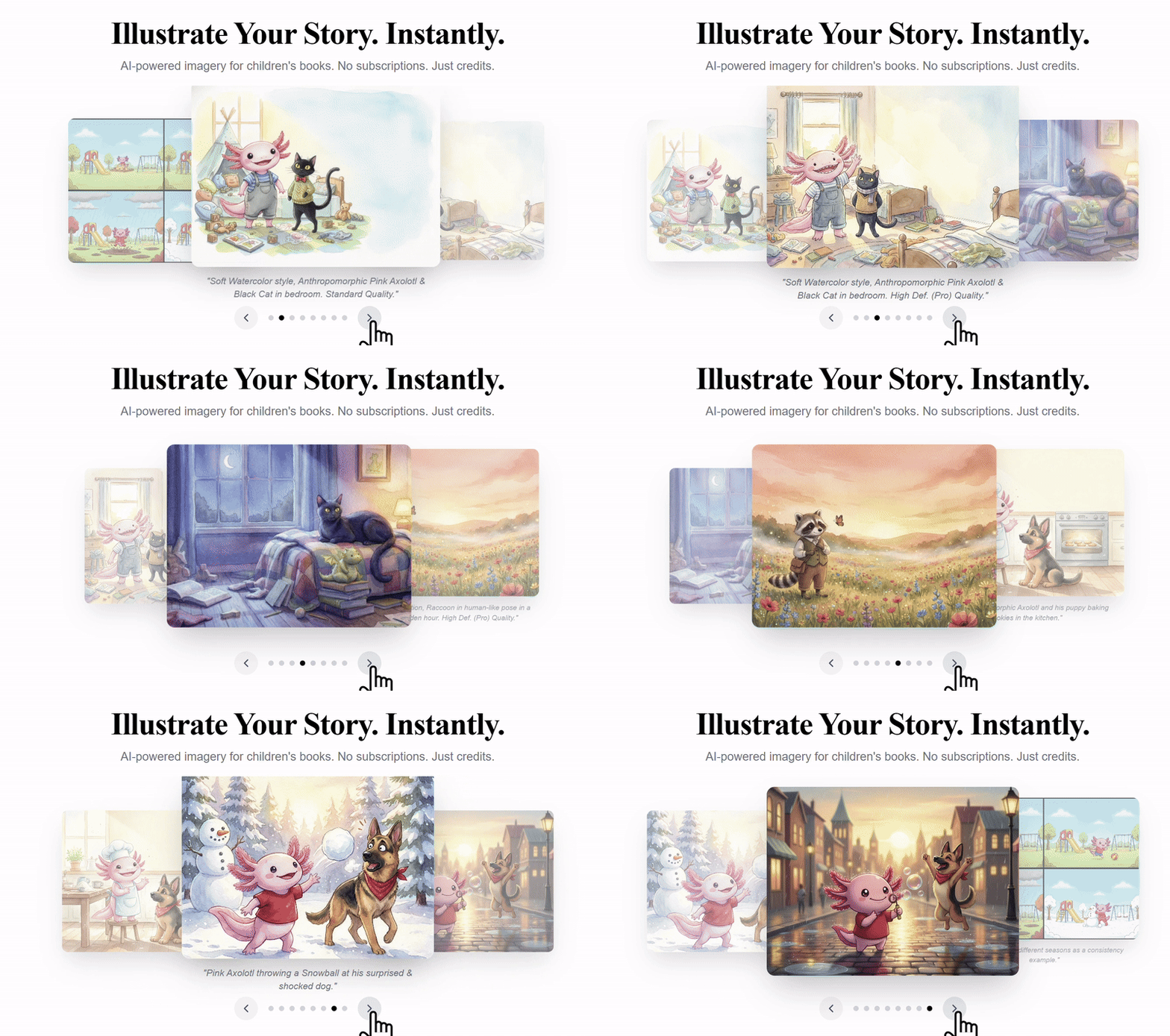
And the system even lets you reuse characters and scenes so your book can stay visually consistent from page to page.
🧪 Our Test: The Friendly Dragon Story
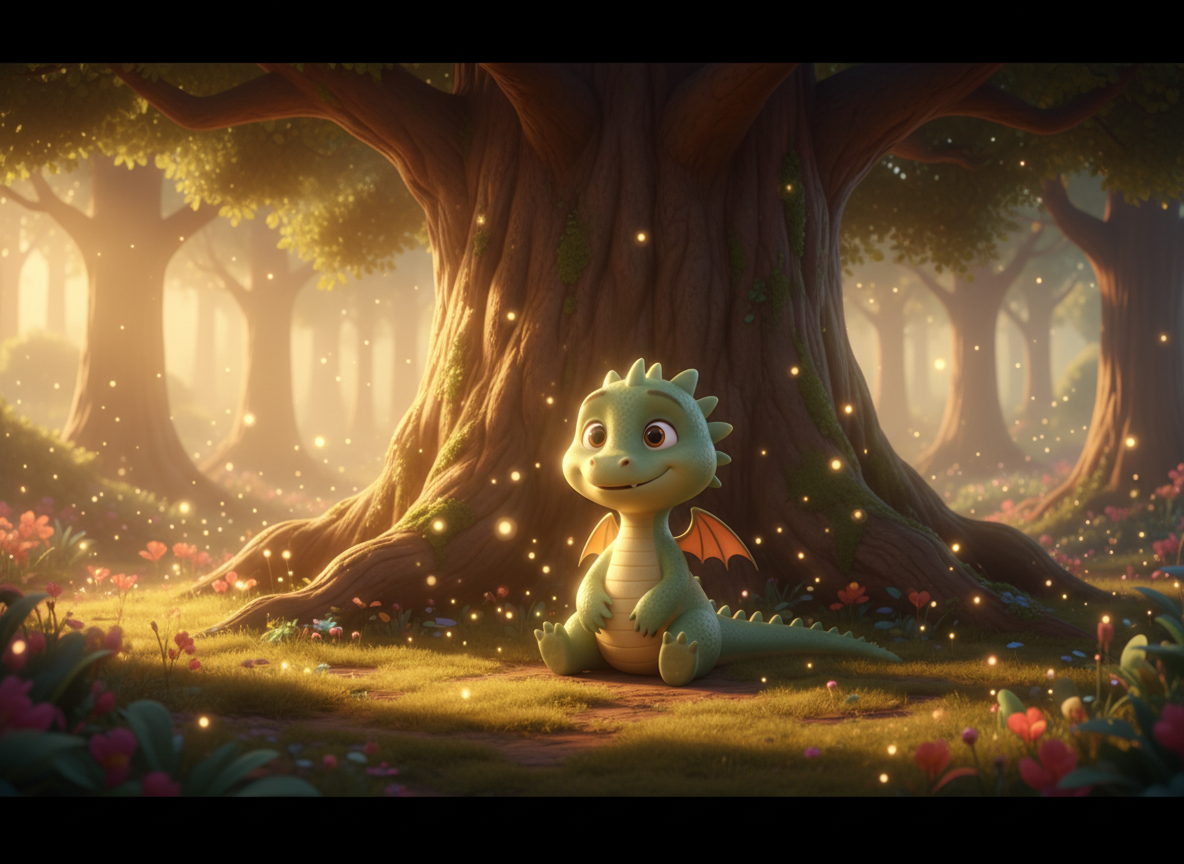
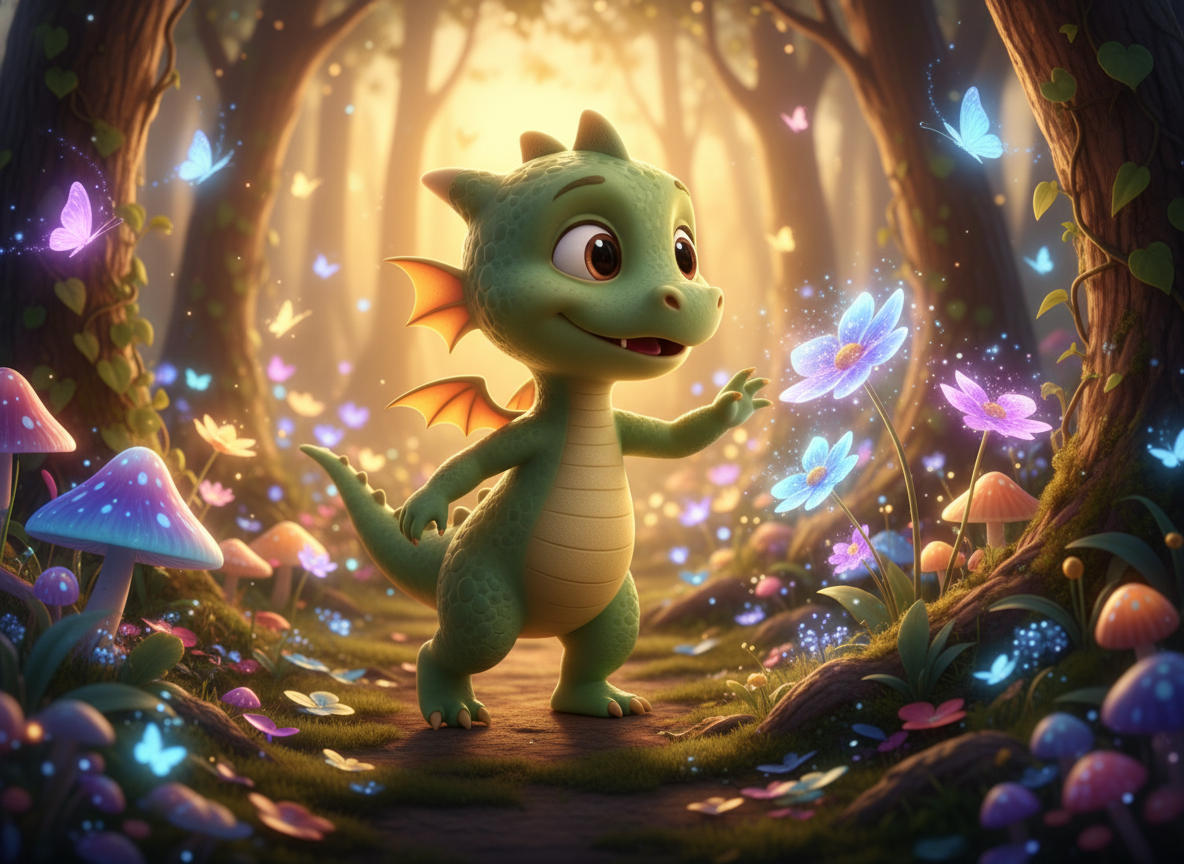
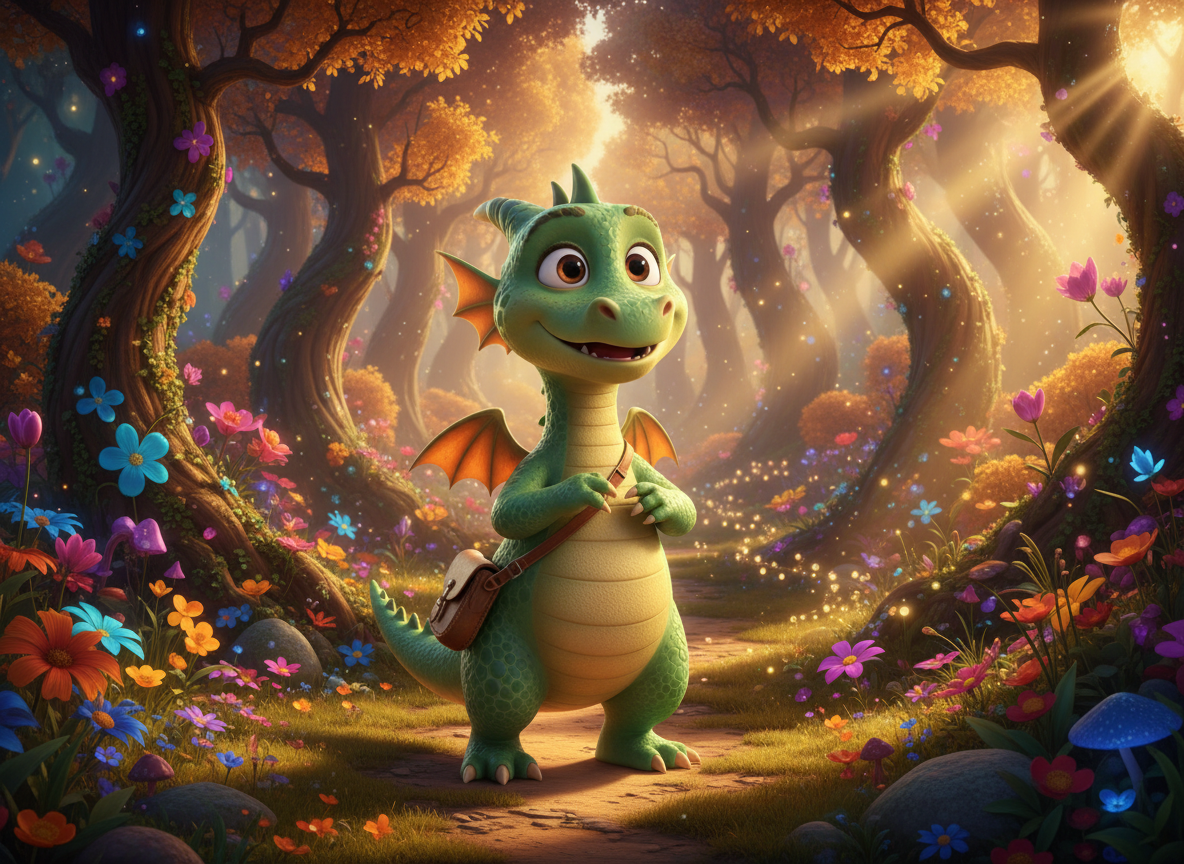
We tested KidBooks.pics using a simple prompt about a friendly little dragon and generated a short sequence of illustrations. The results immediately made us smile — the character turned out genuinely cute and child-friendly, and it was easy to imagine this dragon living inside a real children’s book.
What impressed us most was the consistency across images. The dragon kept the same shape, colors, and personality from scene to scene, which is something many AI image generators still struggle with. There was no sudden transformation or visual drift — just one coherent character moving through different moments of the story.
The interface itself felt very simple and intuitive. Choosing scenes, characters, and styles was more like assembling a story than prompting an AI tool.
Credits & Pricing (Simple & Flexible)
KidBooks.pics uses a credit system:
- 3 free credits when you sign up
- Pay only for what you use — no subscription pulls – and that’s a big thing nowdays
- $5 buys 40 credits for standard definition (~1200px) illustrations
And importantly: credits never expire.
No monthly commitments. No renewal surprises. Just illustrations when you need them.
Final Thoughts
KidBooks.pics proves that AI can be both creative and reliable when it comes to children’s book illustrations. The tool delivers cute, consistent characters and a smooth, intuitive workflow that makes storytelling feel simple and joyful rather than technical. Watching the same little dragon appear across multiple scenes without losing its identity was genuinely impressive and emotionally satisfying.
If we had one small wish, it would be a wider selection of characters. While the existing ones are charming and well-designed, more variety would make the tool even more flexible for different story ideas and age groups.
Overall, KidBooks.pics strikes a great balance between ease of use and visual consistency — two things that are crucial for children’s content.
We give it a score of 4/5 on the LMAI scale.