Does your work acquire some photos and animation? If you have any social media, the answer is probably YES. Or you want to make fun and captivating images to share with friends. So, we are not surprised that there are a variety of different AI tools that help you create interesting visuals. This week, we wanted to try out StarryAI. AI art generator app lets you create interesting visuals from simple text descriptions. | ||
| ||
Signing Up: | ||
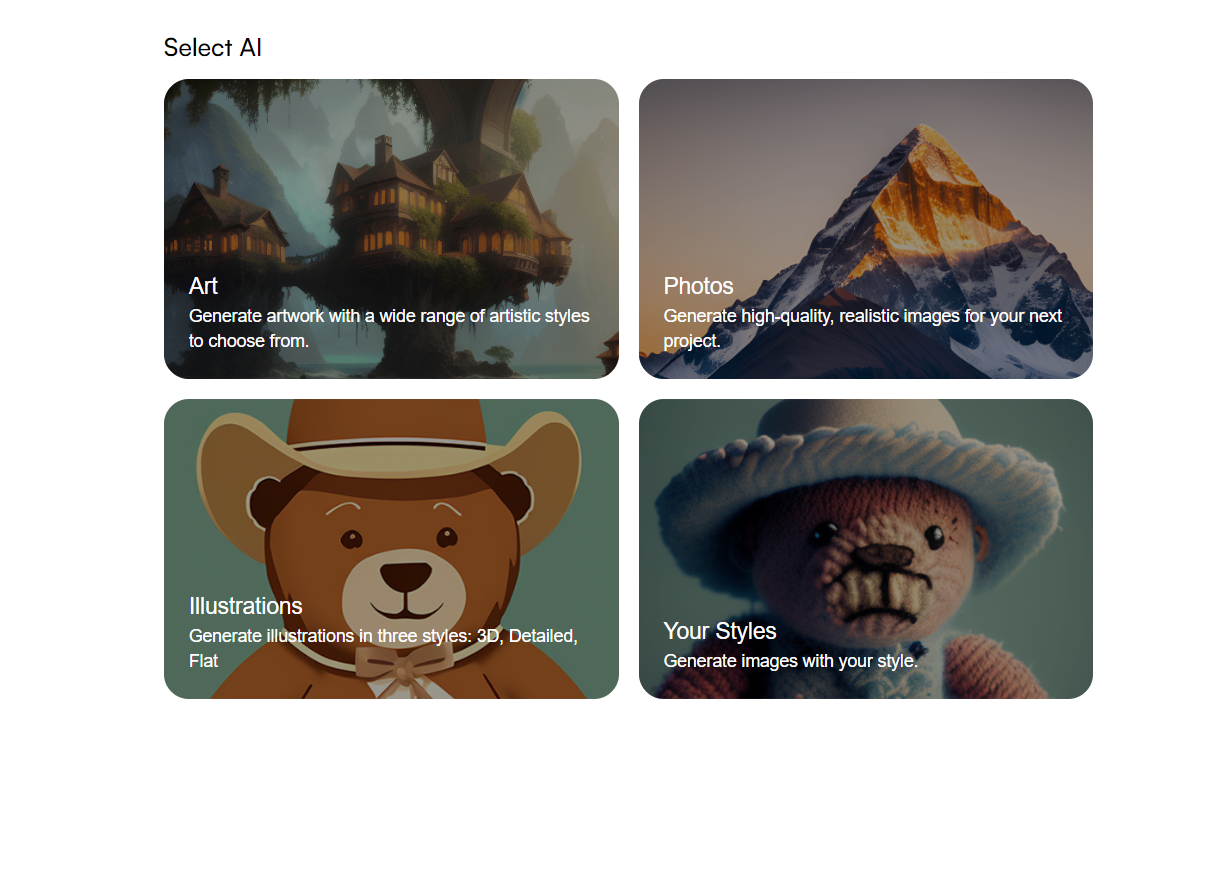
Getting started with StarryAI is truly a breeze. You can download the app for free on iOS or Android, or you can use the web app at StarryAI. Signing up requires an email address or social media login. We decided to try out the desktop version. Once you sign up, you will be headed to a straightforward and user-friendly interface. | ||
| ||
Case scenario: | ||
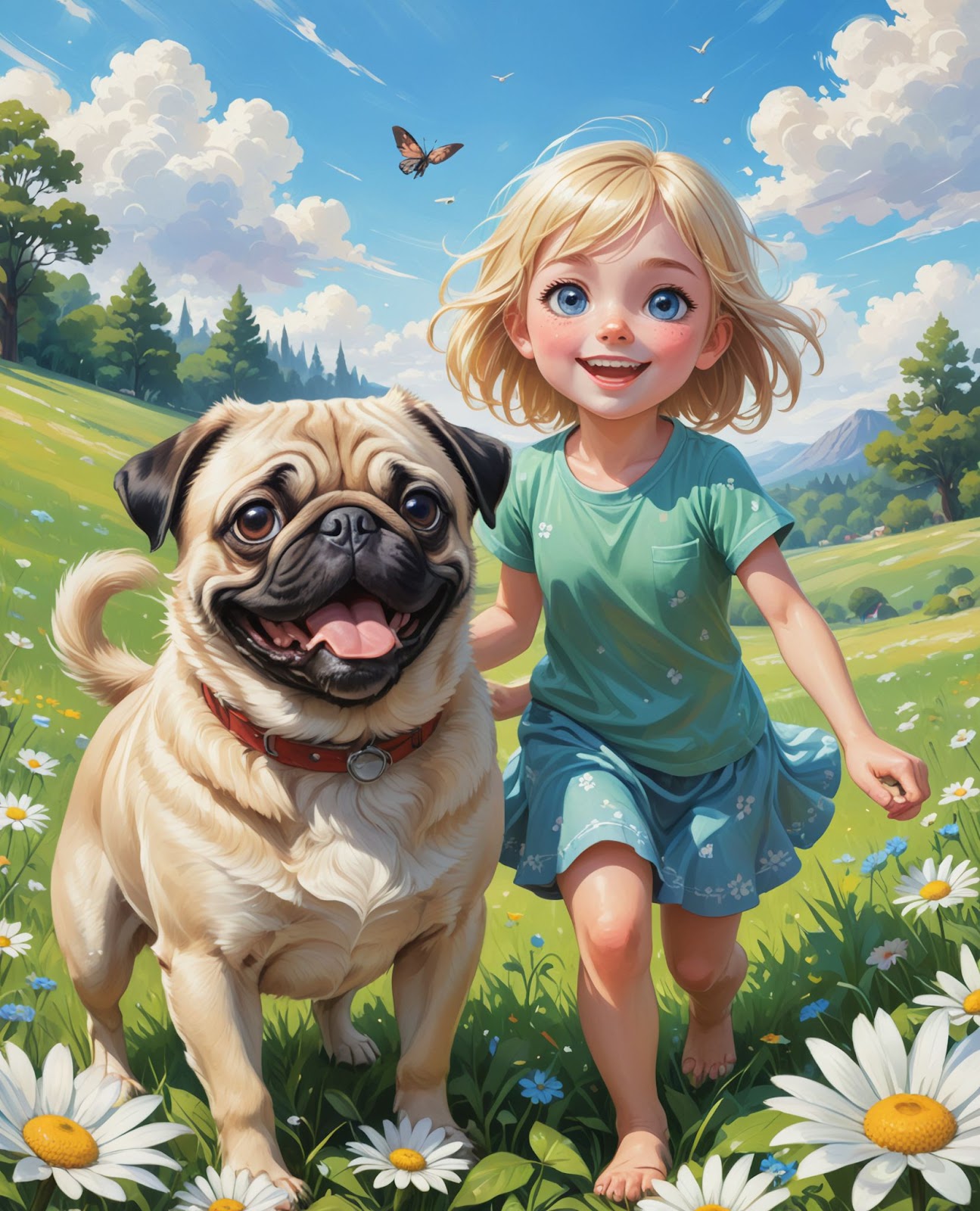
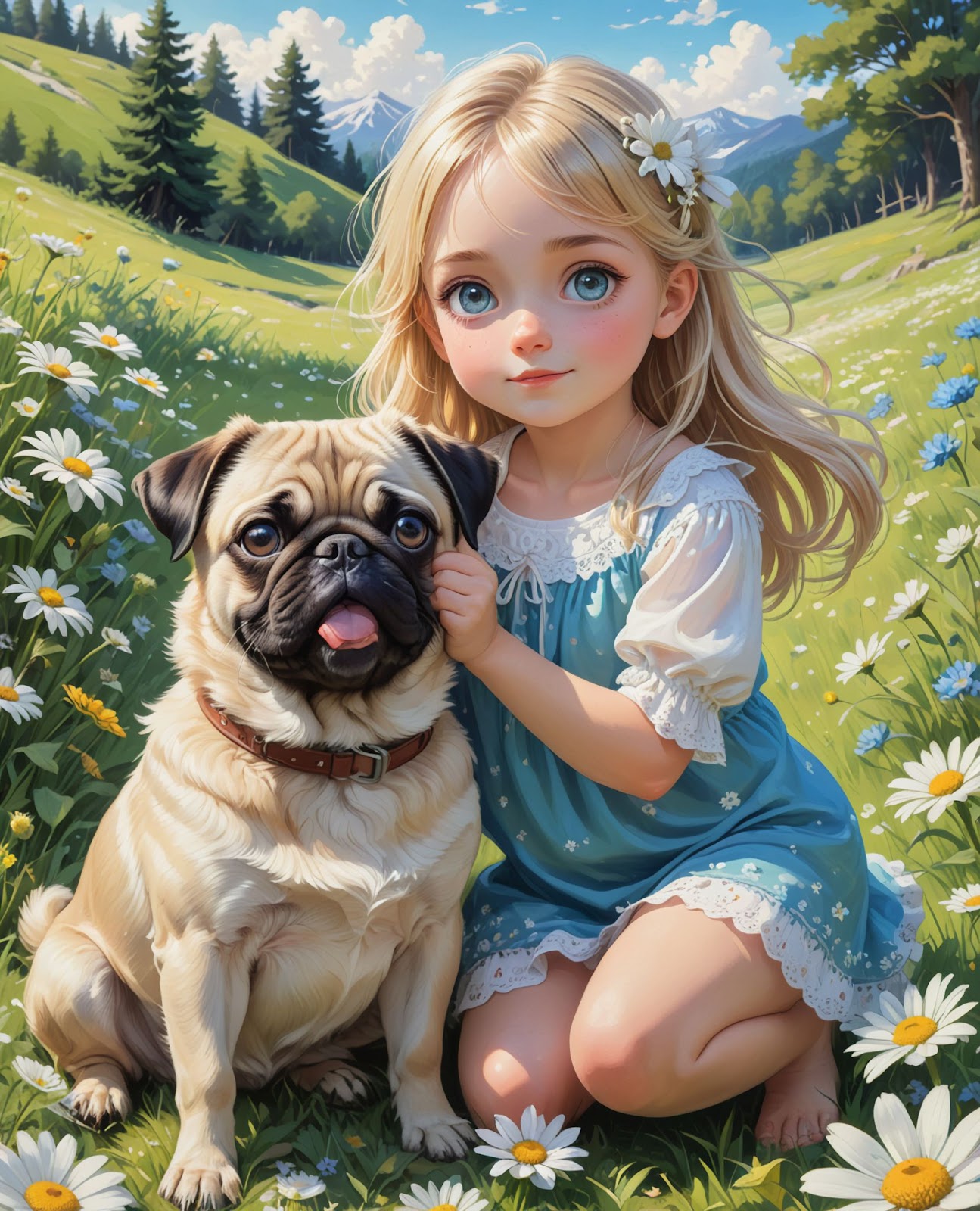
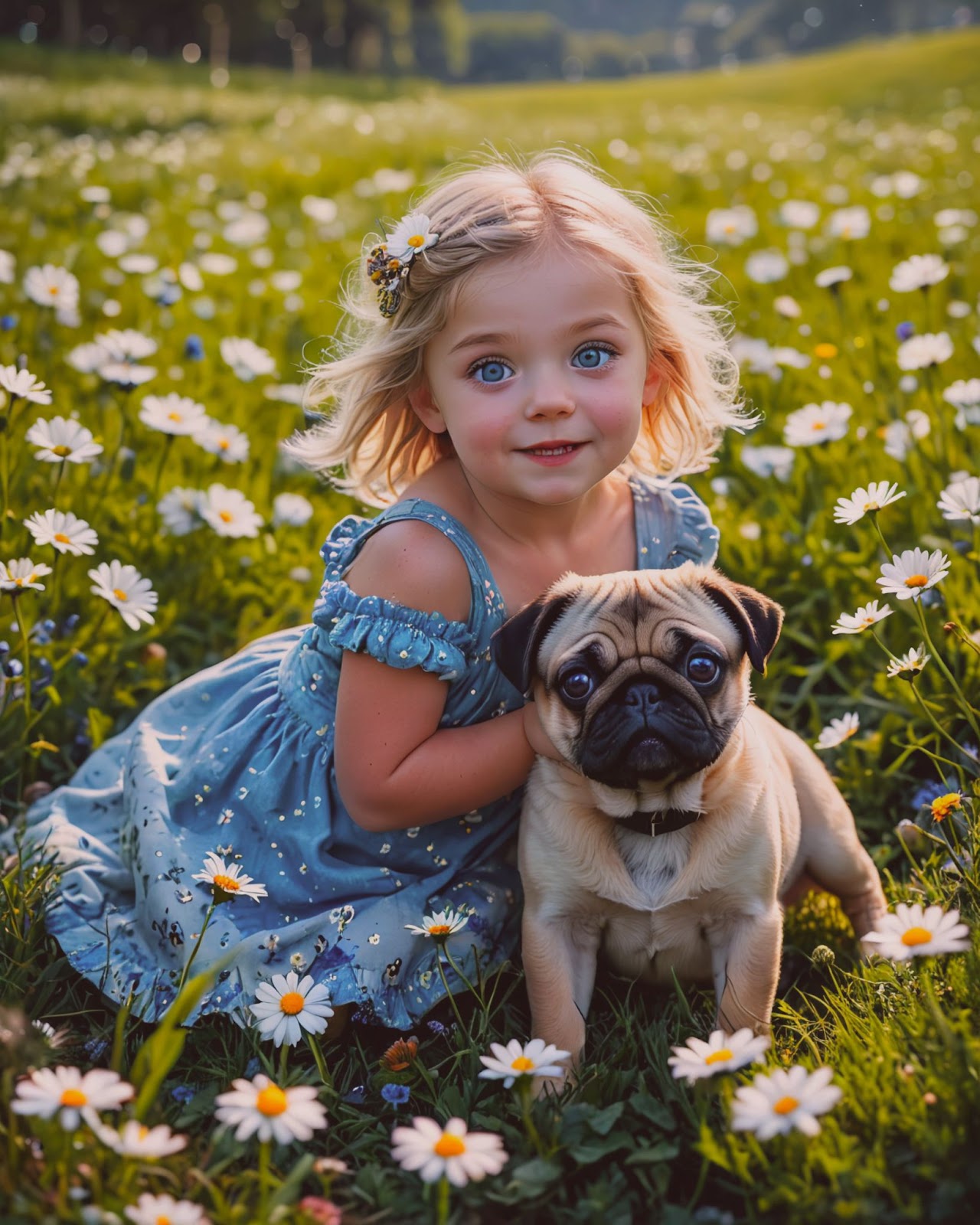
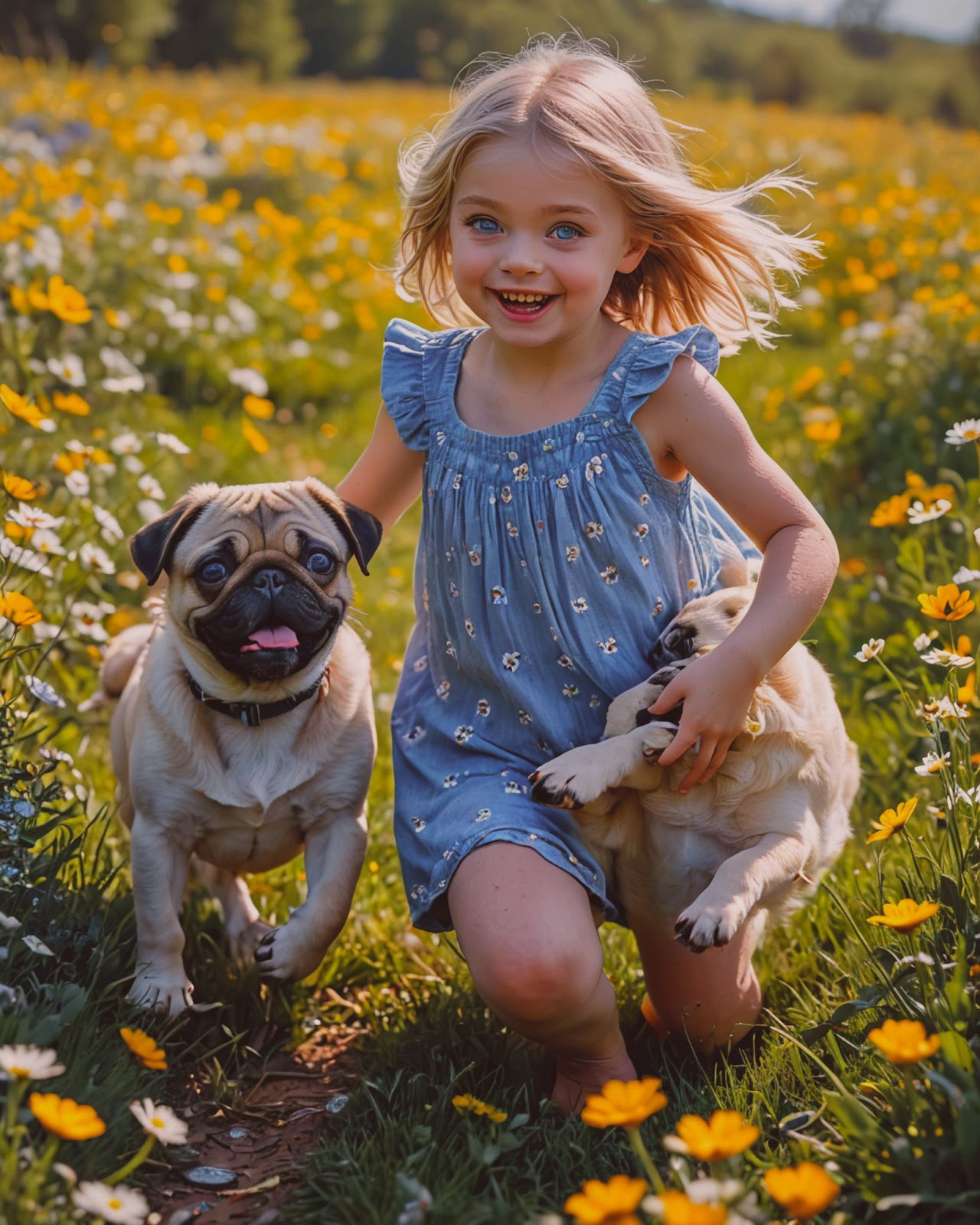
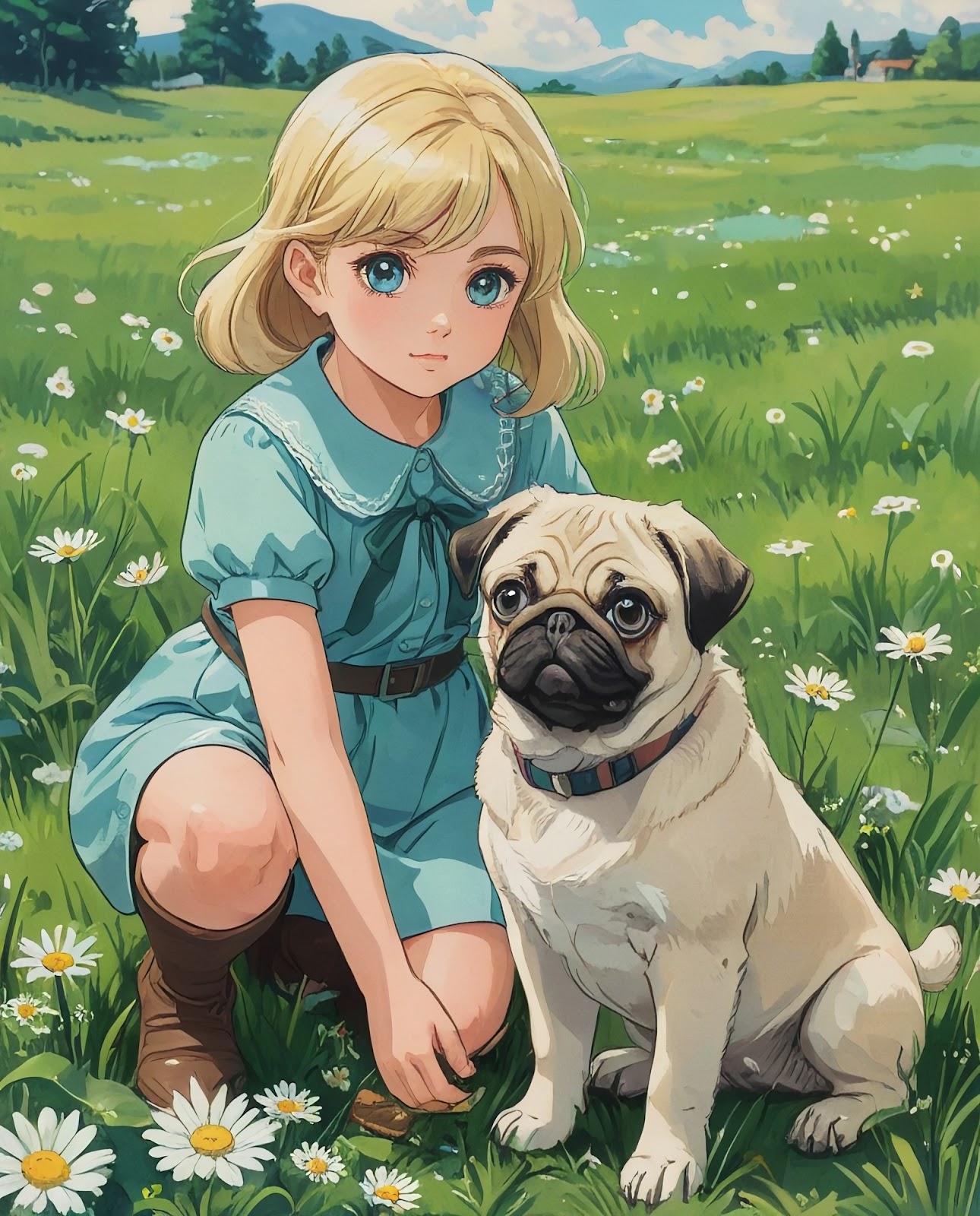
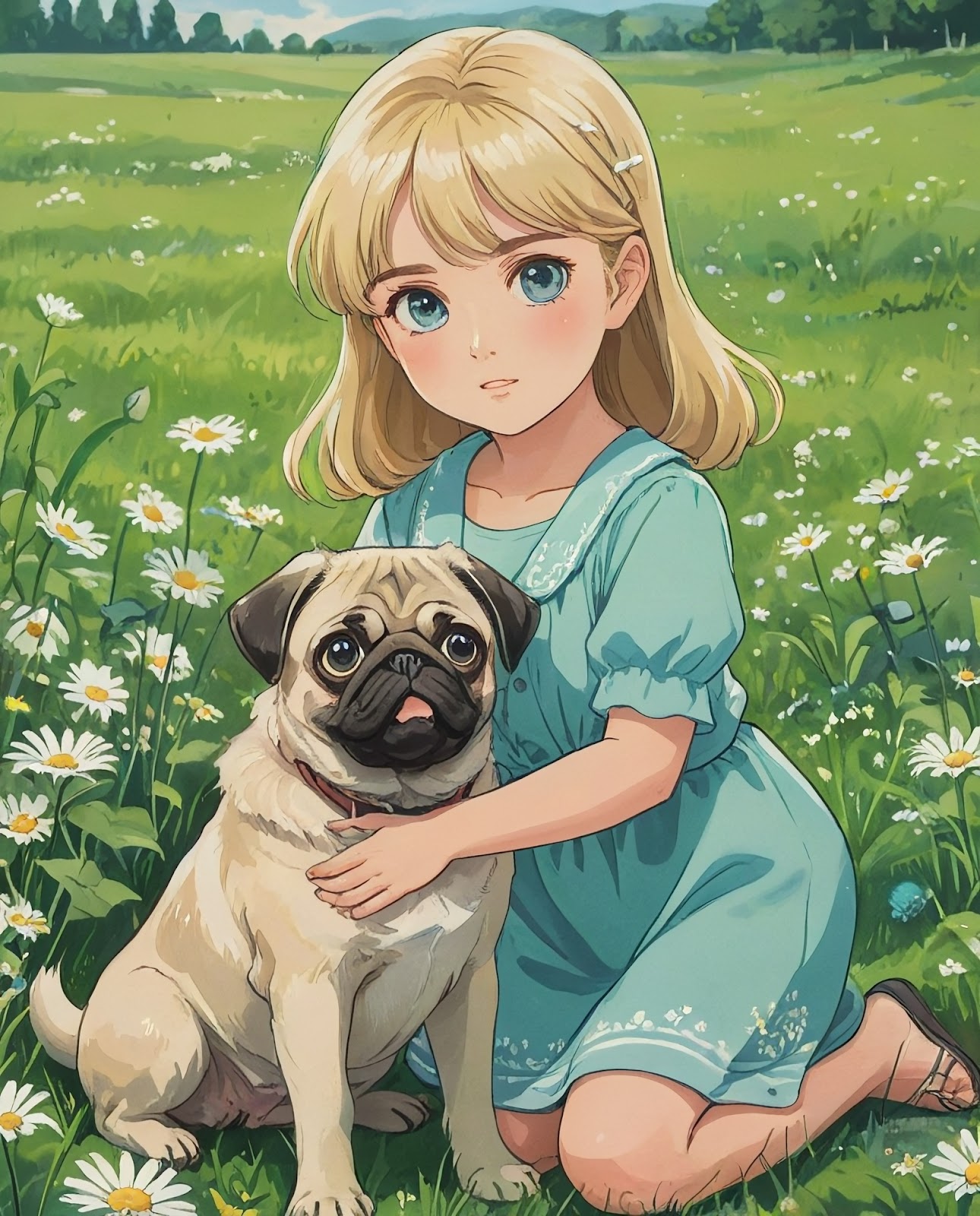
We decided to try out the Photos section and give it a quite simple prompt: Cute blond and blue eyes girl around 10 years old playing with the pug puppy on the green field with daisies. | ||
We first chose the Luna 3D style and hit generate. By signing in, we got 5 credits, and it said that each image generation uses 1 credit. Within minutes, we got our image—to be exact, 4 images for our prompt. Once generated, you can download them. It downloads them in a zip file. Here are two of the four different images we got. | ||
| ||
| ||
Then we decided to change the style to Luna’s photo and generate the same prompt to see what StarryAI has to offer. Within minutes, we got four different images. Well, the first image was quite good, but the third one was a bit confusing. The girl’s eyes were a bit too big and quite unrealistic, and we did not understand what was on the girl’s right side of the image. It looked like it was supposed to be another dog, but the head was missing. | ||
| ||
| ||
In the end, we tried the Anime Vintage style with the same prompt. Again, generation was quite fast. This time, images were quite similar, with no motion (like running), but they were quite good for the anime style. | ||
| ||
| ||
Strengths: | ||
| ||
Weaknesses: | ||
| ||
Verdict: | ||
Overall, we like StarryAI and what it has to offer. We like the fact that you can try it out for free. In our opinion, image quality varies depending on the chosen style and model. While it may not compete with top-tier AI art generators in hyper-realistic detail, its forte is creating unique and imaginative visuals. Photorealism is the weakest point of this app, but there are so many others to choose from if you need it. We give this app a 3/5 on the LMAI scale. |
About the Author